FreeAndroidNo bank login
Automatic expense tracker: your bank alerts, caught
Your bank already tells you every time you pay. Turn this on in the Android app and Flo can catch those alerts as they arrive, read the amount and the place, and ask before adding each one. You pay as usual, and one tap logs it.

No credit card Set up in a minute Delete anytime
How it works
Turn it on
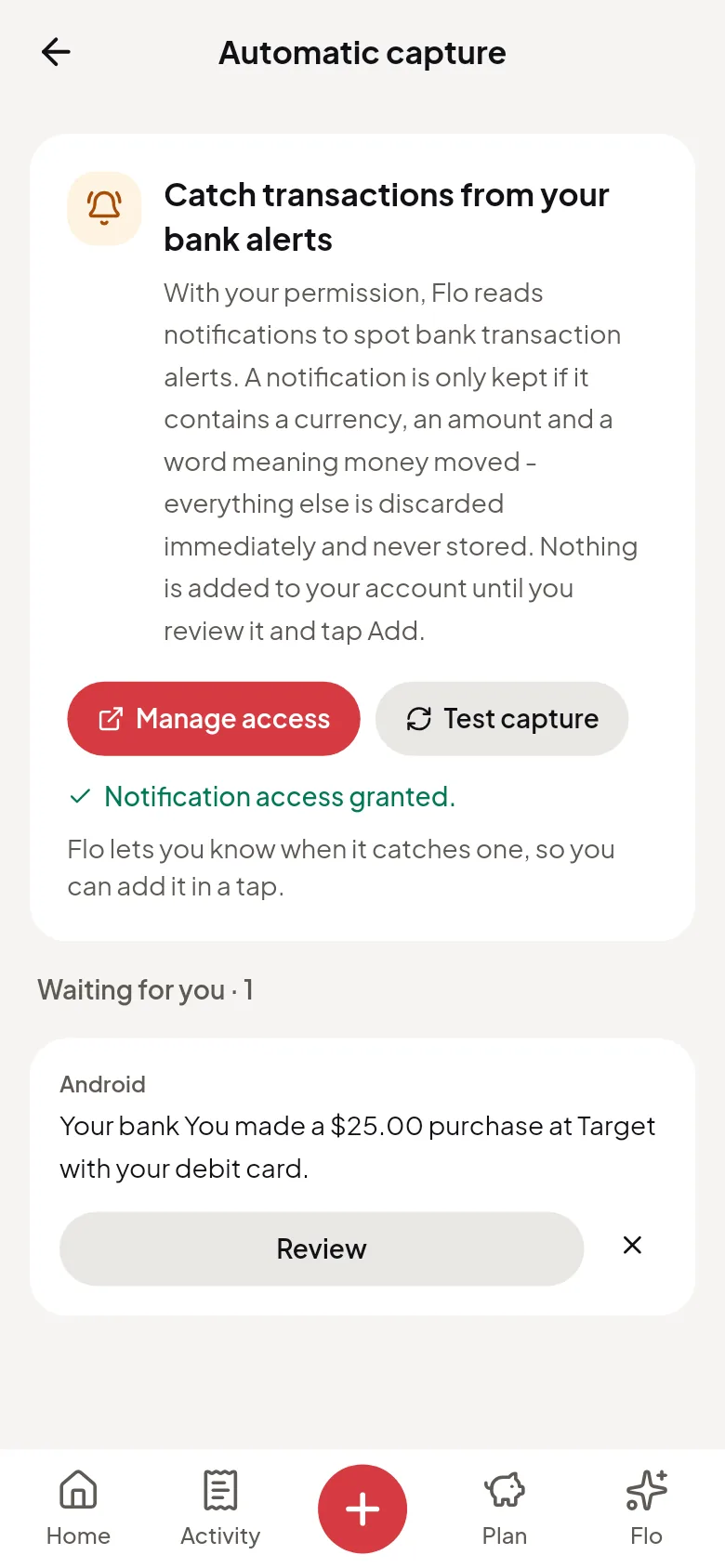
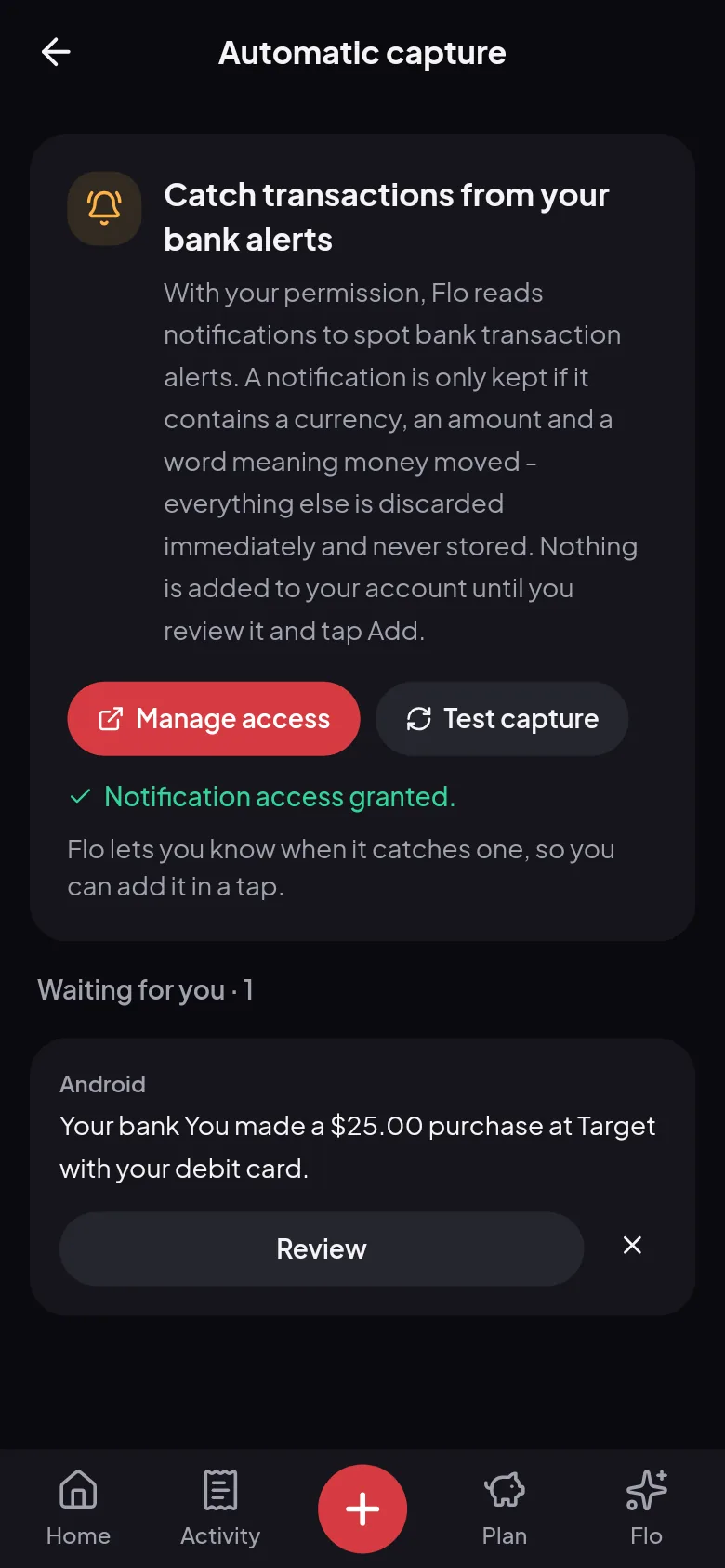
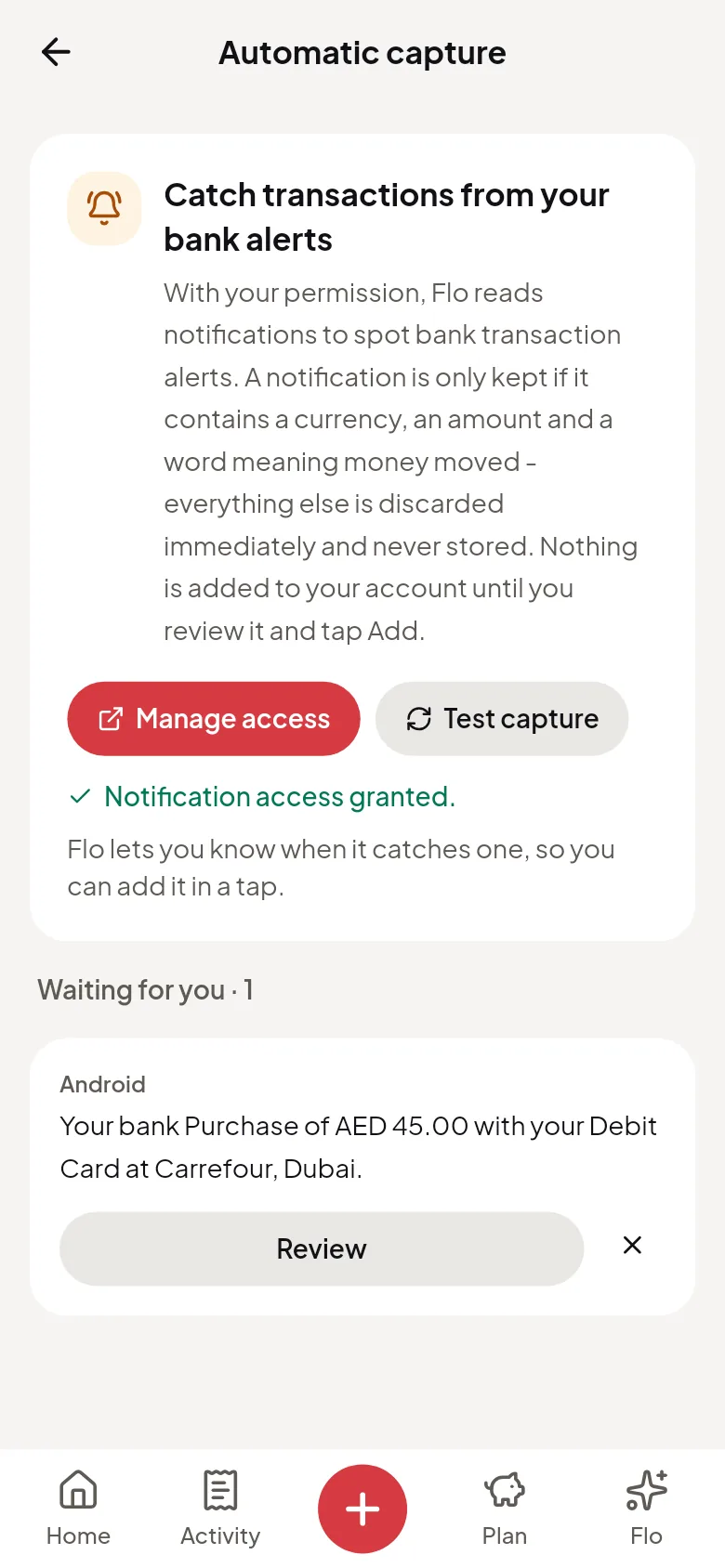
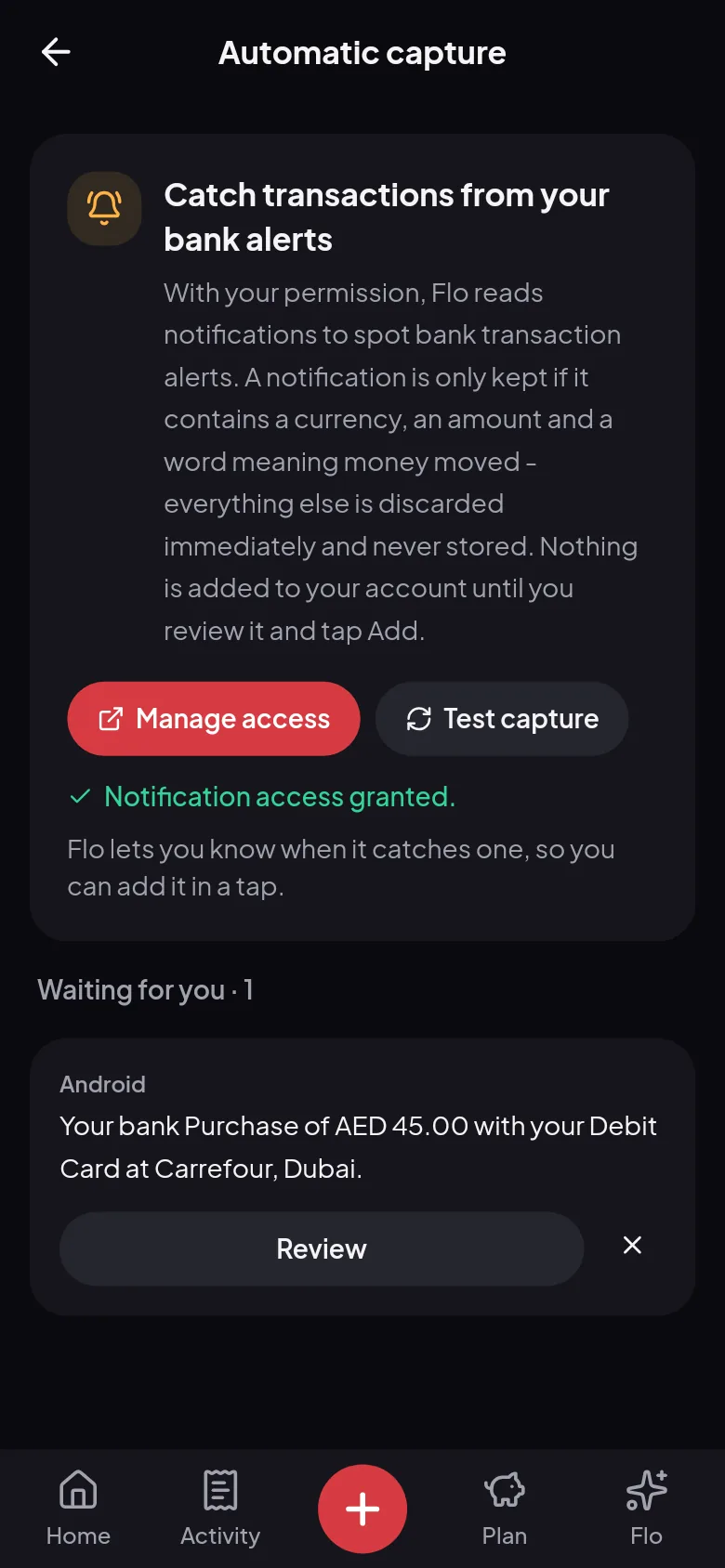
In the Android app, go to Settings, then Automatic capture, and allow notification access. Test capture shows you it’s working.
Pay as usual
When your bank sends an SMS or an app alert about a payment, Flo can catch it, and a quiet notification asks if you’d like to add it.
Tap Add
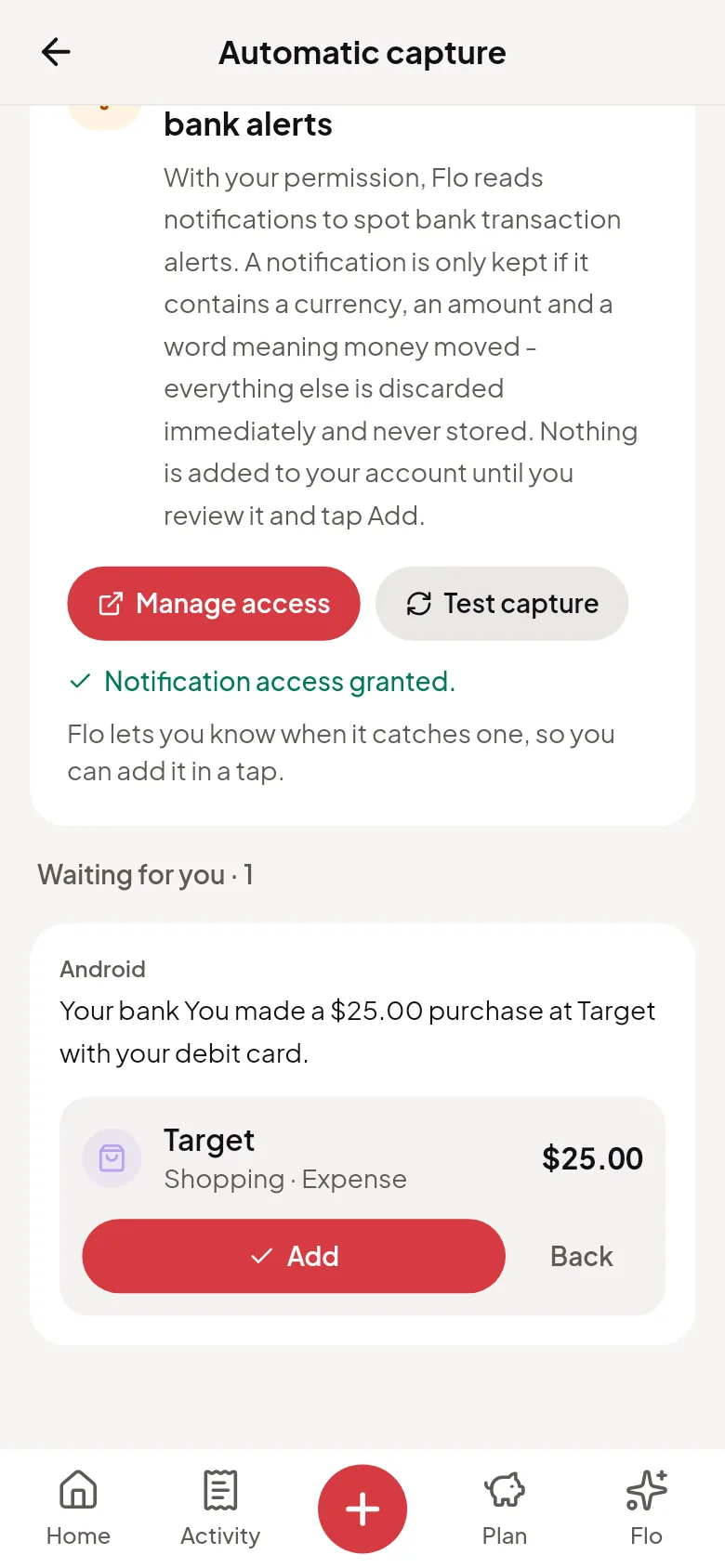
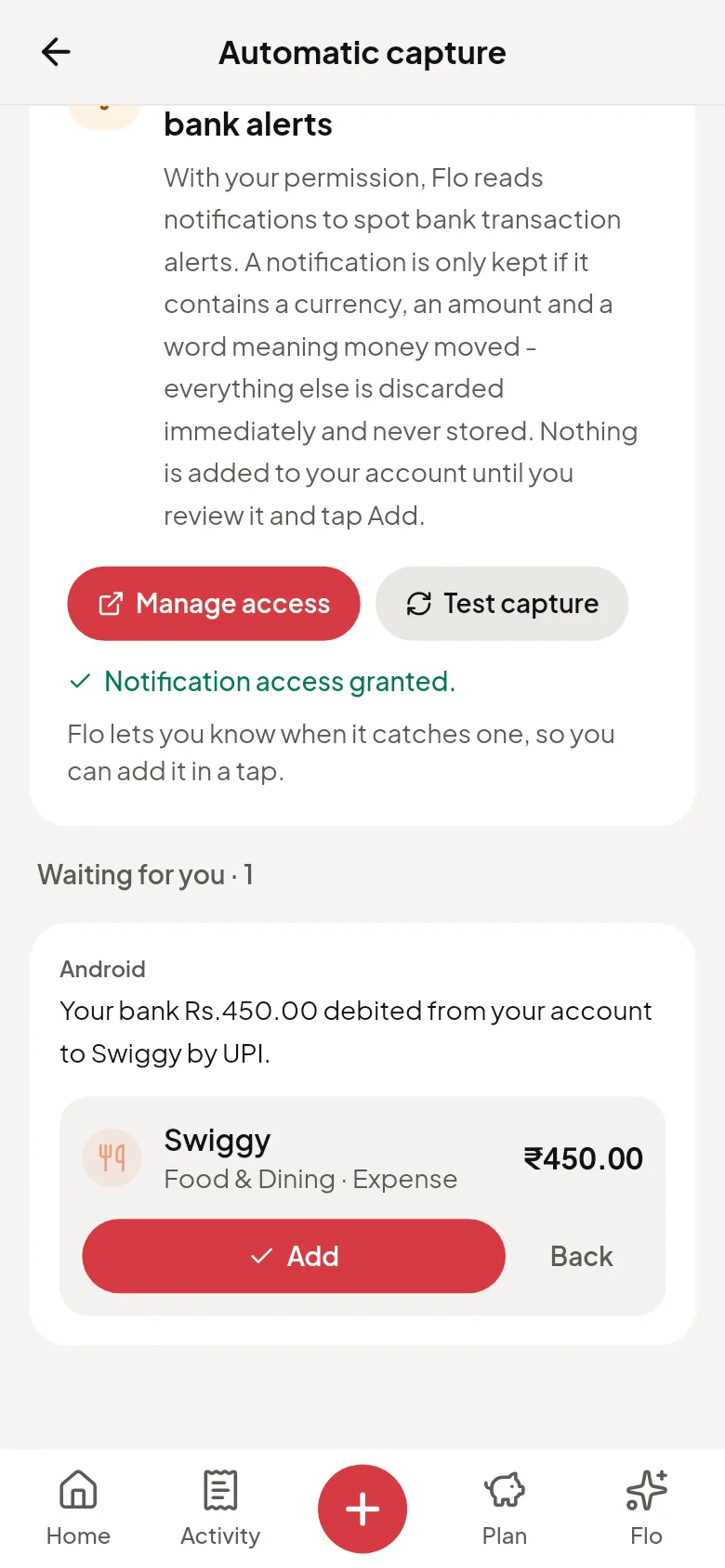
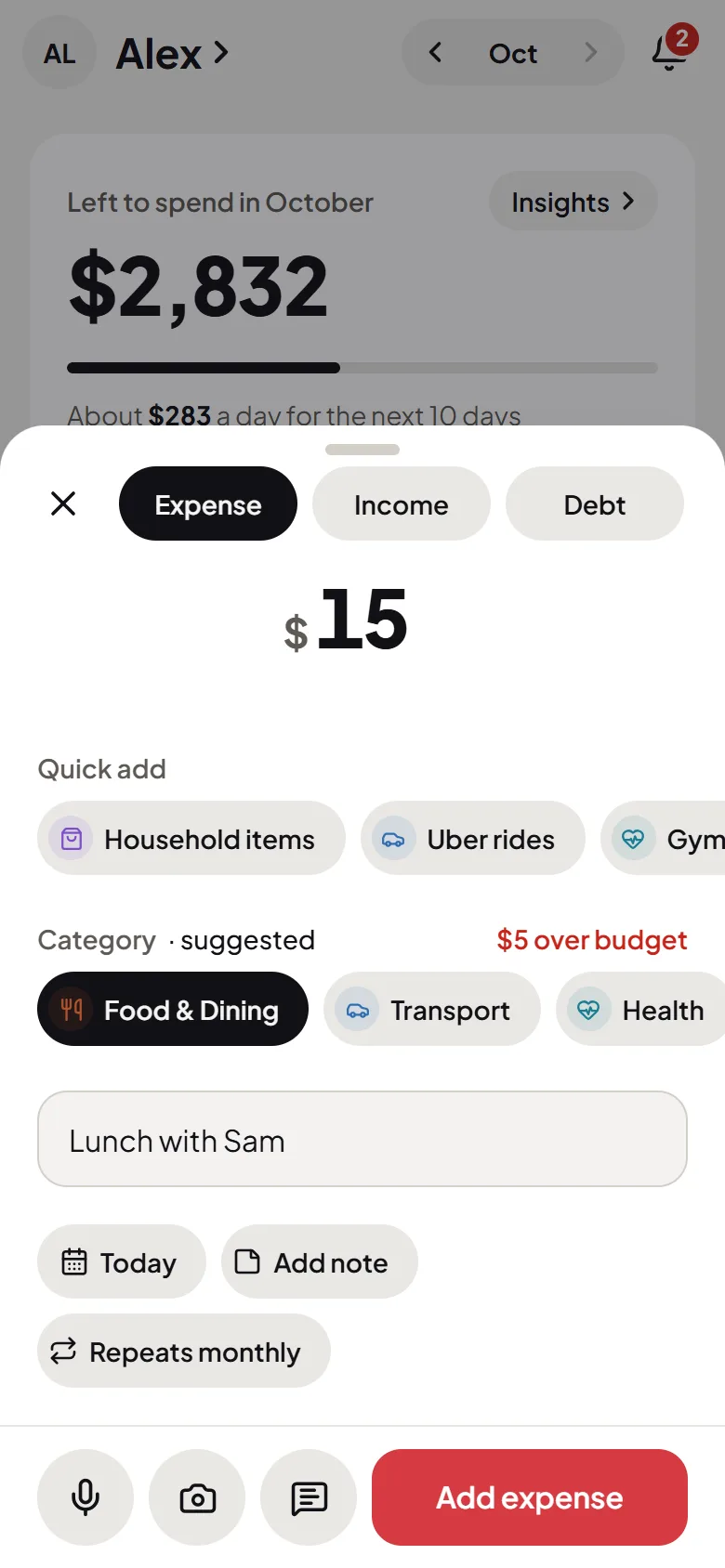
Flo reads the amount, the place and a category for you to check. Nothing is added until you tap Add.
Automatic
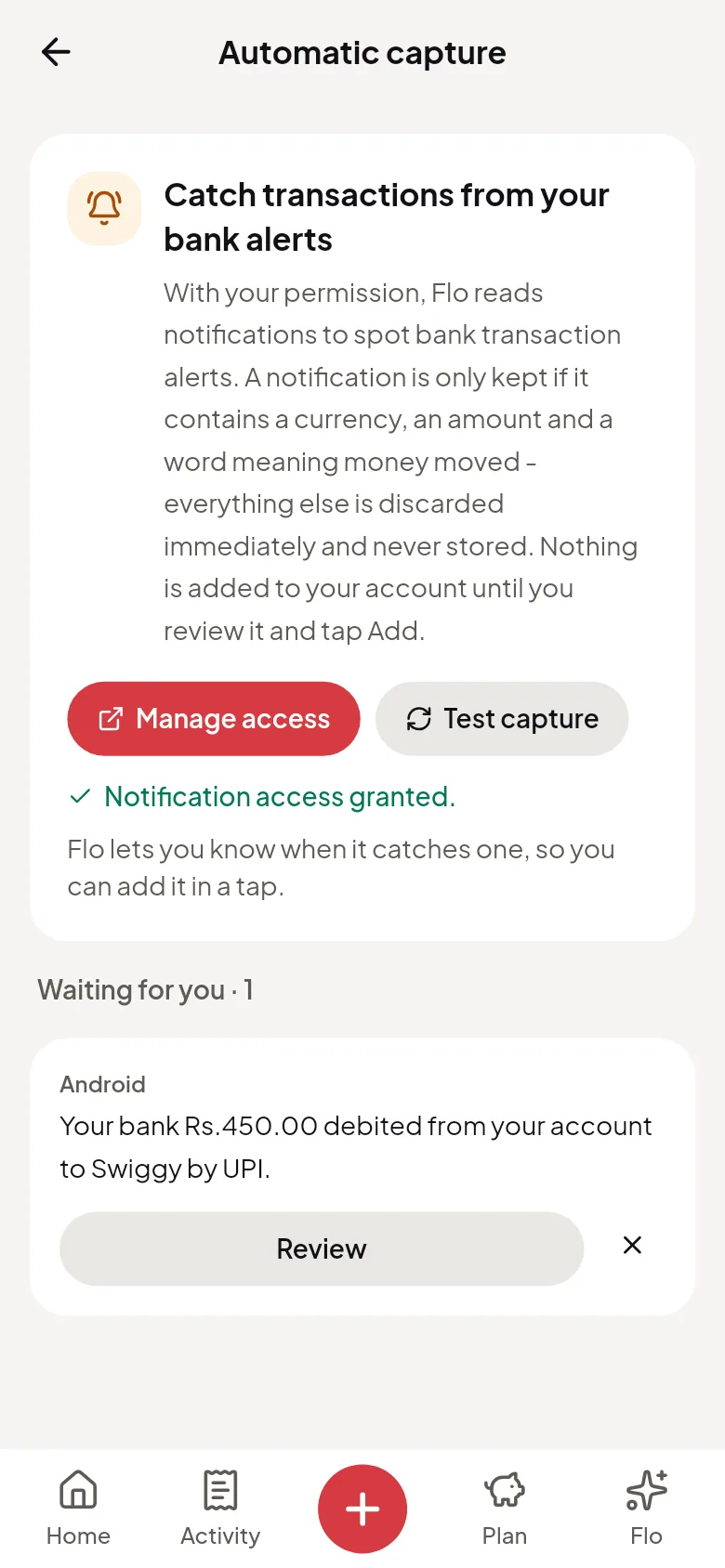
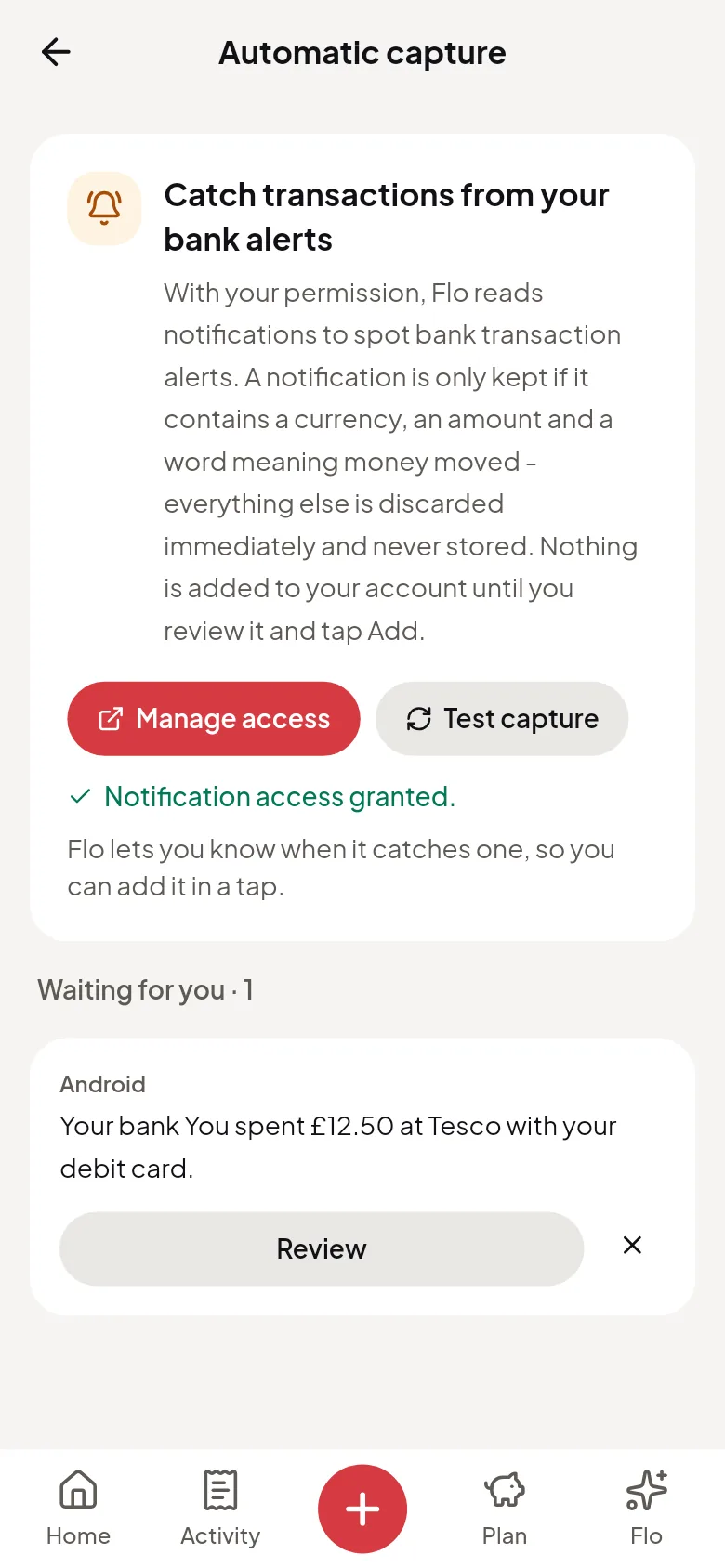
Your payments, lined up to add
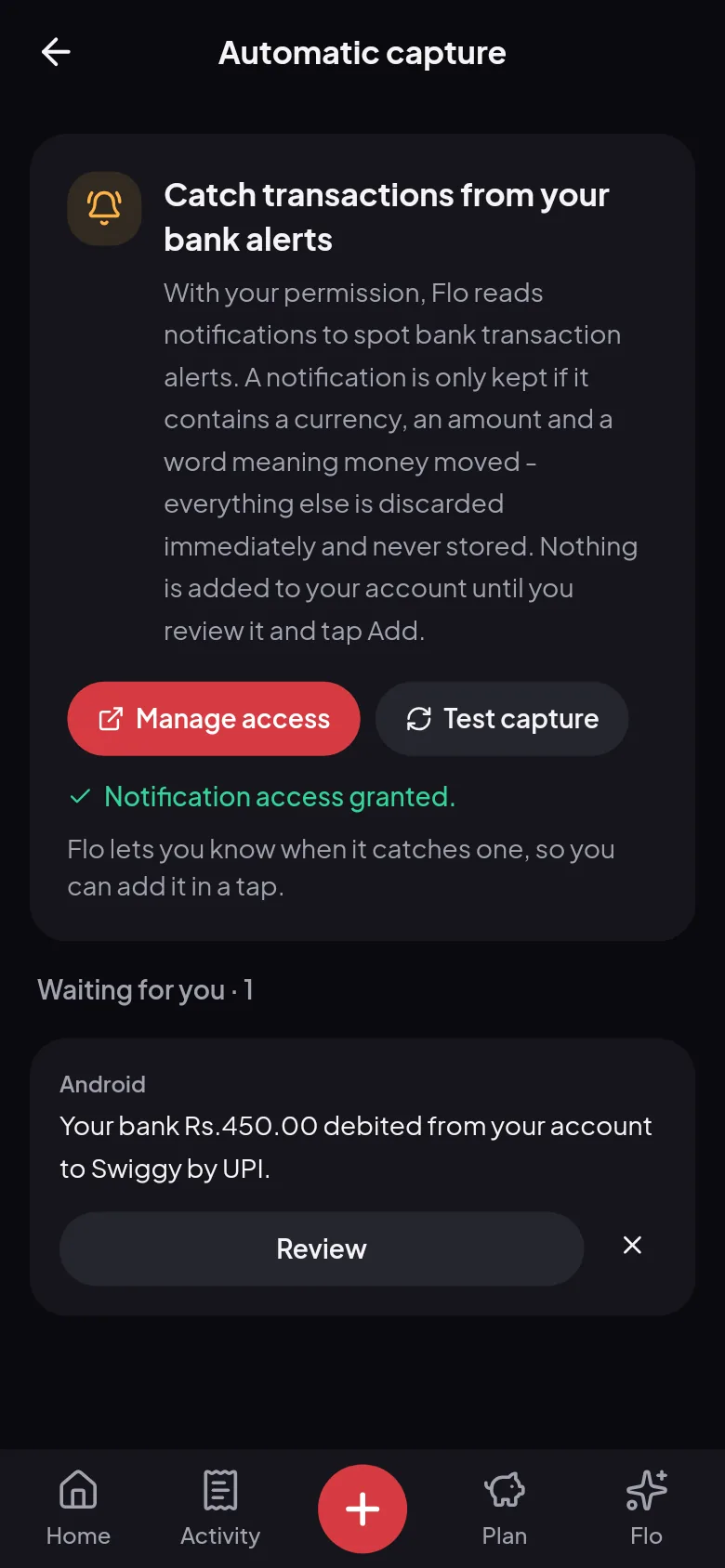
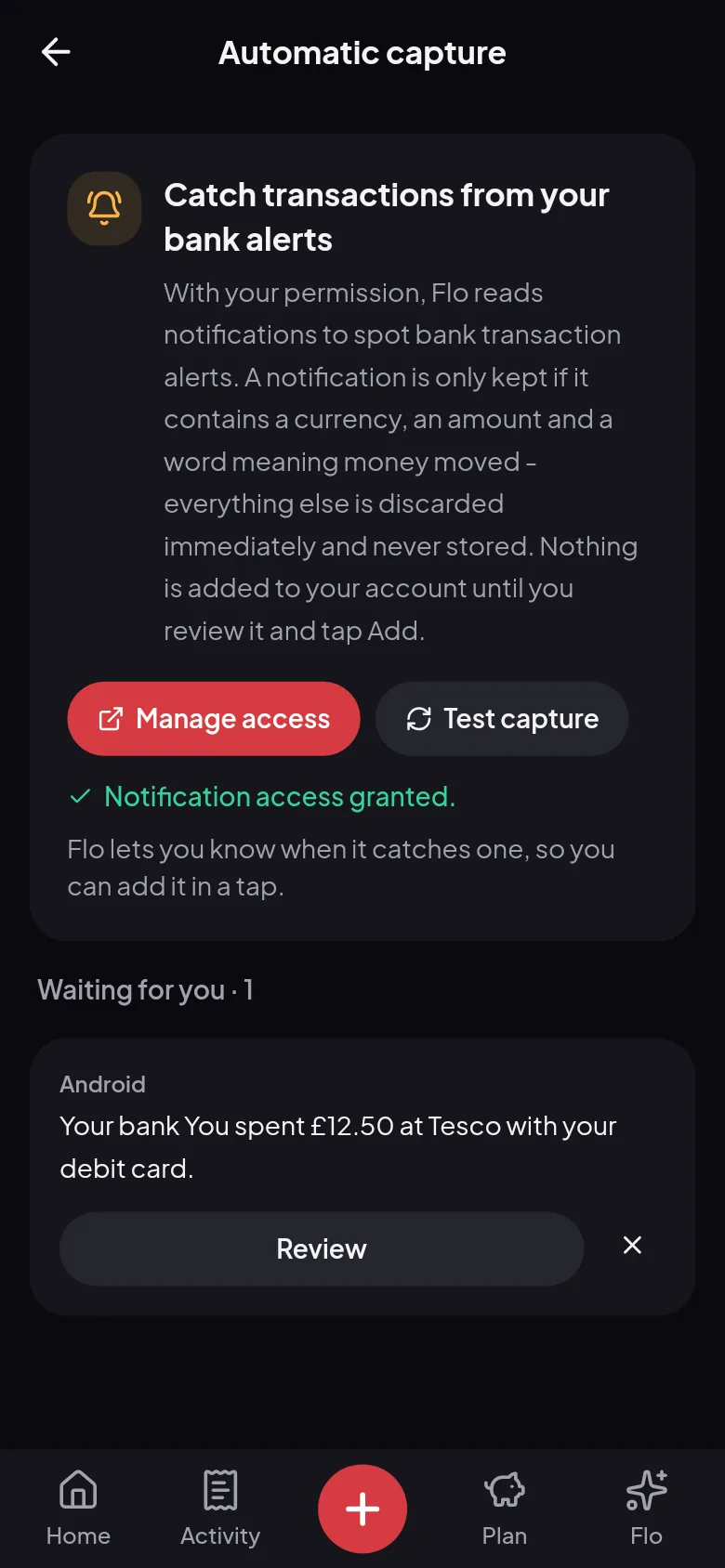
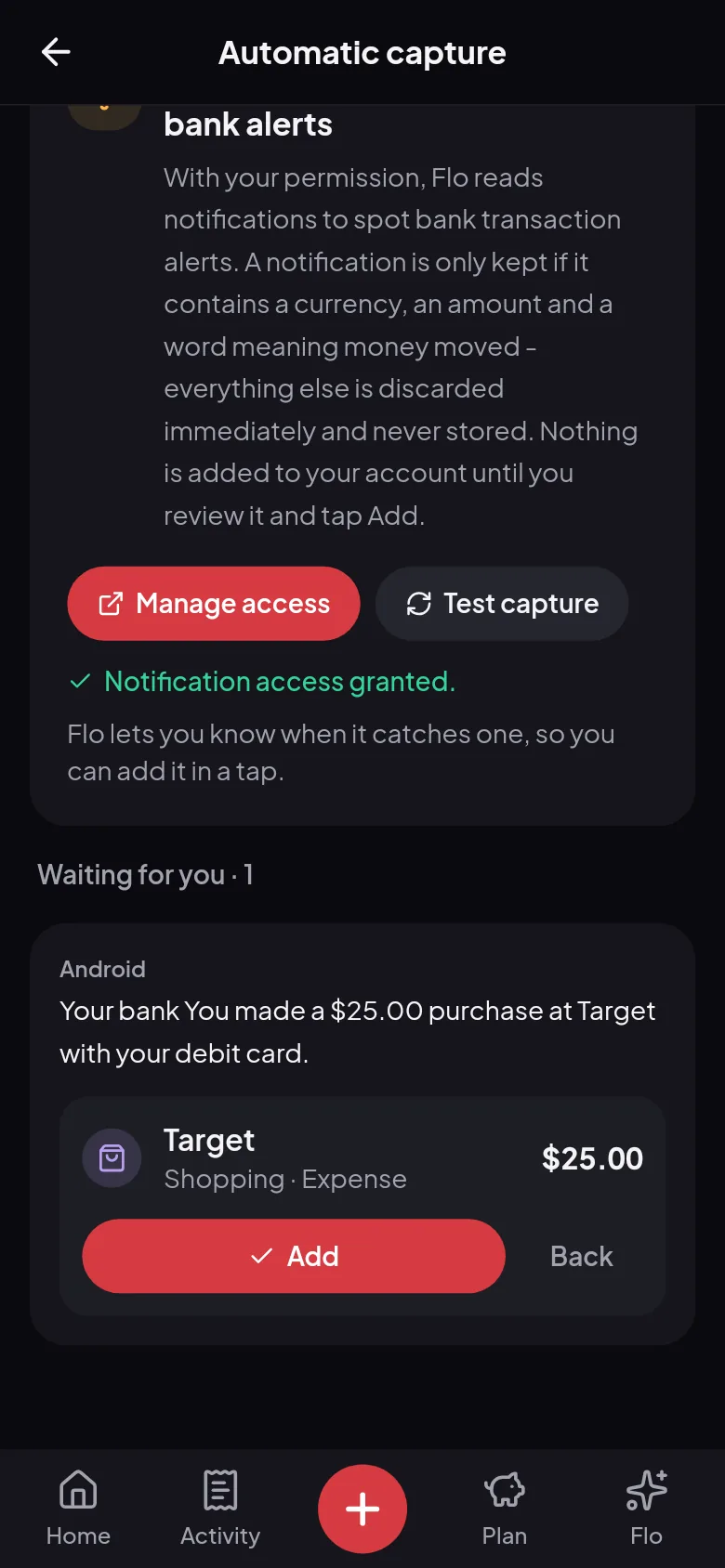
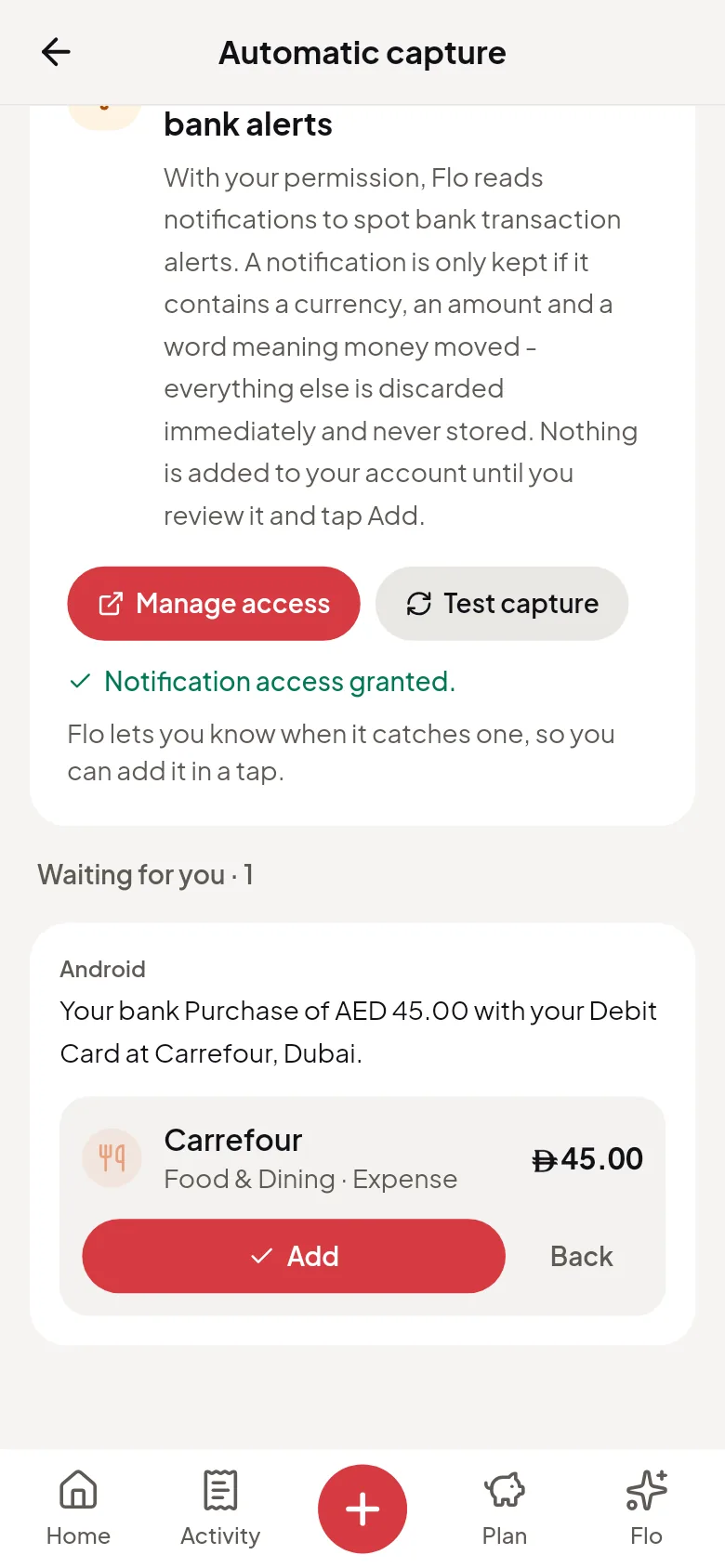
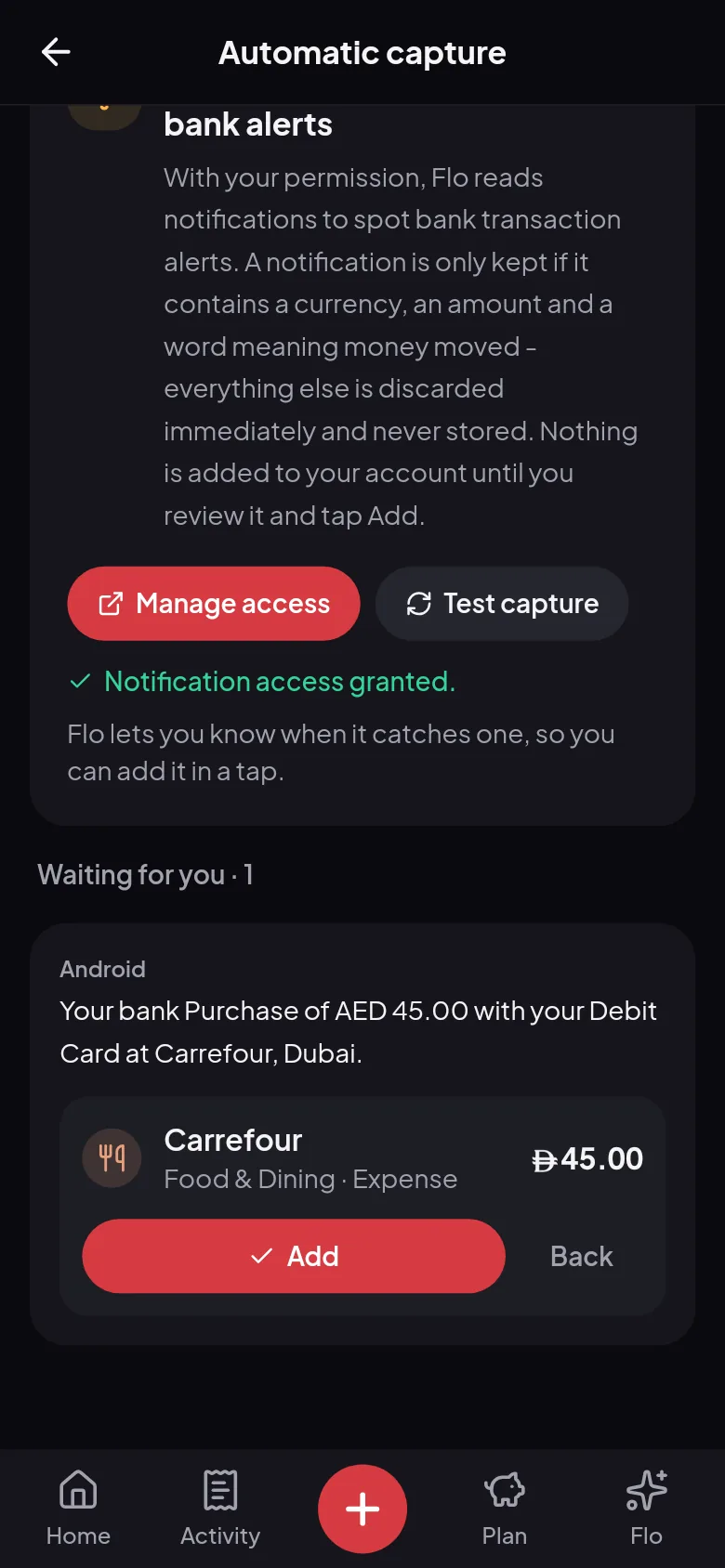
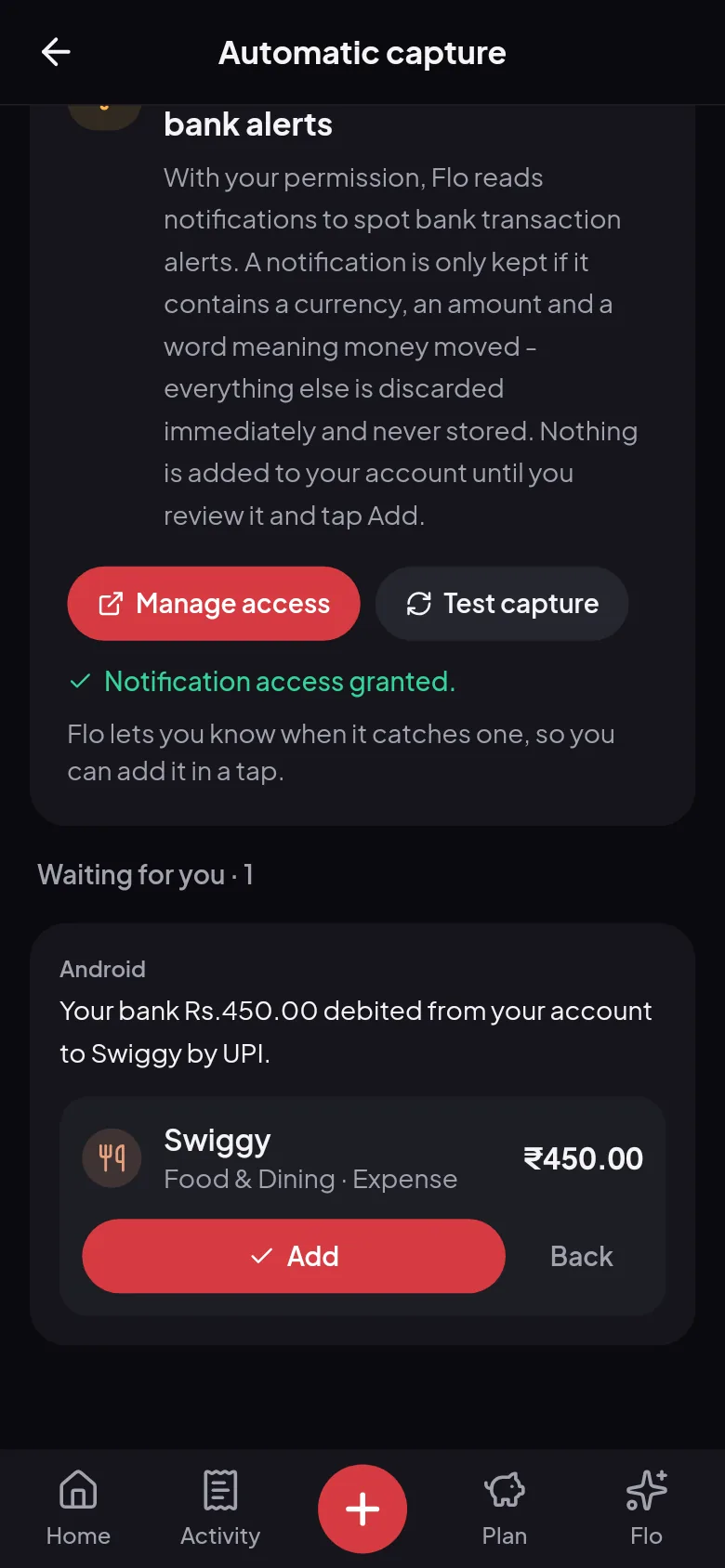
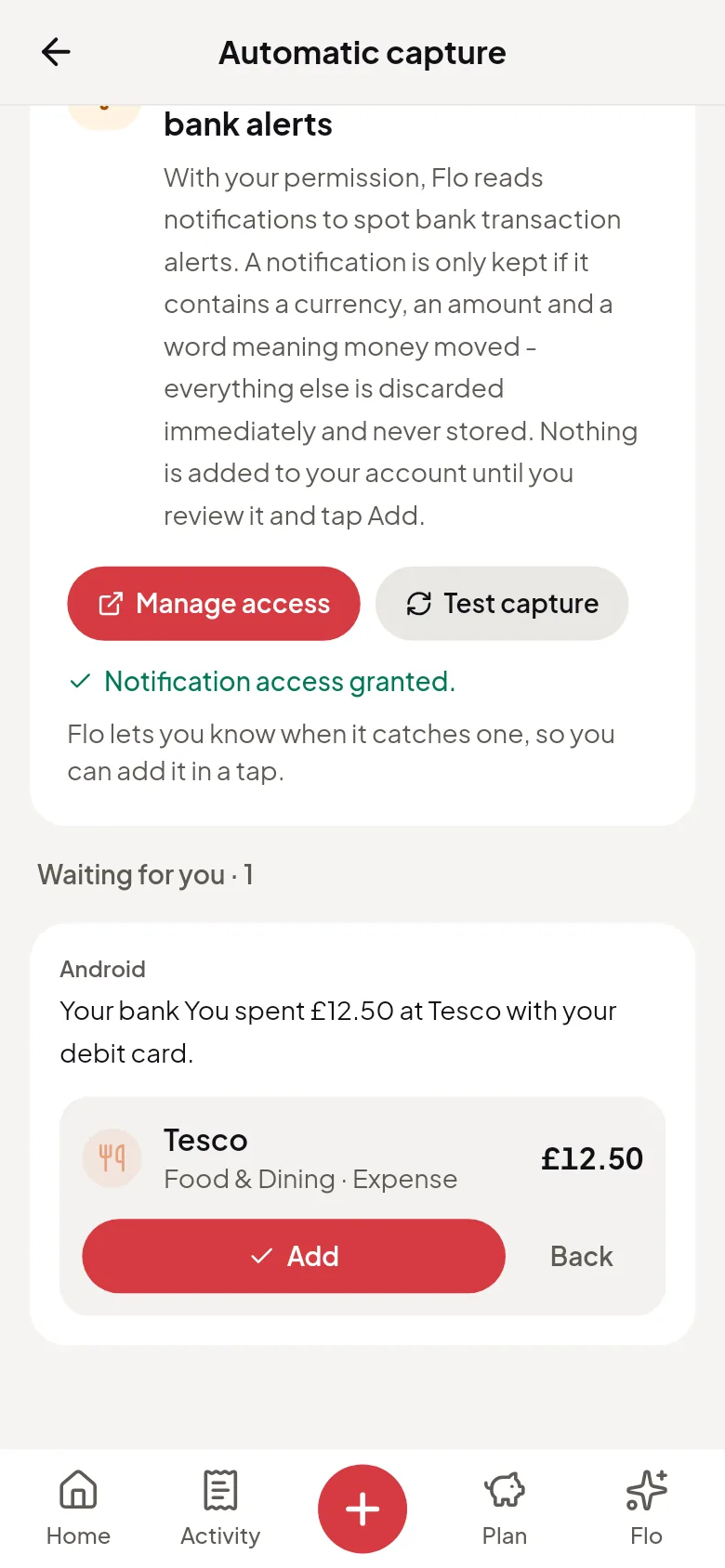
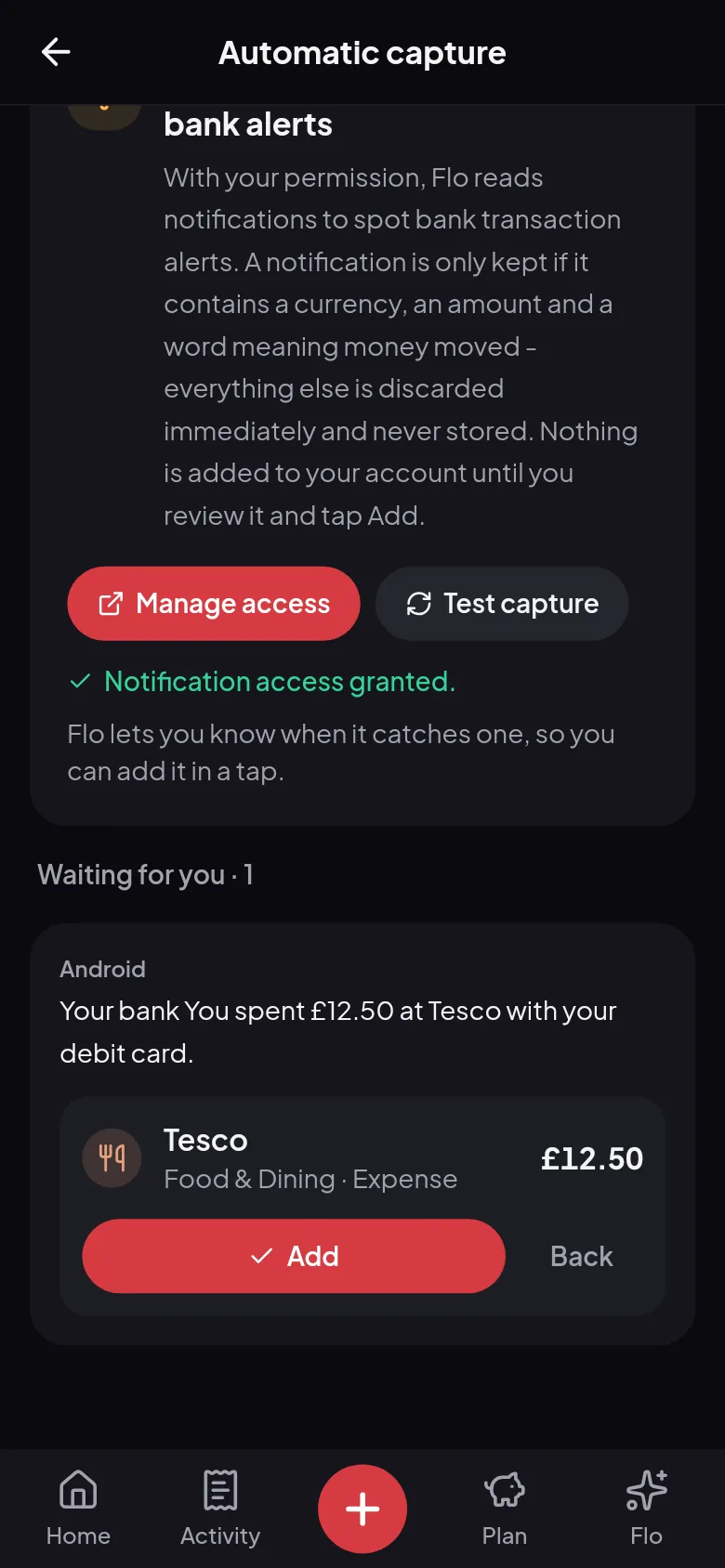
Each alert Flo catches waits for you in a list, with the bank’s own words and what Flo read from them. Add it in a tap, or dismiss it. The more you pay by card, the less you type.
- SMS and banking app alerts
- The amount, the place and a category, read for you
- One quiet notification, with the amount hidden on your lock screen
Any bank
No list of banks, and no bank login
Flo reads the alert your bank already sends, so it isn’t tied to a list of banks, and your banking password never comes near it. There’s no connection to your account at all.
- Nothing to link and nothing to log in to
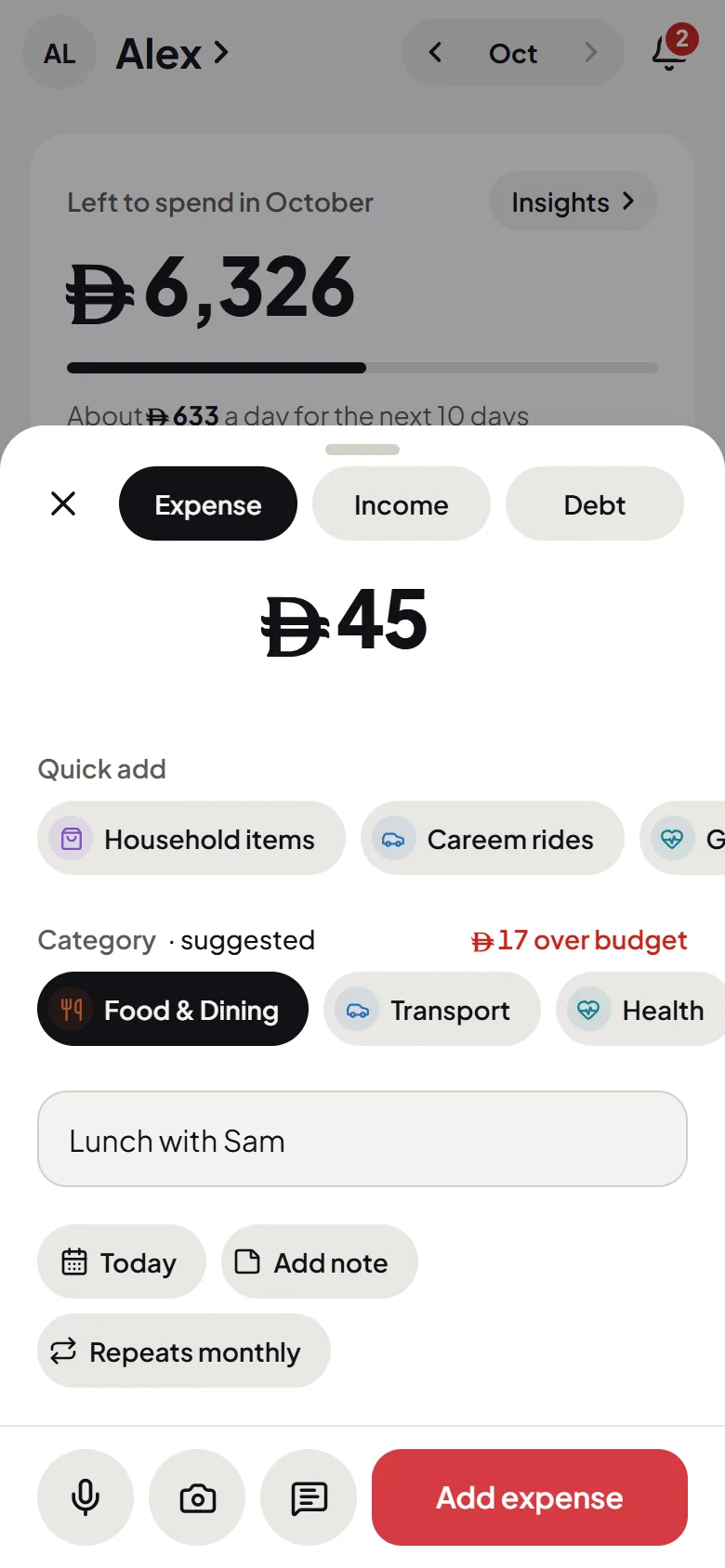
- Any currency, set up for where you live
- If one is missed, paste the SMS instead
Your privacy
What Flo keeps, and what it drops
Android shows every notification to an app with this permission, which is why its warning says so. Flo keeps one only if it has a currency, an amount and a word meaning money moved. Everything else is dropped on your phone straight away, never stored or sent.
- Off until you turn it on
- WhatsApp, Telegram and Gmail are skipped altogether
- You decide what’s added, every time
Privacy
Your data, your call
A finance app is only worth using if you can trust it. Here’s what that means at Flo.
Filtered on your phone
Anything that isn’t a bank alert is discarded on your phone straight away, never stored or sent.
Sent only to read
An alert you choose to review is sent to our AI providers to read, and nothing is added until you tap Add.
Off in a tap
Turn it off whenever you like: Android’s settings list Flo, and a switch takes its access away.
Read the full privacy policy.
Automatic expense tracker: questions, answered
How does automatic expense tracking work in Flo?
Turn on Automatic capture in the Android app. When your bank sends an SMS or an app alert about a payment, Flo can catch it, read the amount and the place, and ask before adding it. One tap on Add logs it.
Does it catch every alert?
Not always. Android 15 and newer can hide notifications that look like security codes from apps like Flo, and that can include bank alerts quoting card digits. If one doesn’t show up, paste the SMS into Flo: it takes a few seconds.
Does Flo read all my notifications?
Android shows every notification to an app with this permission, which is why its warning says so. Flo keeps one only if it has a currency, an amount and a word meaning money moved, and drops the rest on your phone straight away, never stored or sent. Common chat and email apps, like WhatsApp, Telegram and Gmail, are skipped altogether. A personal message about money can still reach your list, where you can dismiss it.
What gets sent off my phone?
Only an alert you choose to review. It’s sent to our AI providers to read, and nothing is added until you tap Add.
Which banks does it work with?
It isn’t tied to a list of banks. If an alert says how much you paid and where, Flo can usually read it, and you check each one before it’s added.
Does it work on iPhone?
No. iPhones don’t let apps read notifications, so this needs the Android app. On an iPhone, you can paste your bank’s SMS into Flo in Safari instead.
Is it the same as connecting my bank?
No. There’s no bank login and no connection to your account. Flo only reads the alerts your bank sends to your phone.
How do I turn it on or off?
In the Android app, go to Settings, then Automatic capture, and tap Allow access. To turn it off, tap Manage access there and switch Flo off in Android’s list.
What does it cost?
Nothing. Automatic capture, like the rest of Flo Money, is free.
More of what Flo does

Try it on your own money
Free, private, and set up in a minute. Flo takes it from there.