FreeNo bank loginAsks before adding
The bank SMS expense tracker that asks before it adds
Your bank already texts you every time you pay. Paste that SMS into Flo and it reads the amount, the place and the date for you. In the Android app, Flo can spot bank alerts as they arrive, and asks before adding each one.
No credit card Set up in a minute Delete anytime
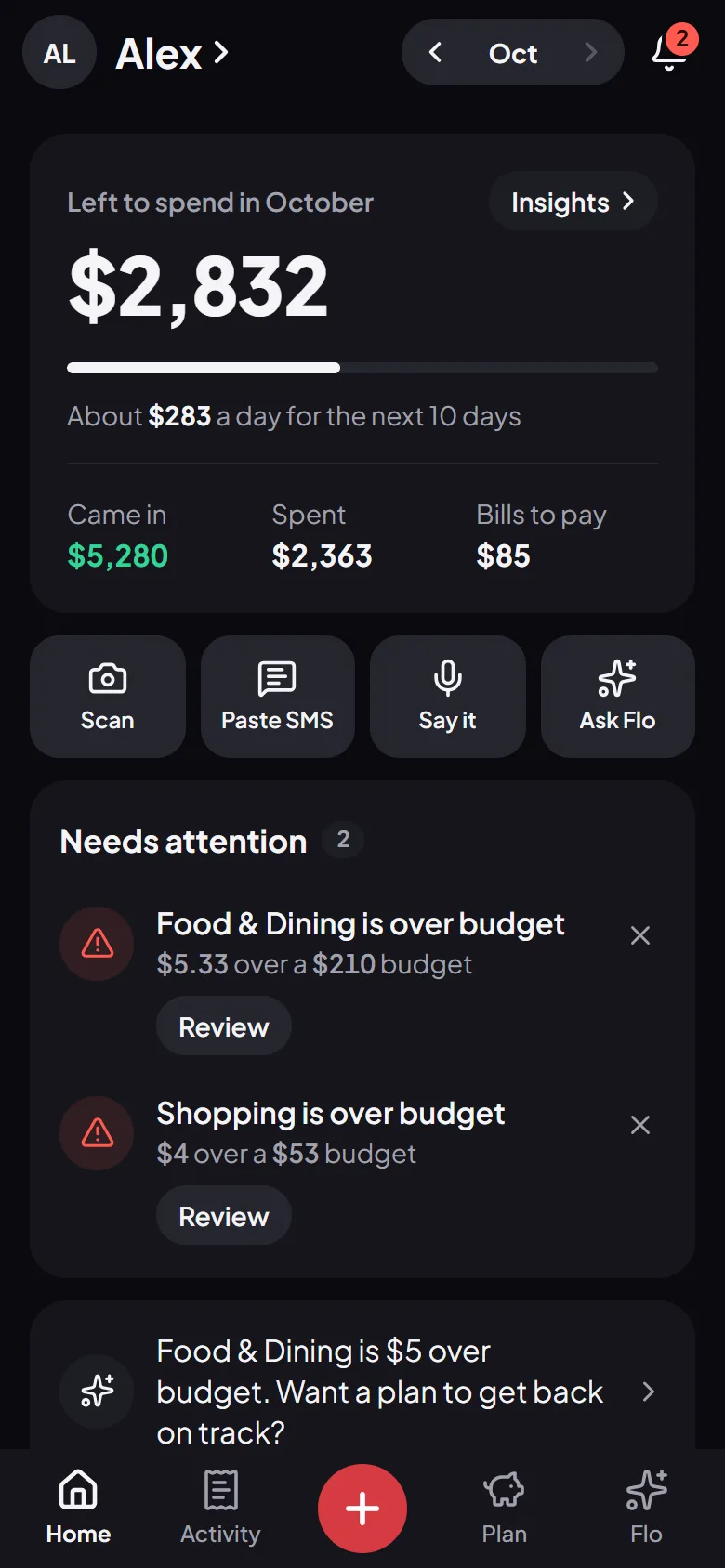
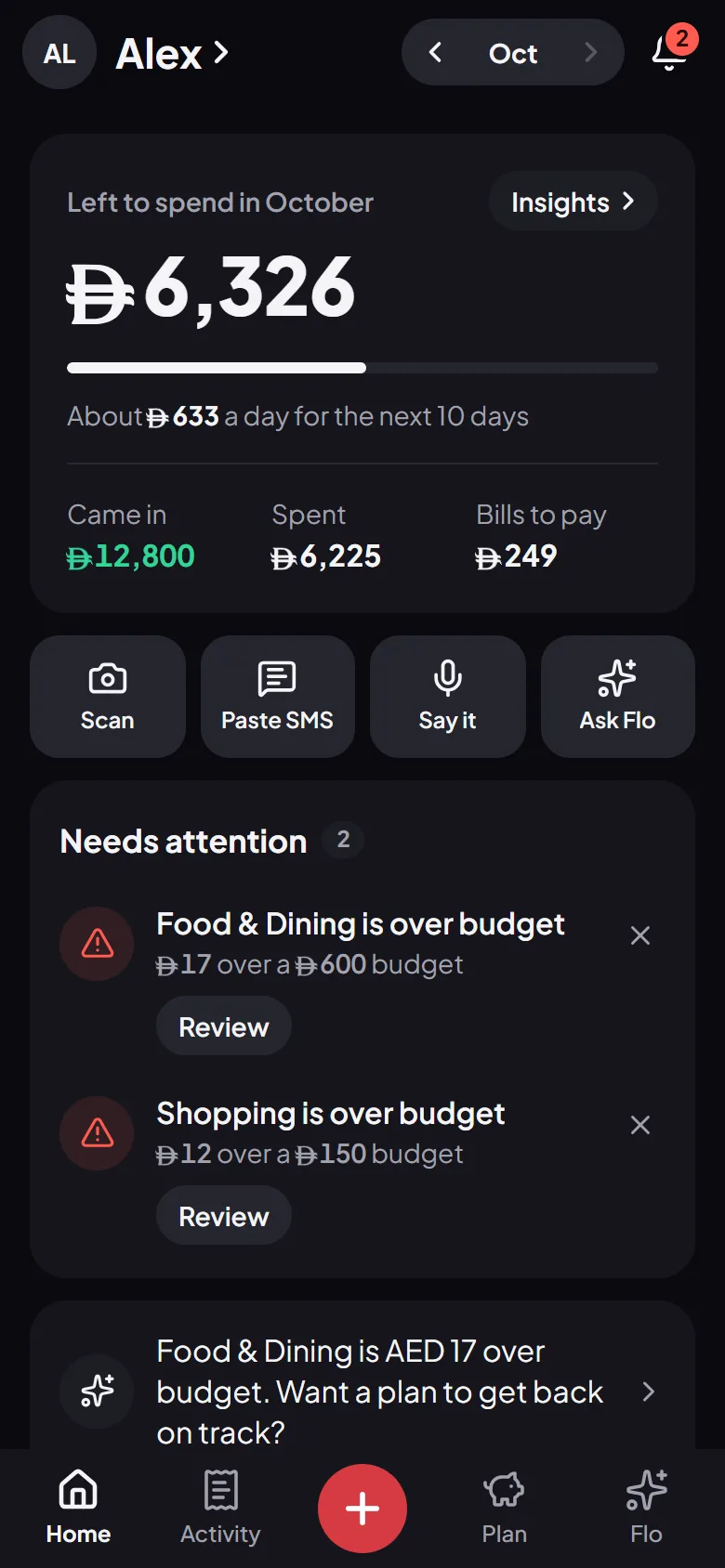
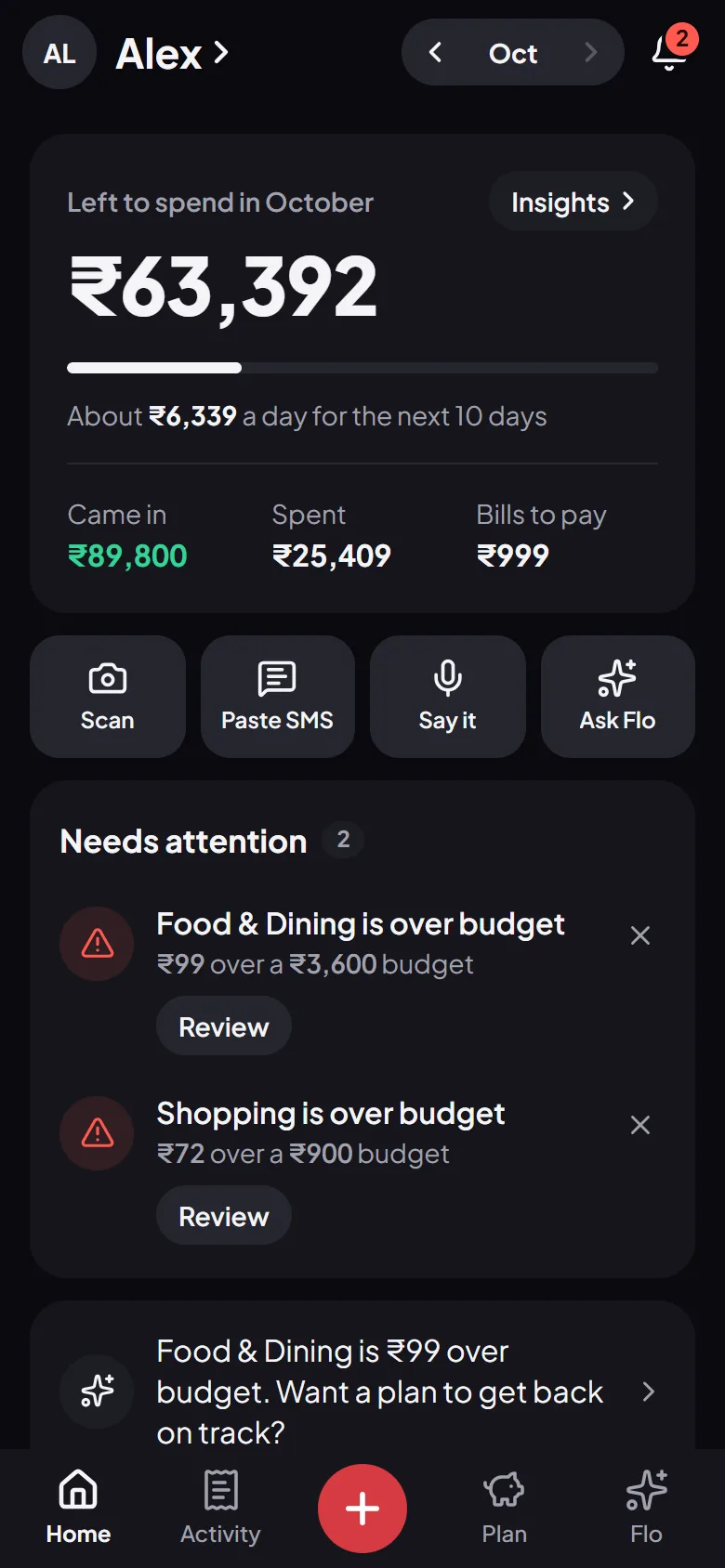
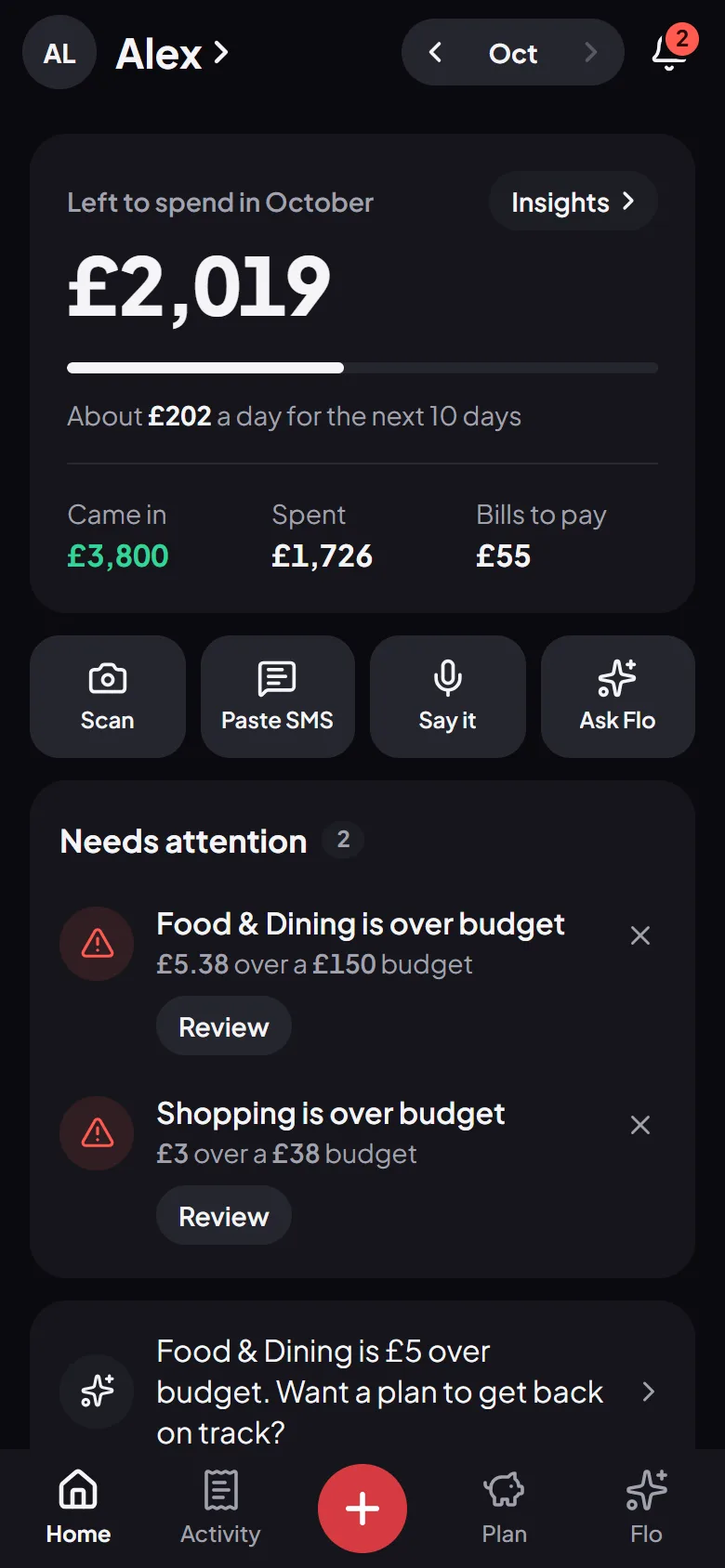
How it works
Your bank sends the SMS
The alert you get for a card or UPI payment already says what Flo needs: the amount, where you paid and when.
Flo reads it
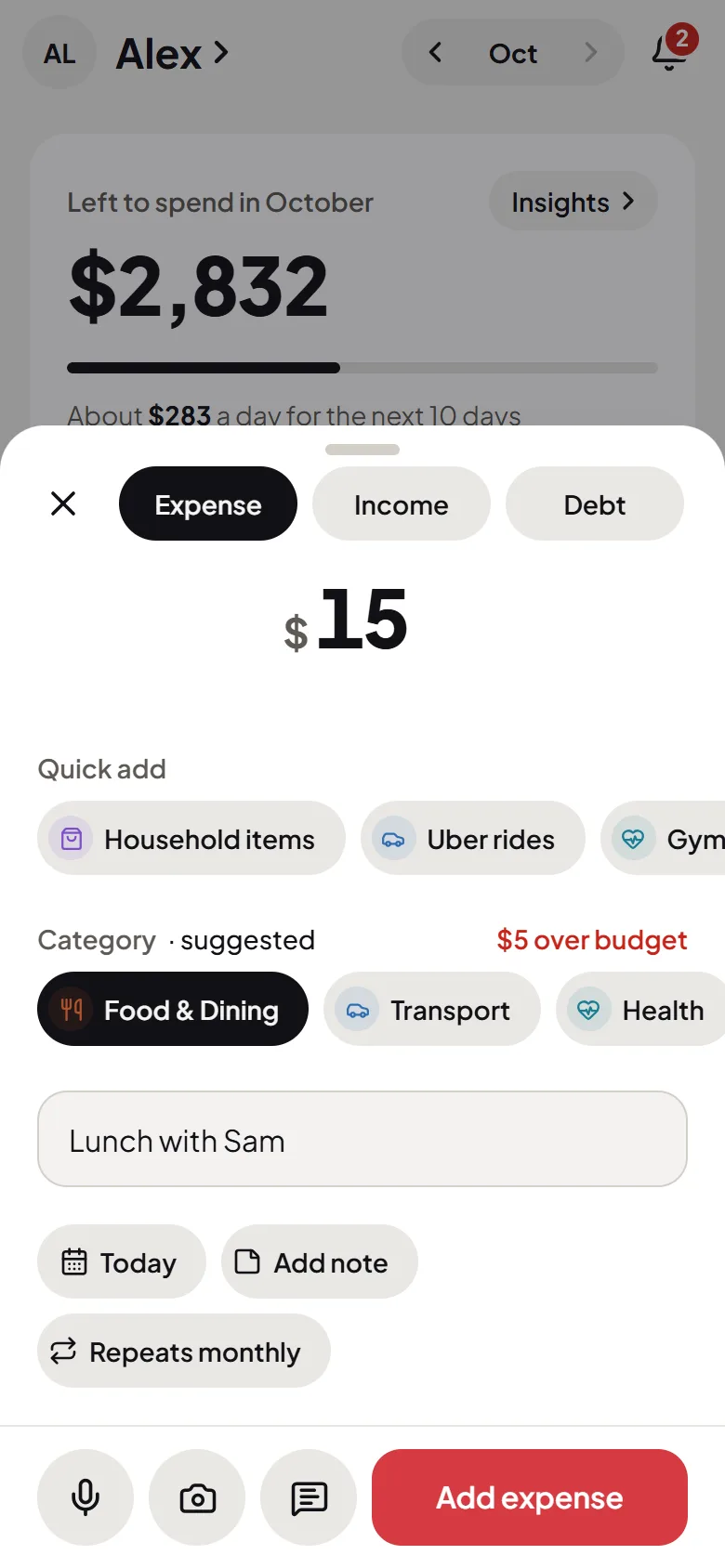
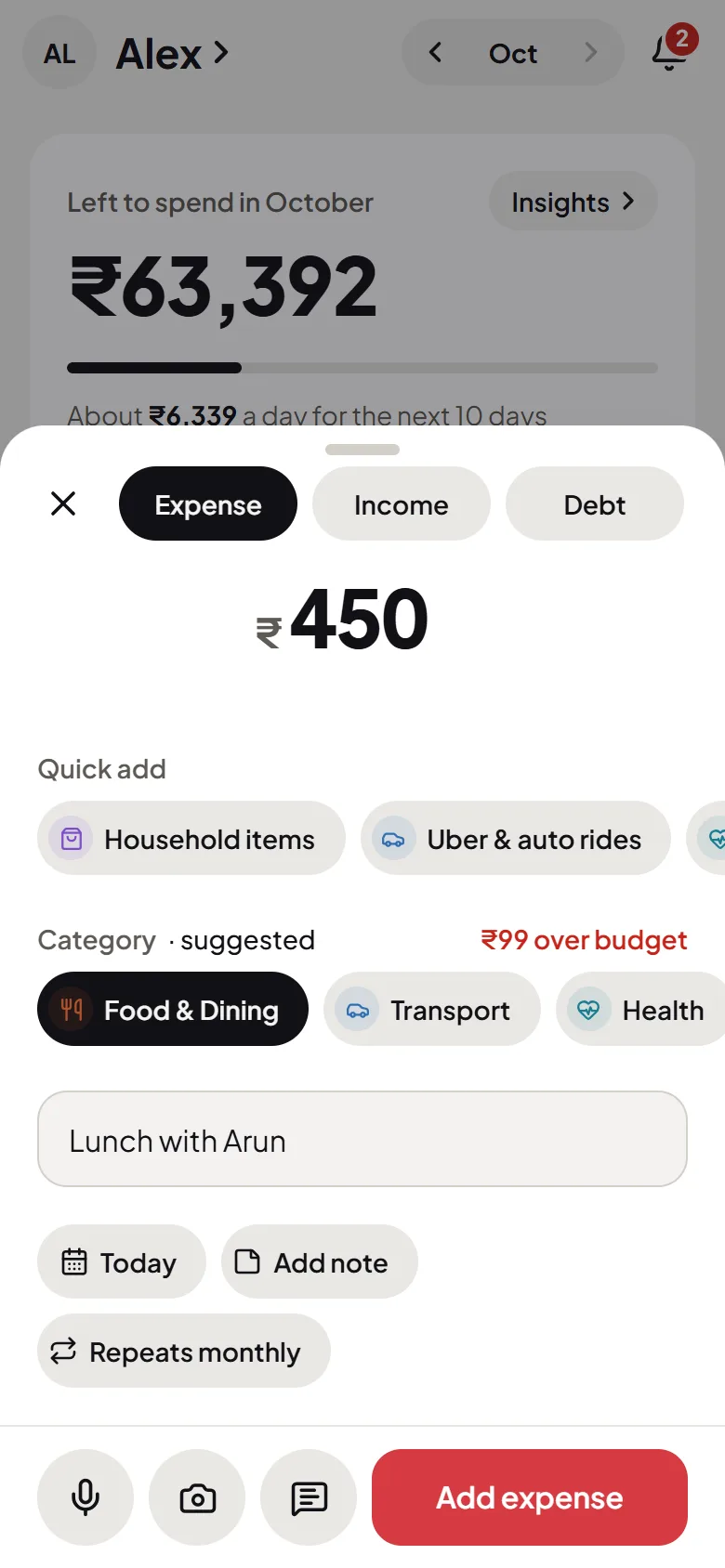
Paste it into the + sheet, or let the Android app catch the alert as it arrives. Flo fills in the expense and suggests a category.
You say yes
Nothing goes in until you confirm it, and there’s never a bank login to give.
Paste
Paste the SMS, and it’s logged
Copy the message your bank sent and paste it into Flo. Flo reads the message itself, so there’s no bank to connect and nothing to set up first.
- Card, debit and UPI alerts
- The amount, the place and the date, read for you
- A category suggested from where you paid
Android
Bank alerts, caught as they arrive
Turn on automatic capture in the Android app and Flo watches your notifications for bank alerts. Anything that isn’t a bank alert is discarded on your phone straight away, never stored or sent. Each alert waits for you, and nothing is added until you confirm it.
- Off until you turn it on
- Only bank alerts, nothing else
- You confirm every one
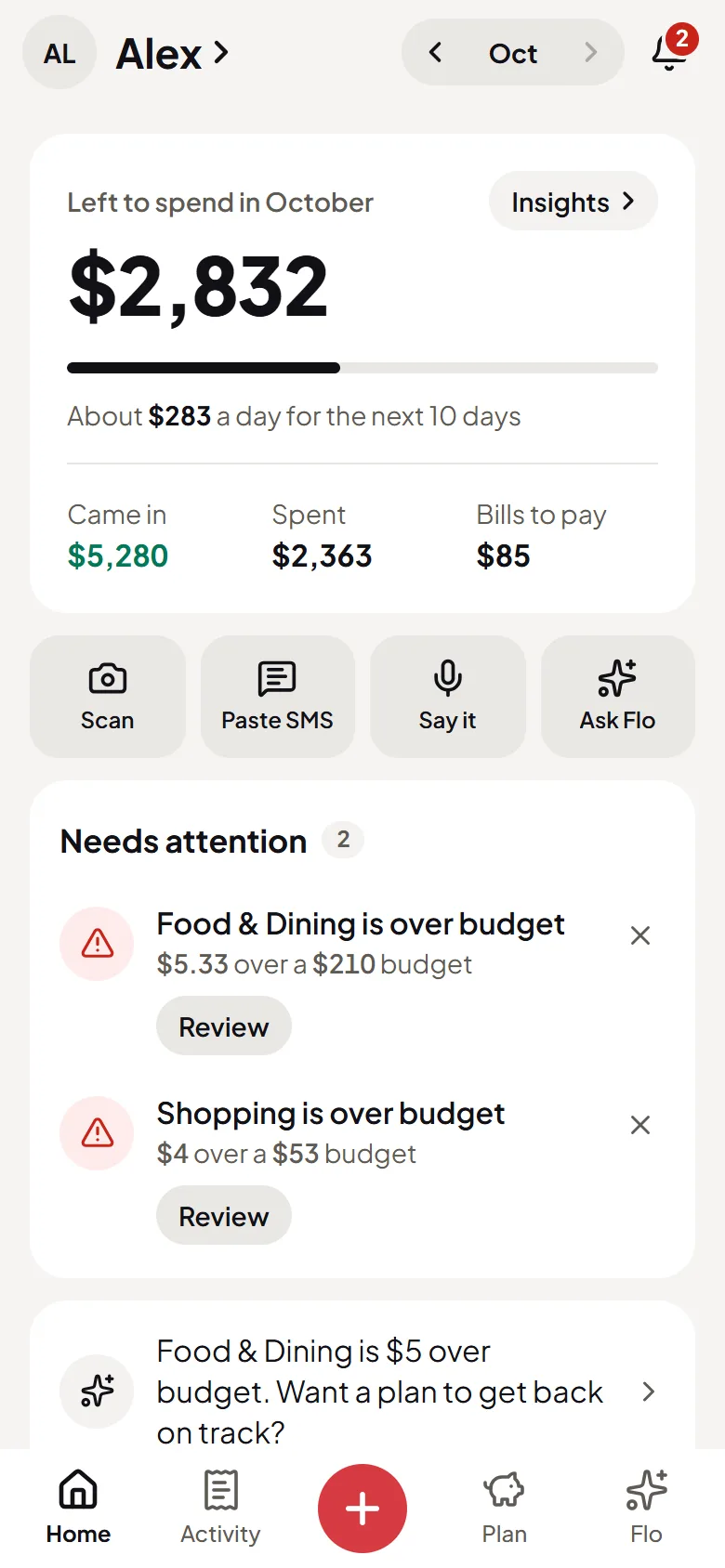
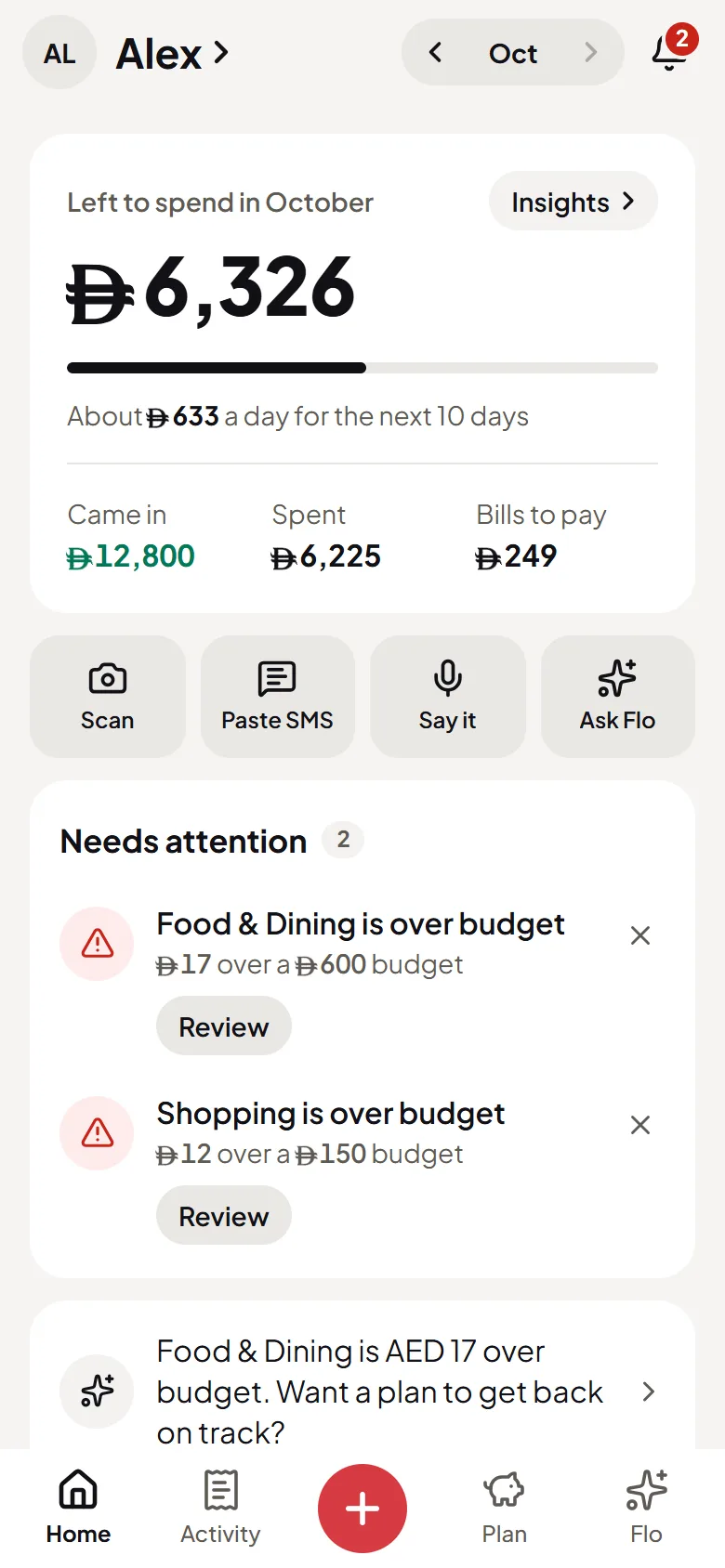
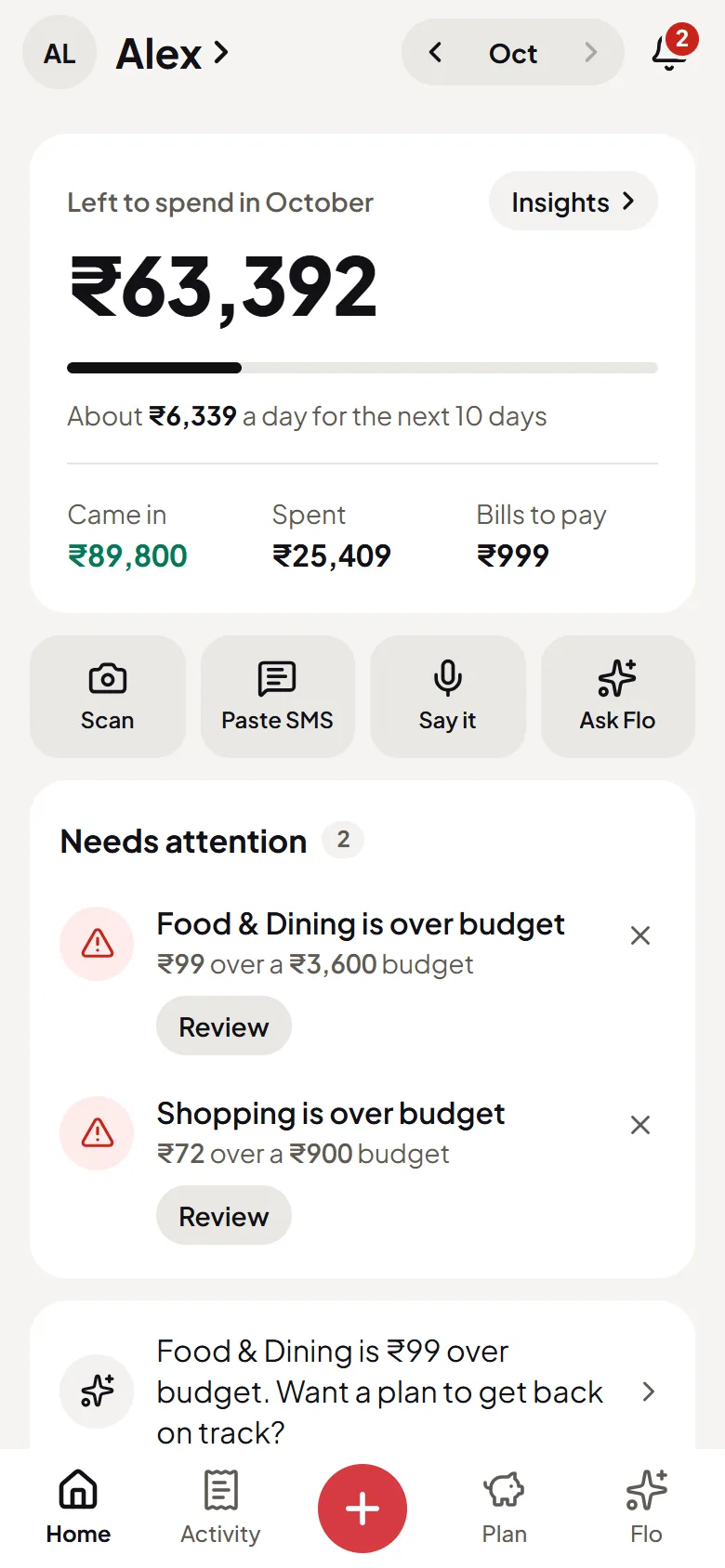
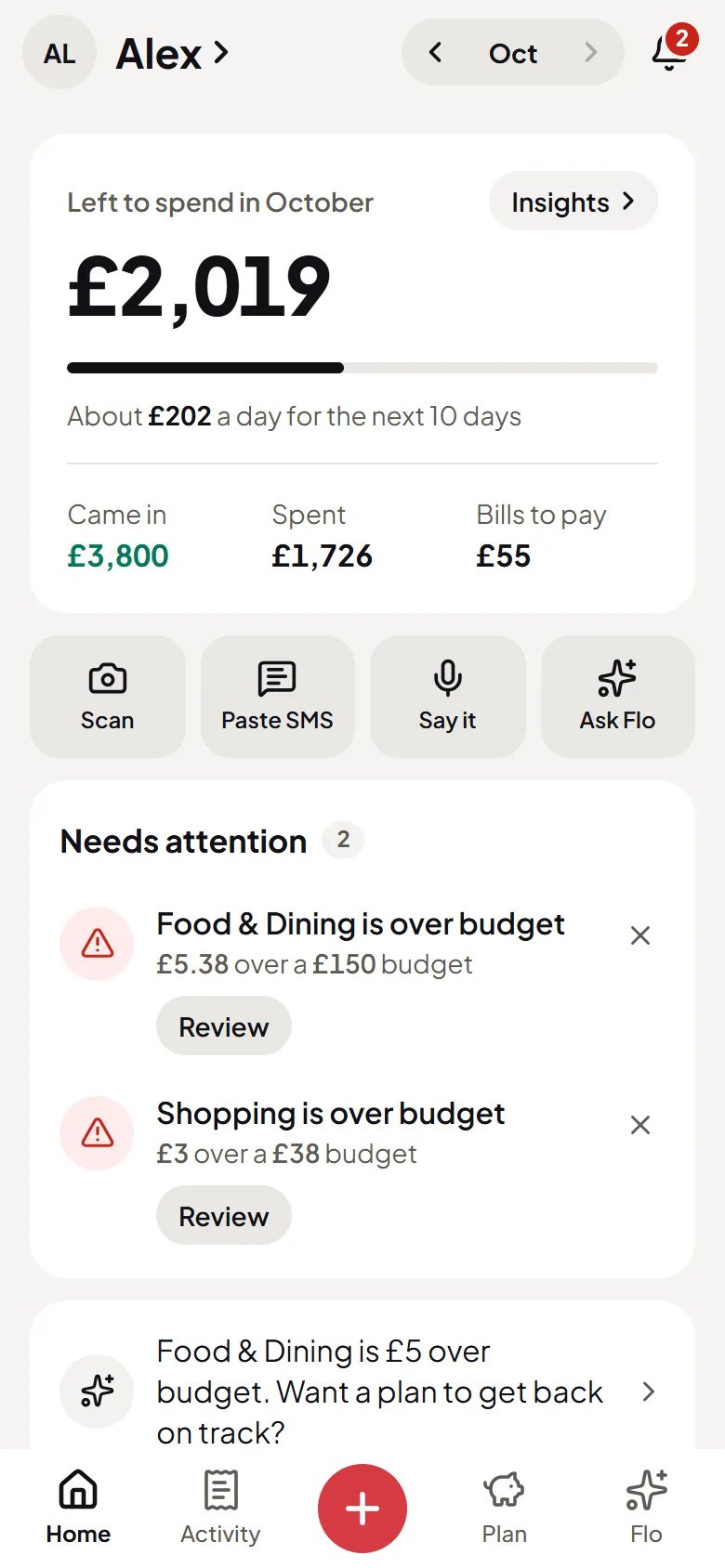
Then
Ask where it all went
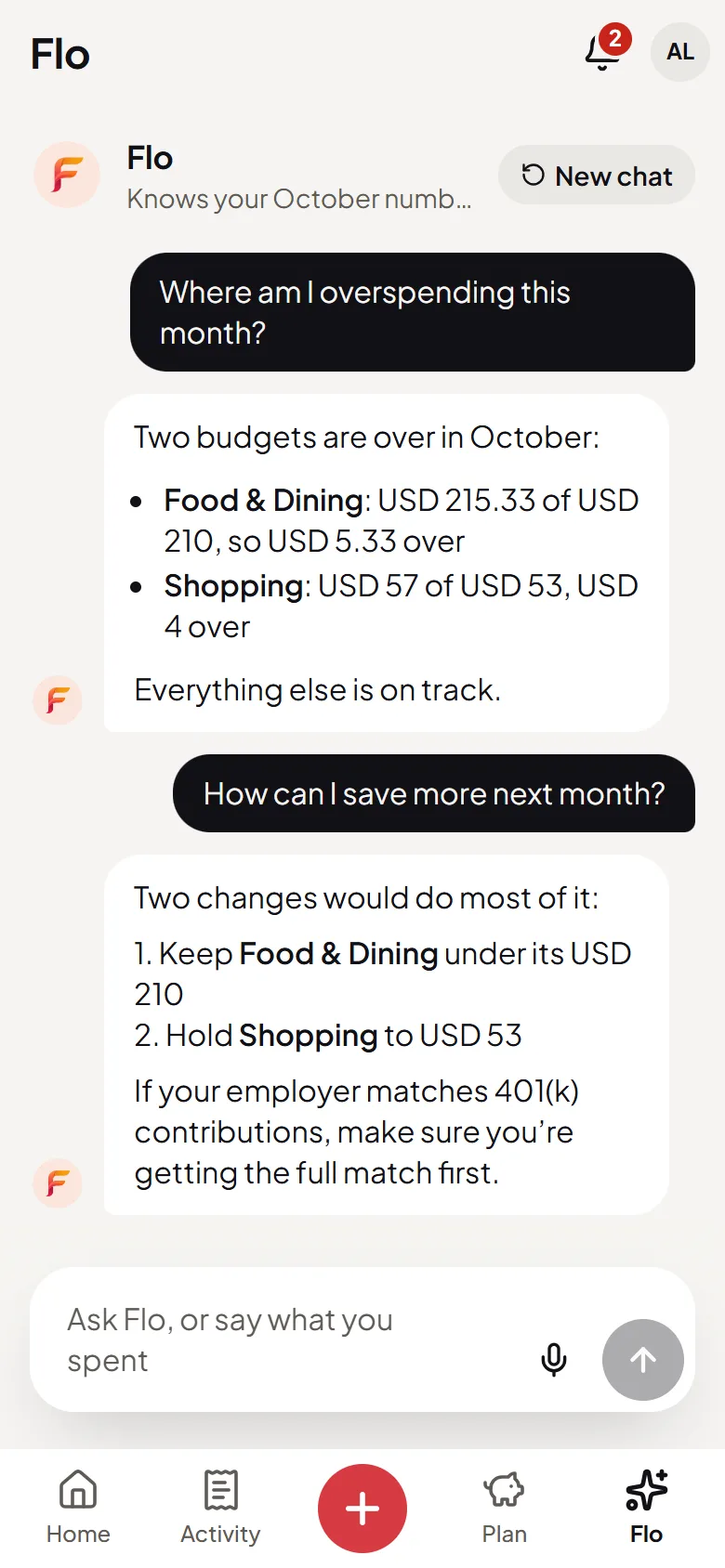
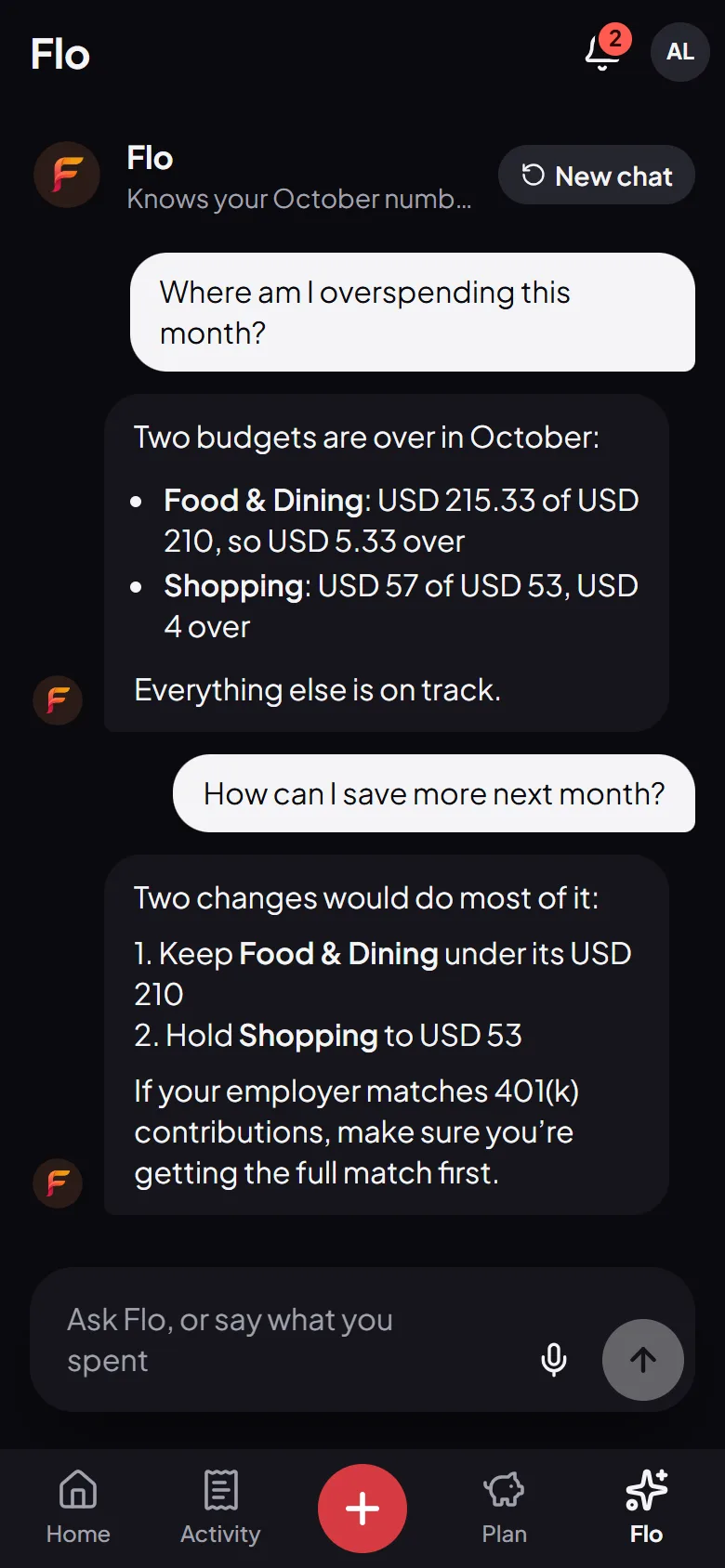
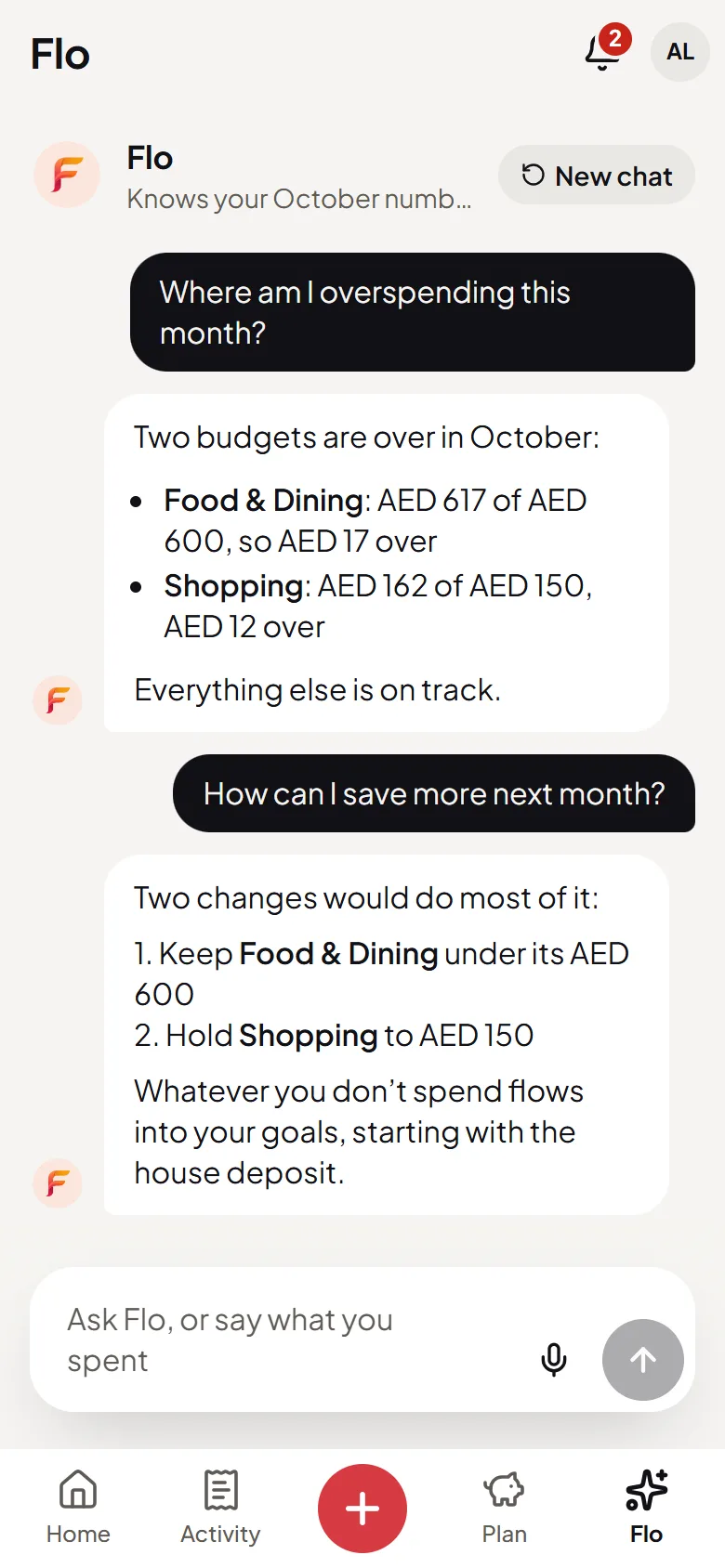
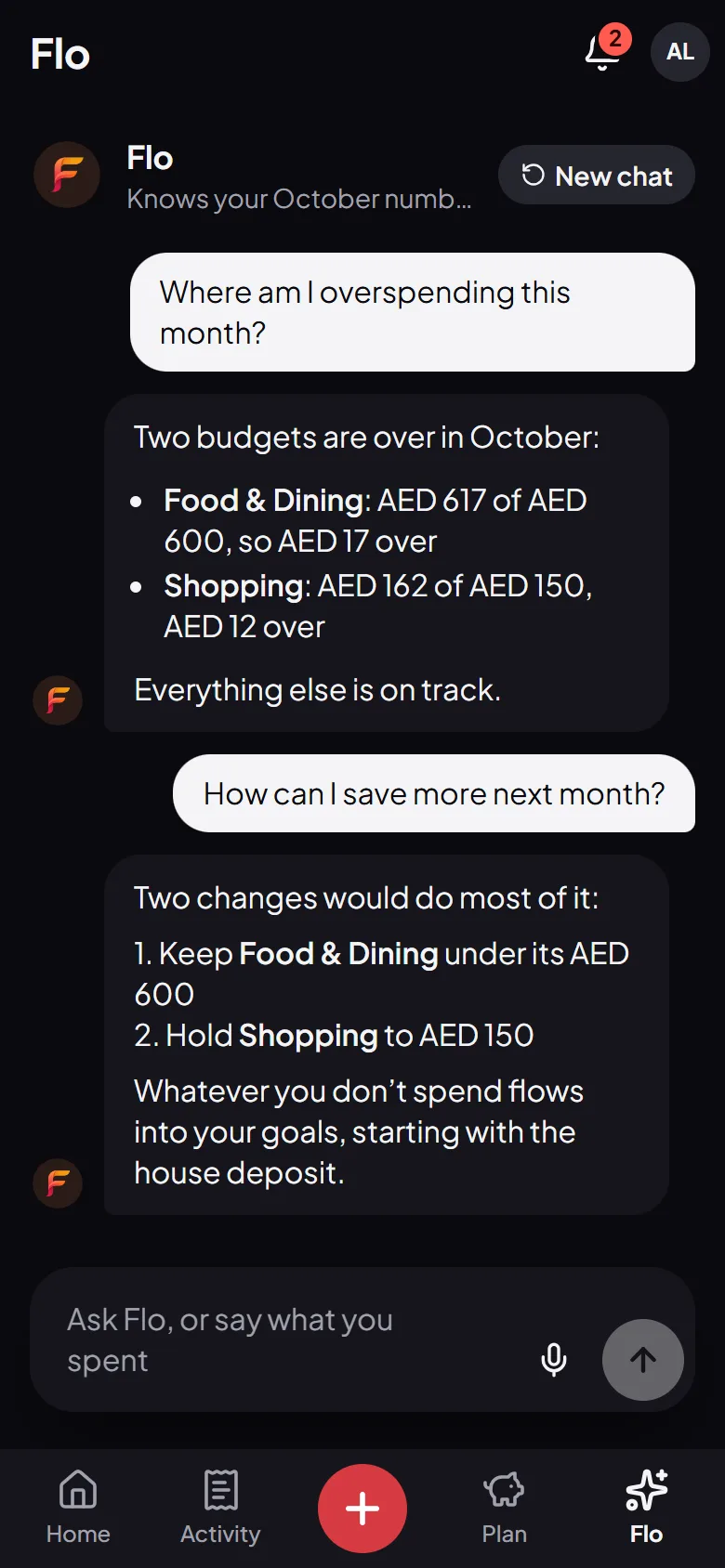
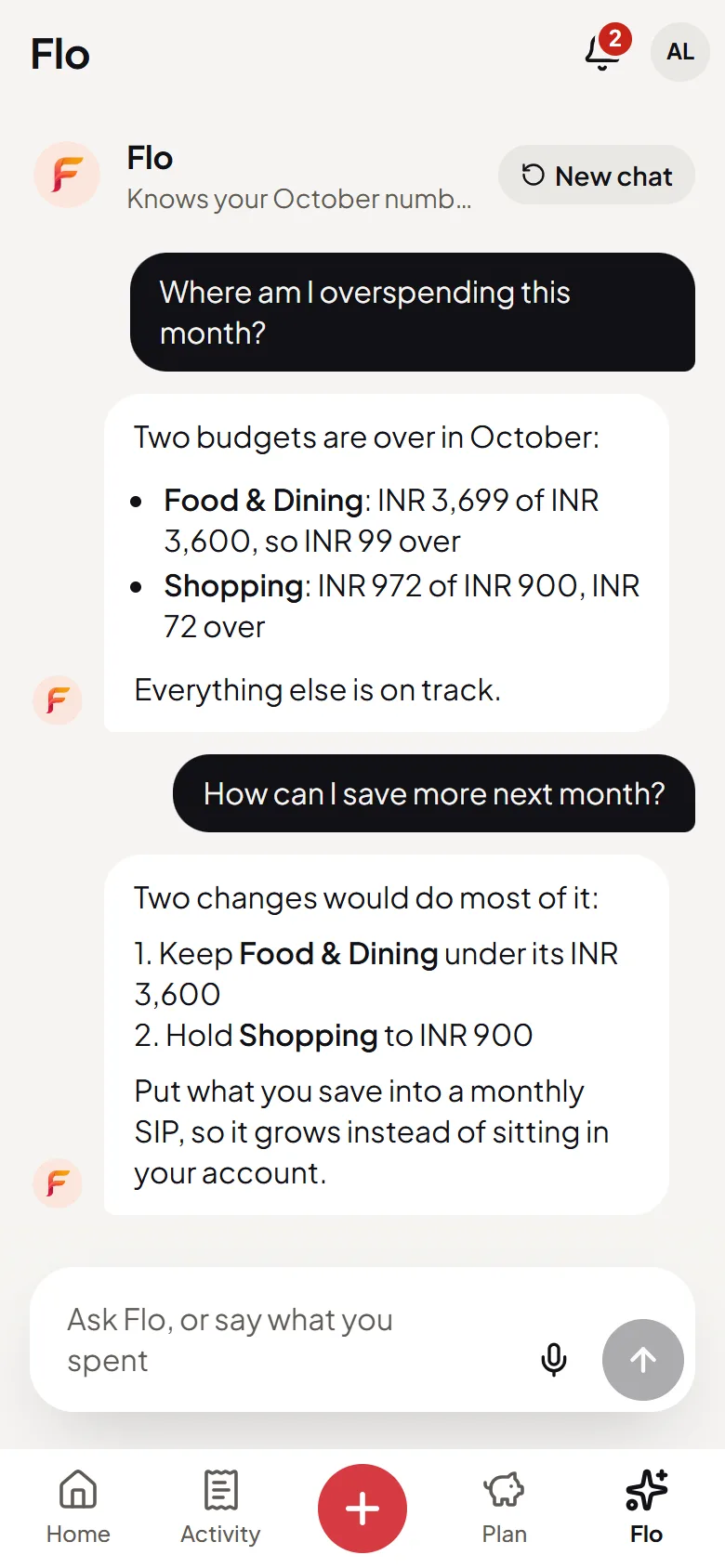
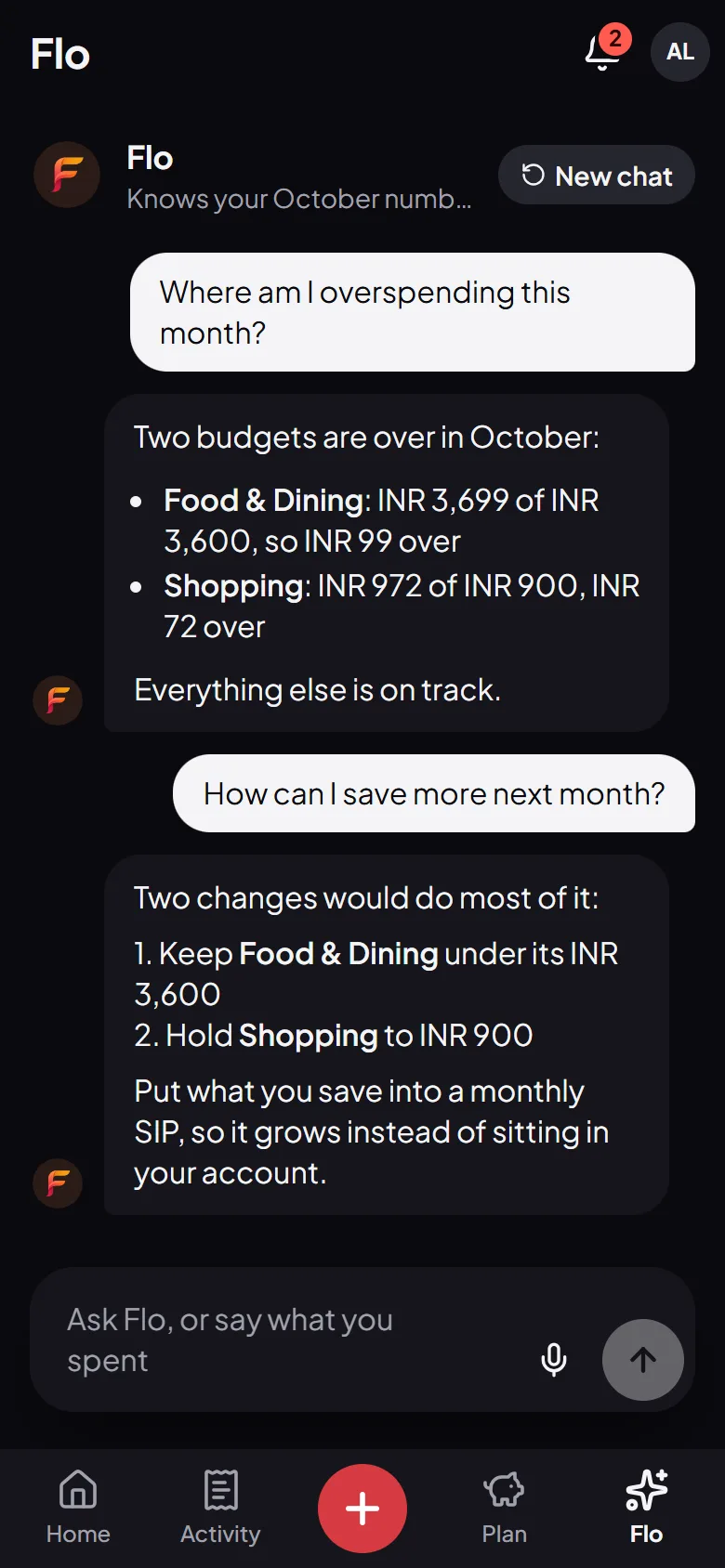
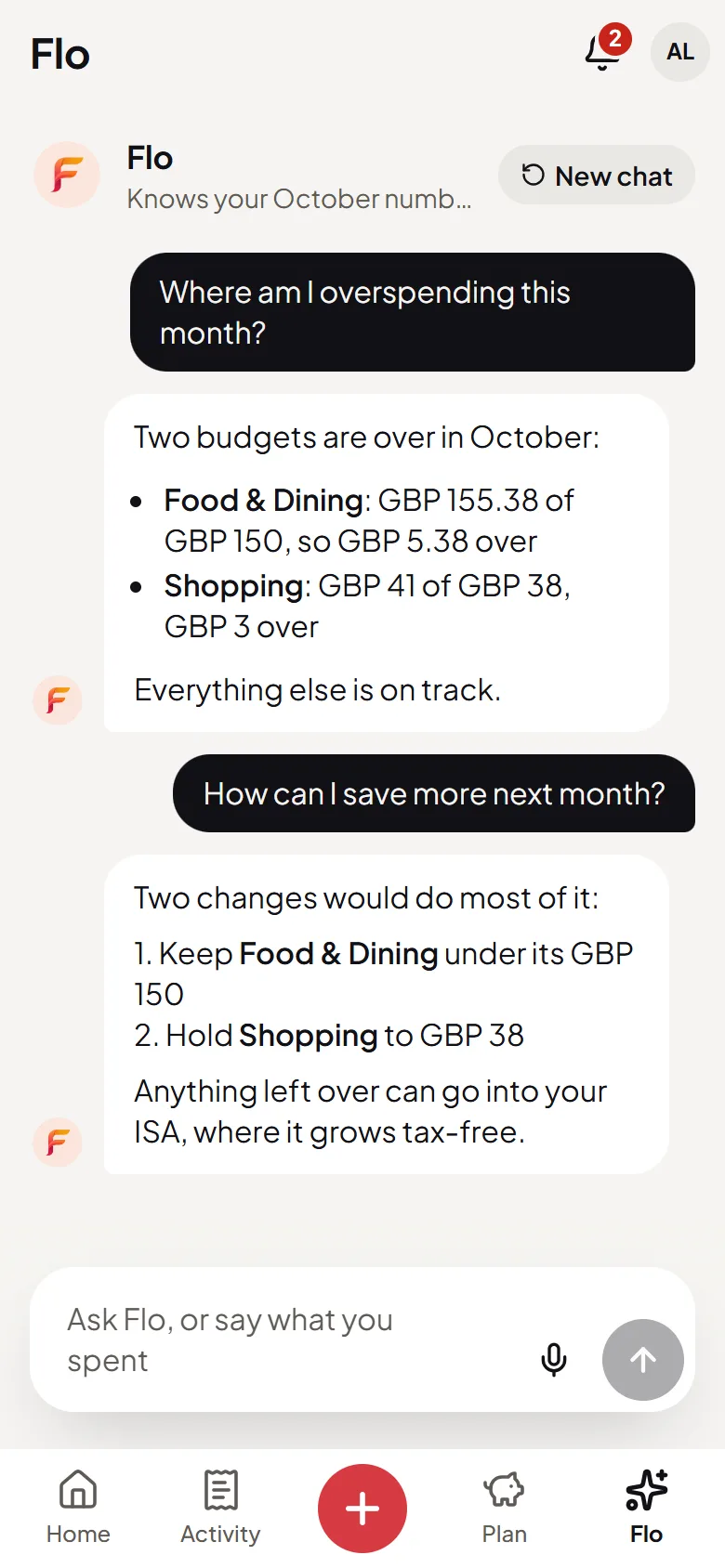
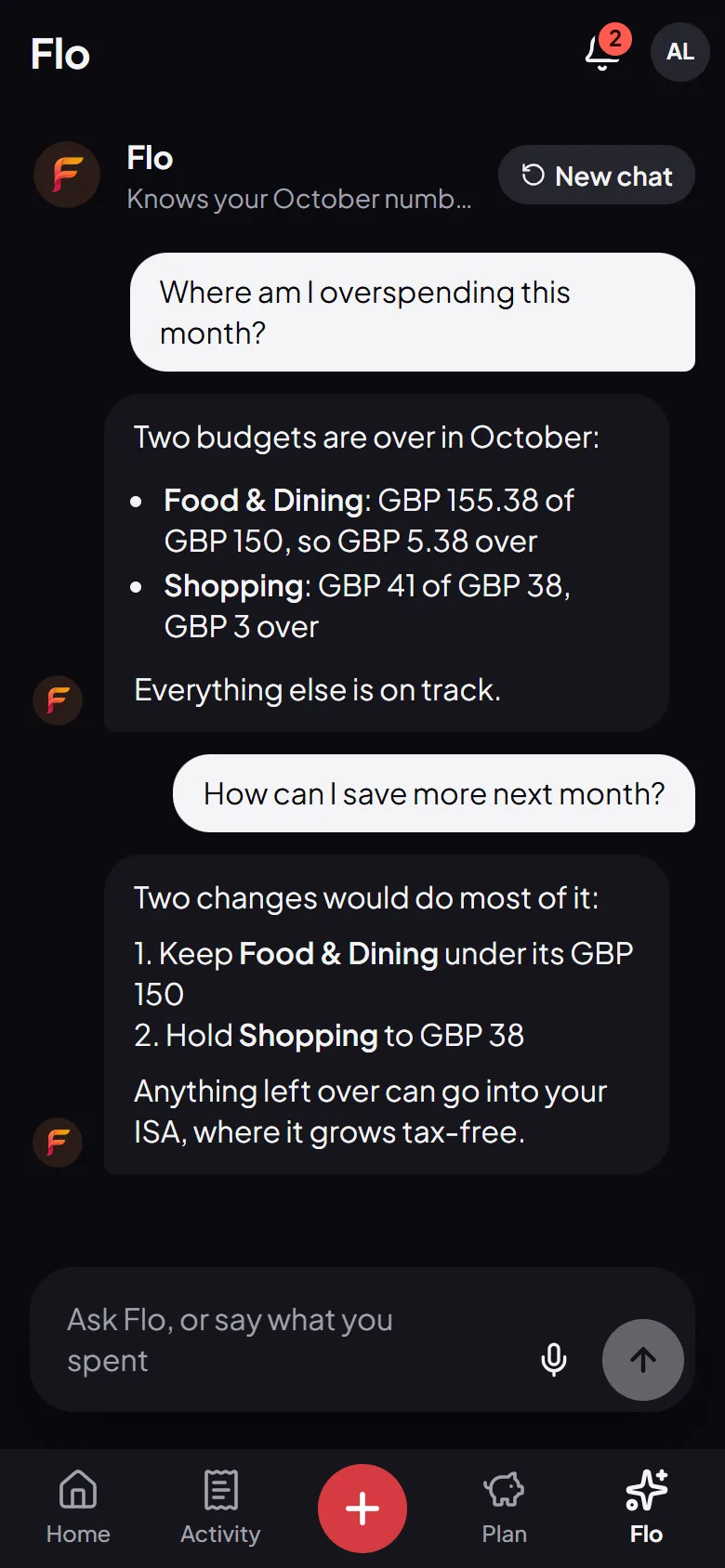
Once your spending is in, ask Flo “Where am I overspending?” and get the categories and the amounts from your own transactions.
- Answers with your own numbers
- Bills, budgets and goals included
- Nothing changes without your OK
Privacy
Your data, your call
A finance app is only worth using if you can trust it. Here’s what that means at Flo.
No bank login
Flo reads the alerts your bank already sends you, so your banking password never comes near it.
Filtered on your phone
With automatic capture, anything that isn’t a bank alert is discarded on your phone straight away.
Sent only to read
An alert you review is sent to our AI providers to read, and nothing is added until you confirm it.
Read the full privacy policy.
Bank SMS expense tracker: questions, answered
Does Flo read all my messages?
No. Automatic capture is off until you turn it on in the Android app. Then Flo looks at notifications only to spot bank alerts, and anything else is discarded on your phone straight away, never stored or sent.
Which banks does it work with?
Flo reads the message itself instead of connecting to a bank, so it isn’t tied to a list of banks. If an SMS says how much you paid and where, Flo can log it, and you check every one.
Is it the same as connecting my bank?
No. Reading an SMS needs no bank login and no connection to your account. Flo only sees the alerts you give it, and nothing goes in without you.
Does it work on iPhone?
Pasting an SMS works anywhere Flo does, including in the browser on an iPhone. Catching alerts as they arrive needs the Flo Money app for Android.
What does it cost?
Nothing. SMS logging, like the rest of Flo Money, is free.