FreeAndroid and the webAny currency

Voice expense tracker: just say what you spent

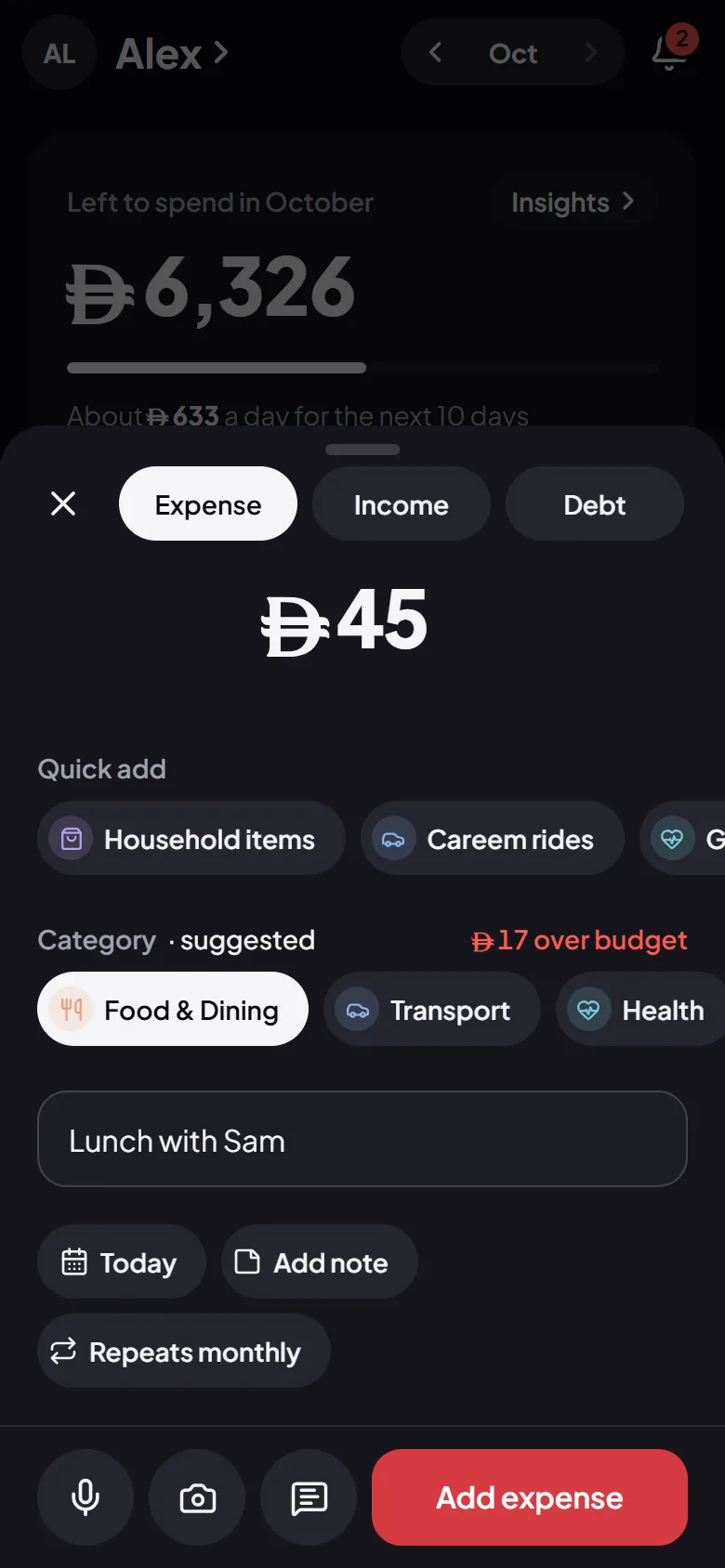
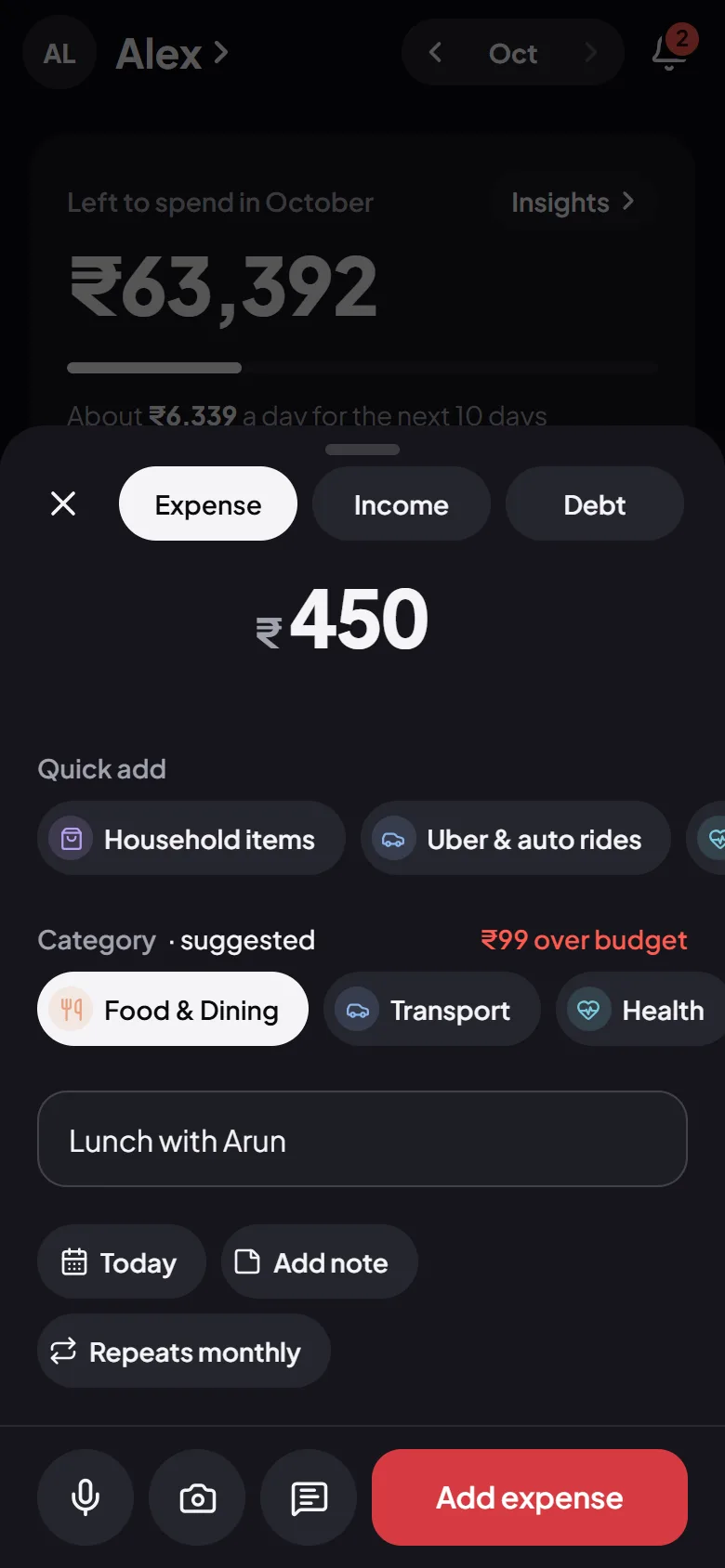
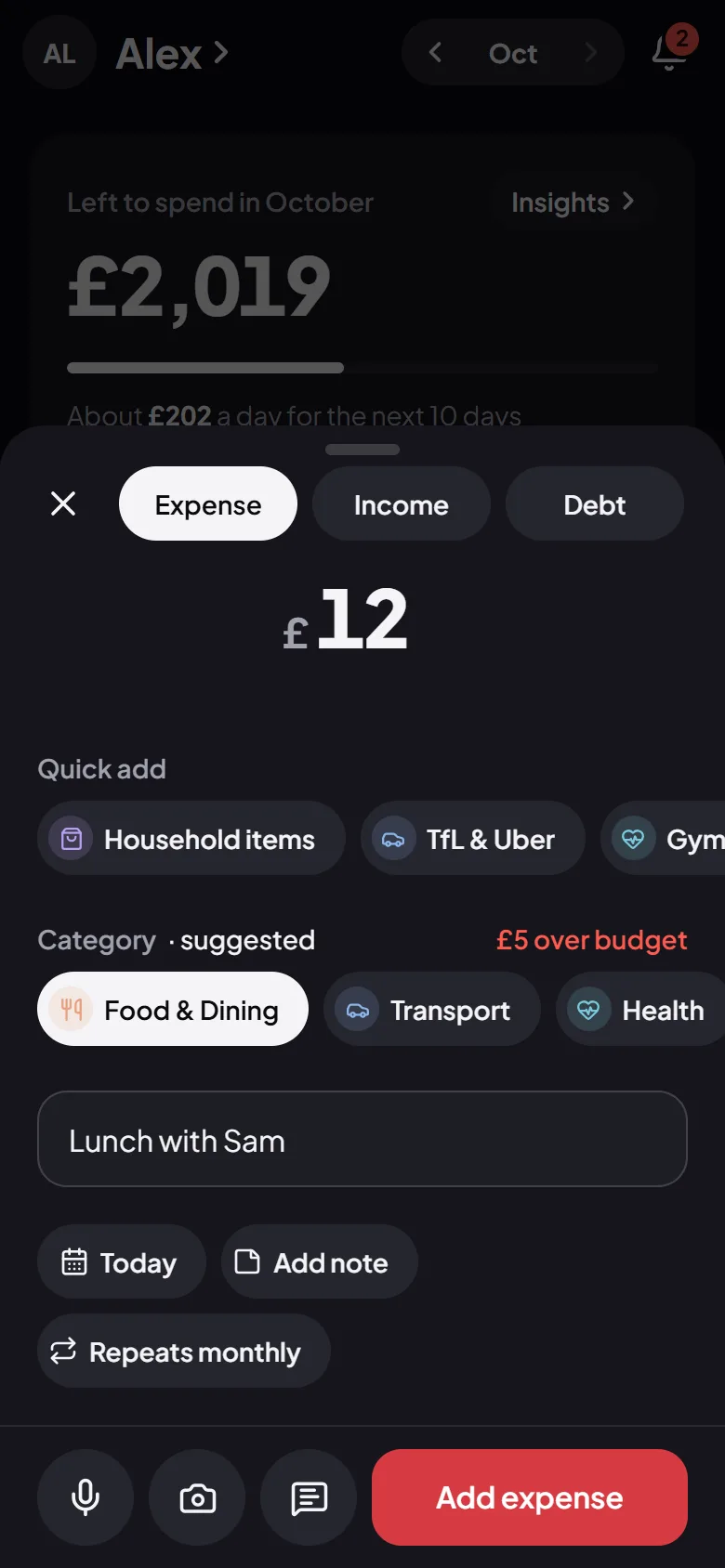
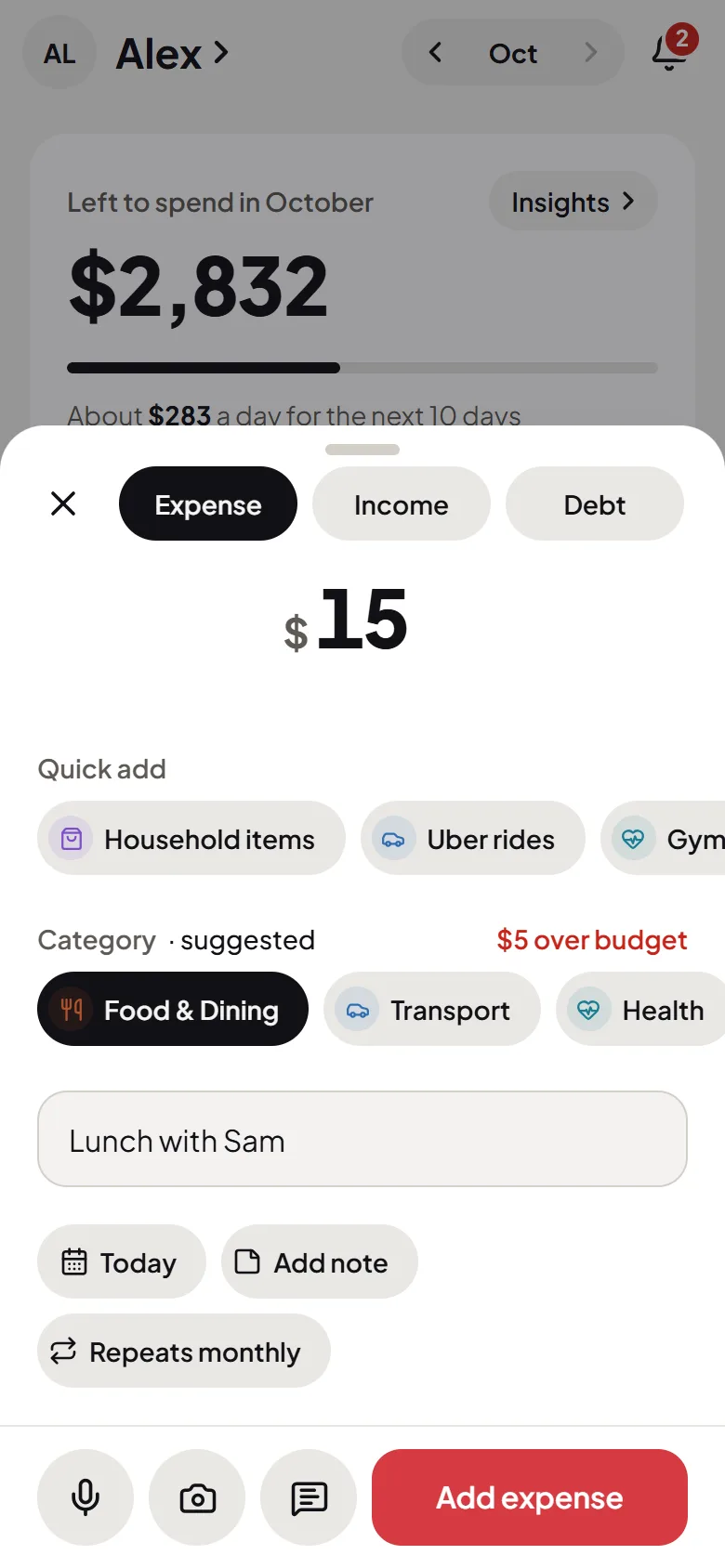
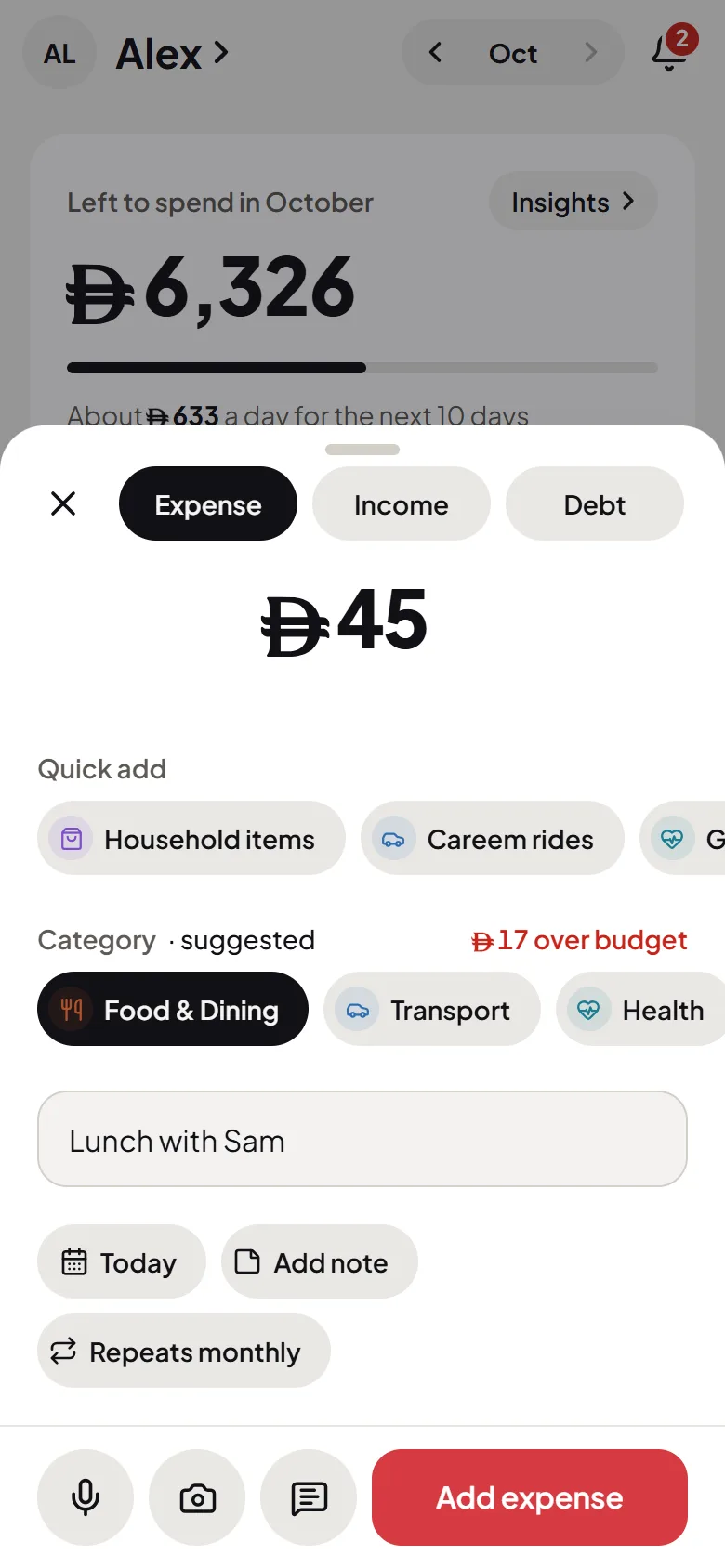
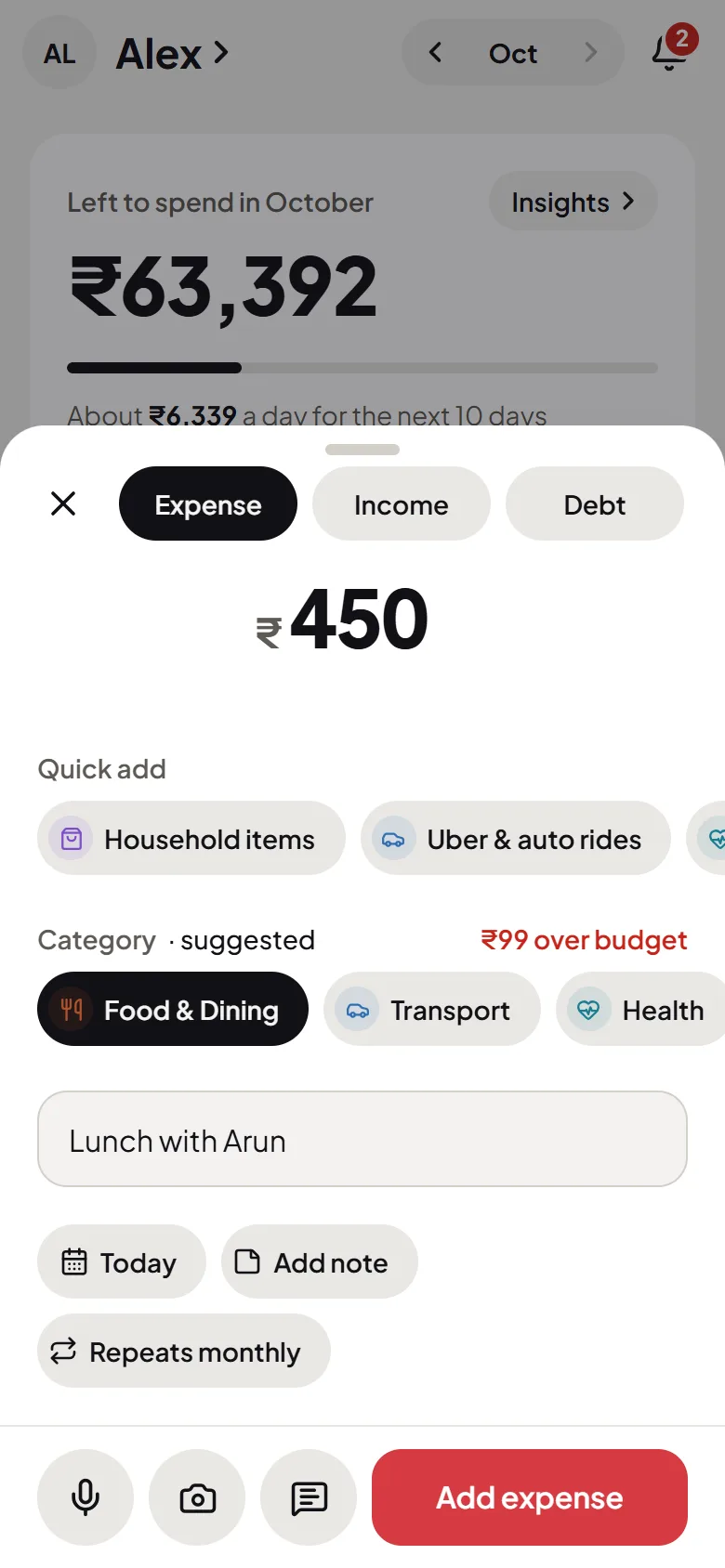
Tap Say it and talk the way you would to a friend: “45 on lunch”, “12 coffee with Sam”. Flo turns it into a logged expense, with the amount, the category and the place filled in, and you check it before it’s saved.

Start free

No credit card Set up in a minute Delete anytime
9:41
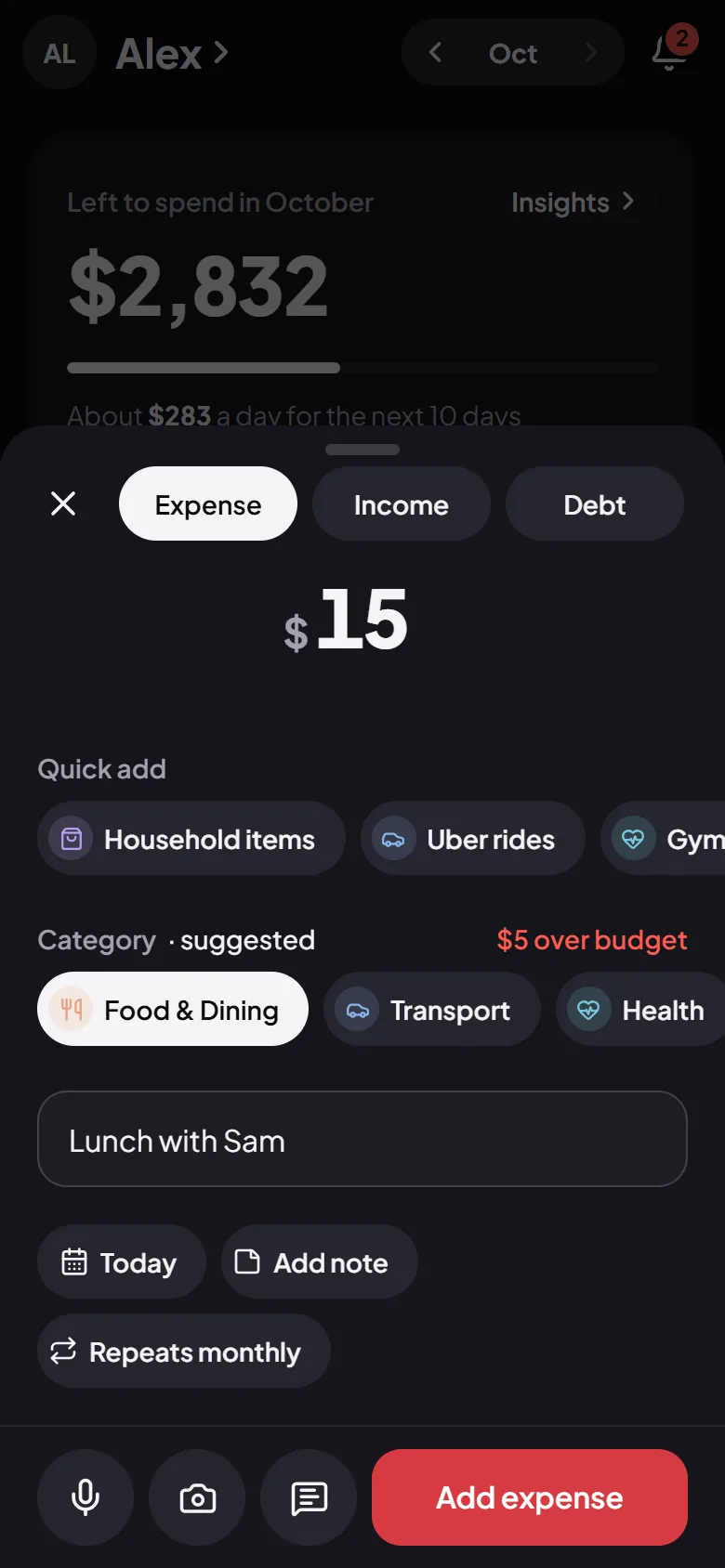
The Add screen in Flo Money: the amount in large figures and a suggested category, ready to check and save
9:41
The Add screen in Flo Money: the amount in large figures and a suggested category, ready to check and save
9:41
The Add screen in Flo Money: the amount in large figures and a suggested category, ready to check and save
9:41
The Add screen in Flo Money: the amount in large figures and a suggested category, ready to check and save

How it works

  1. Tap Say it

    On Home, or the microphone in the + sheet. Then say what you spent, in your own words.

  2. Flo fills it in

    The amount, a category, the place and the date, from what you said. It learns the places and categories you use.

  3. You check, then save

    Nothing is added until you say so. Change anything that’s off, then save it in one tap.

Say it

Talk the way you already do

There’s no form to fill and no special words to learn. Say the amount and what it was for, and the place if you like. Flo logs it in the currency you use, from dirhams and rupees to pounds and dollars.

  • “45 on lunch”
  • “12 coffee with Sam”
  • “Paid 300 for the electricity bill”
9:41
9:41
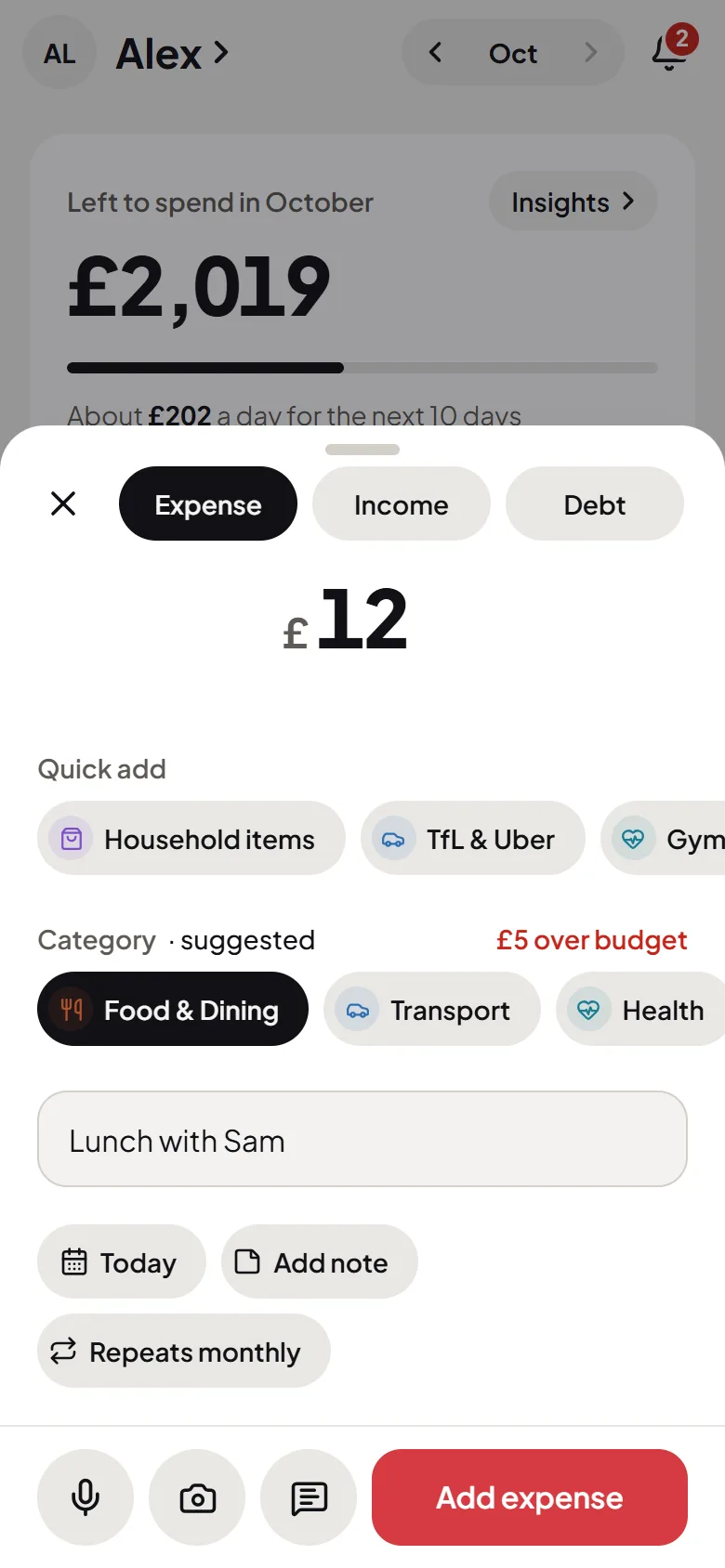
Flo Money’s Add screen, with the microphone, camera and SMS buttons for logging by voice, receipt or bank SMSFlo Money’s Add screen, with the microphone, camera and SMS buttons for logging by voice, receipt or bank SMS
9:41
9:41
Flo Money’s Add screen, with the microphone, camera and SMS buttons for logging by voice, receipt or bank SMSFlo Money’s Add screen, with the microphone, camera and SMS buttons for logging by voice, receipt or bank SMS
9:41
9:41
Flo Money’s Add screen, with the microphone, camera and SMS buttons for logging by voice, receipt or bank SMSFlo Money’s Add screen, with the microphone, camera and SMS buttons for logging by voice, receipt or bank SMS
9:41
9:41
Flo Money’s Add screen, with the microphone, camera and SMS buttons for logging by voice, receipt or bank SMSFlo Money’s Add screen, with the microphone, camera and SMS buttons for logging by voice, receipt or bank SMS

Or type, paste or scan

Every way to log, one tap from Home

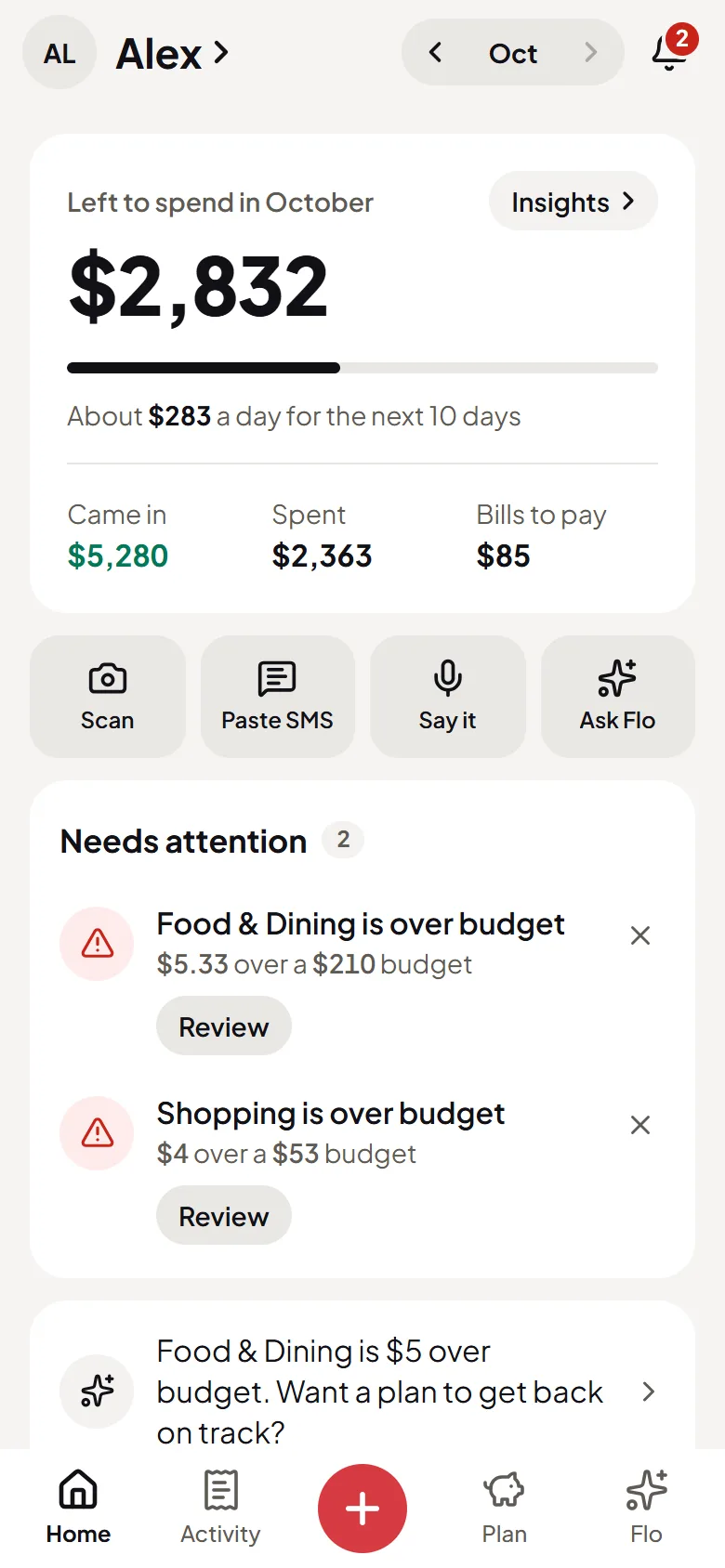
When talking isn’t right, type it in a couple of taps, paste the SMS your bank sent, or scan a receipt photo. Every way ends the same: Flo fills it in, and you check it.

  • Type it in a couple of taps
  • Paste a bank SMS
  • Scan a receipt photo
9:41
9:41
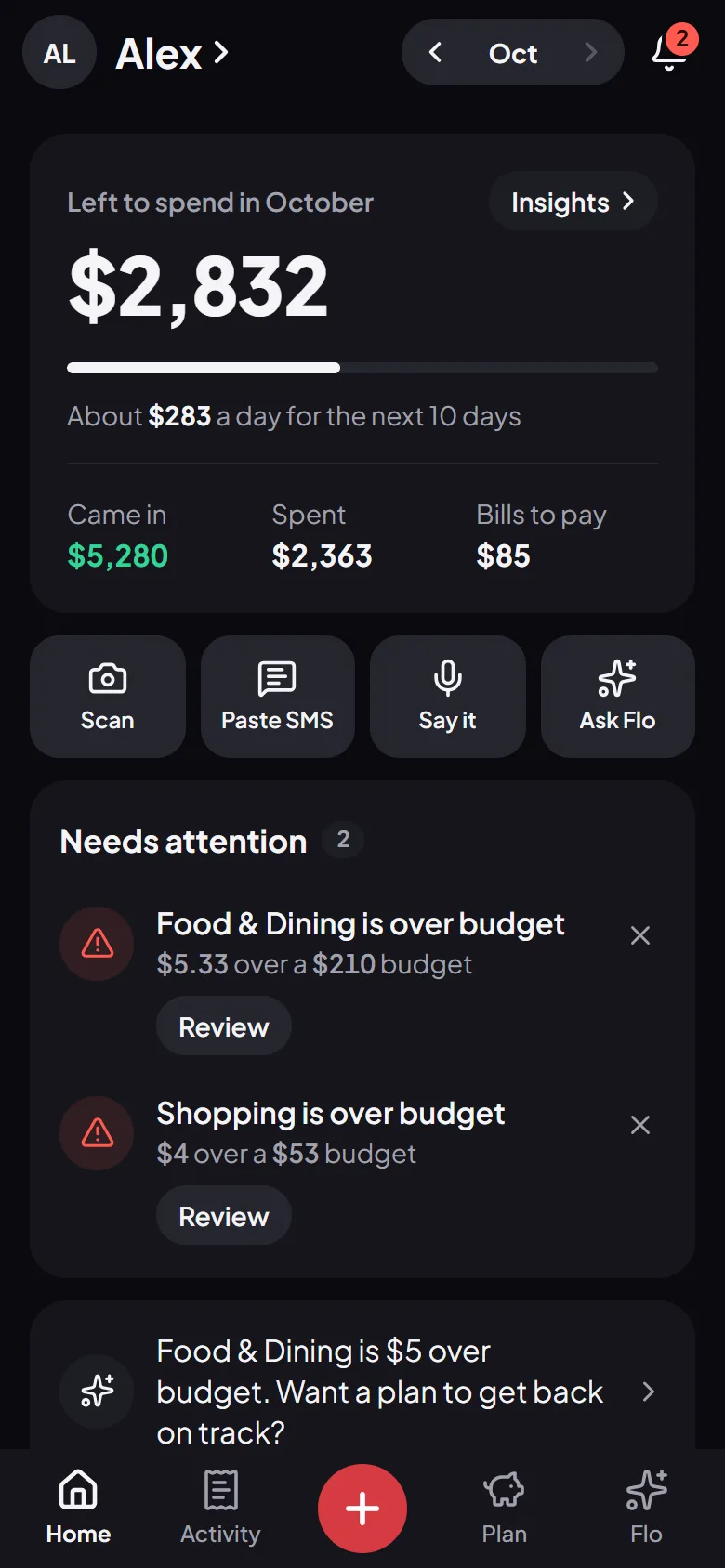
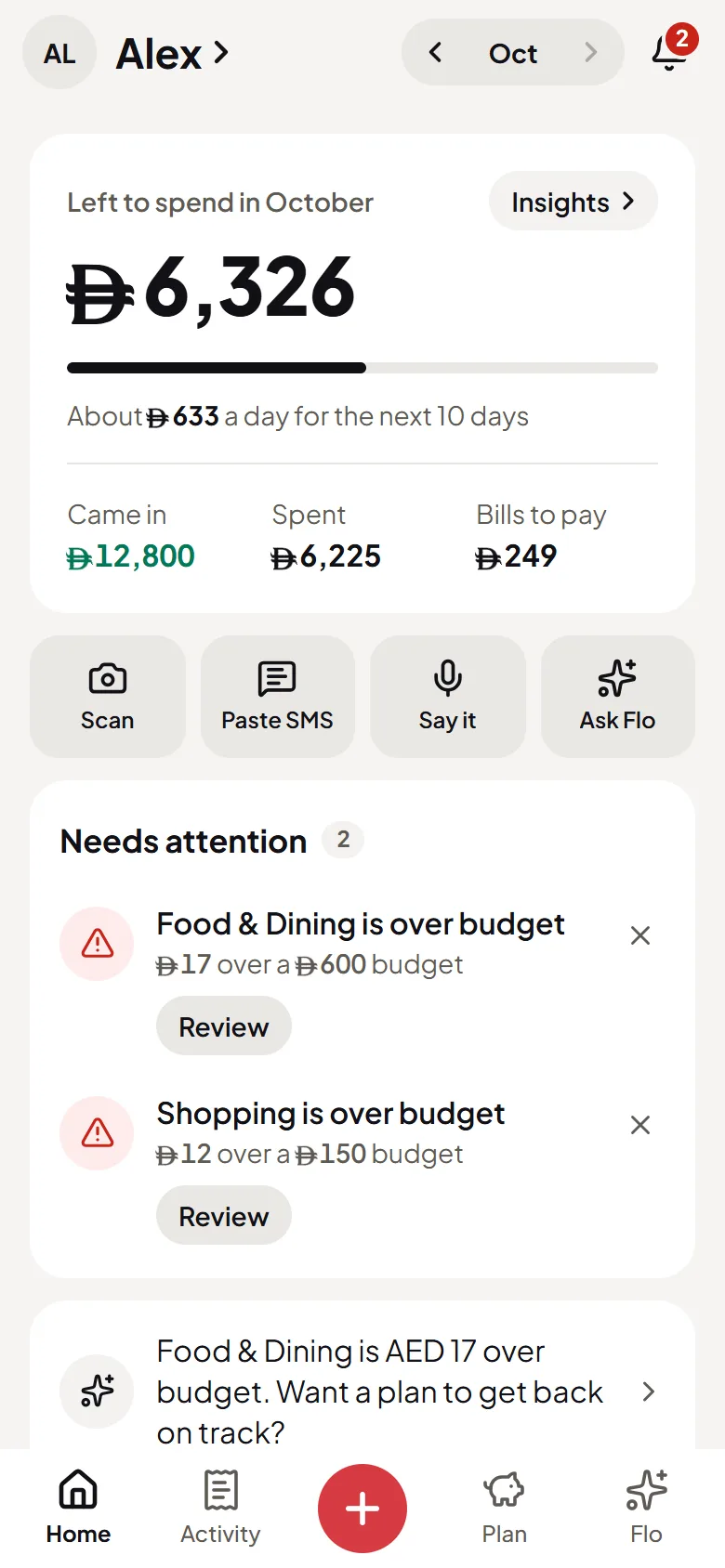
Flo Money’s Home screen with Scan, Paste SMS, Say it and Ask Flo one tap awayFlo Money’s Home screen with Scan, Paste SMS, Say it and Ask Flo one tap away
9:41
9:41
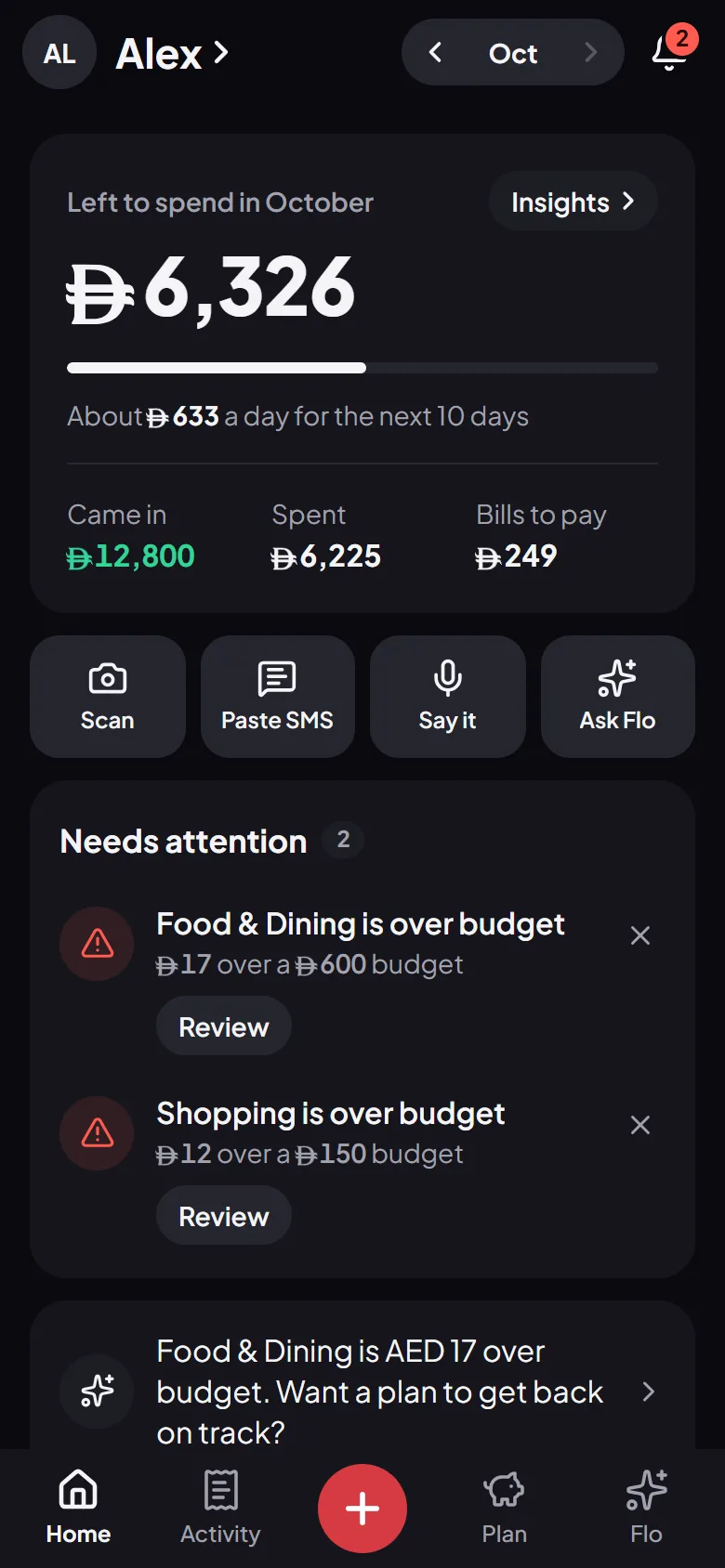
Flo Money’s Home screen with Scan, Paste SMS, Say it and Ask Flo one tap awayFlo Money’s Home screen with Scan, Paste SMS, Say it and Ask Flo one tap away
9:41
9:41
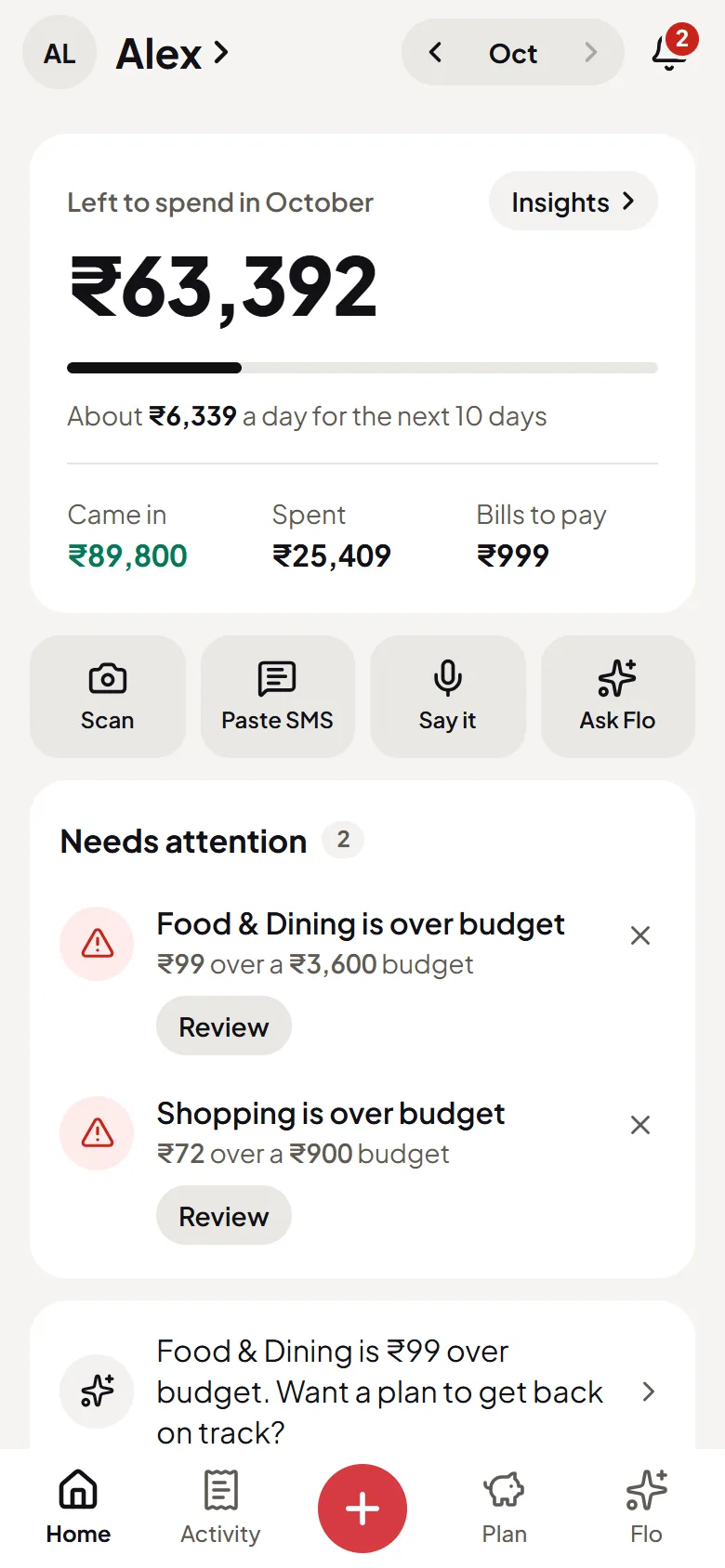
Flo Money’s Home screen with Scan, Paste SMS, Say it and Ask Flo one tap awayFlo Money’s Home screen with Scan, Paste SMS, Say it and Ask Flo one tap away
9:41
9:41
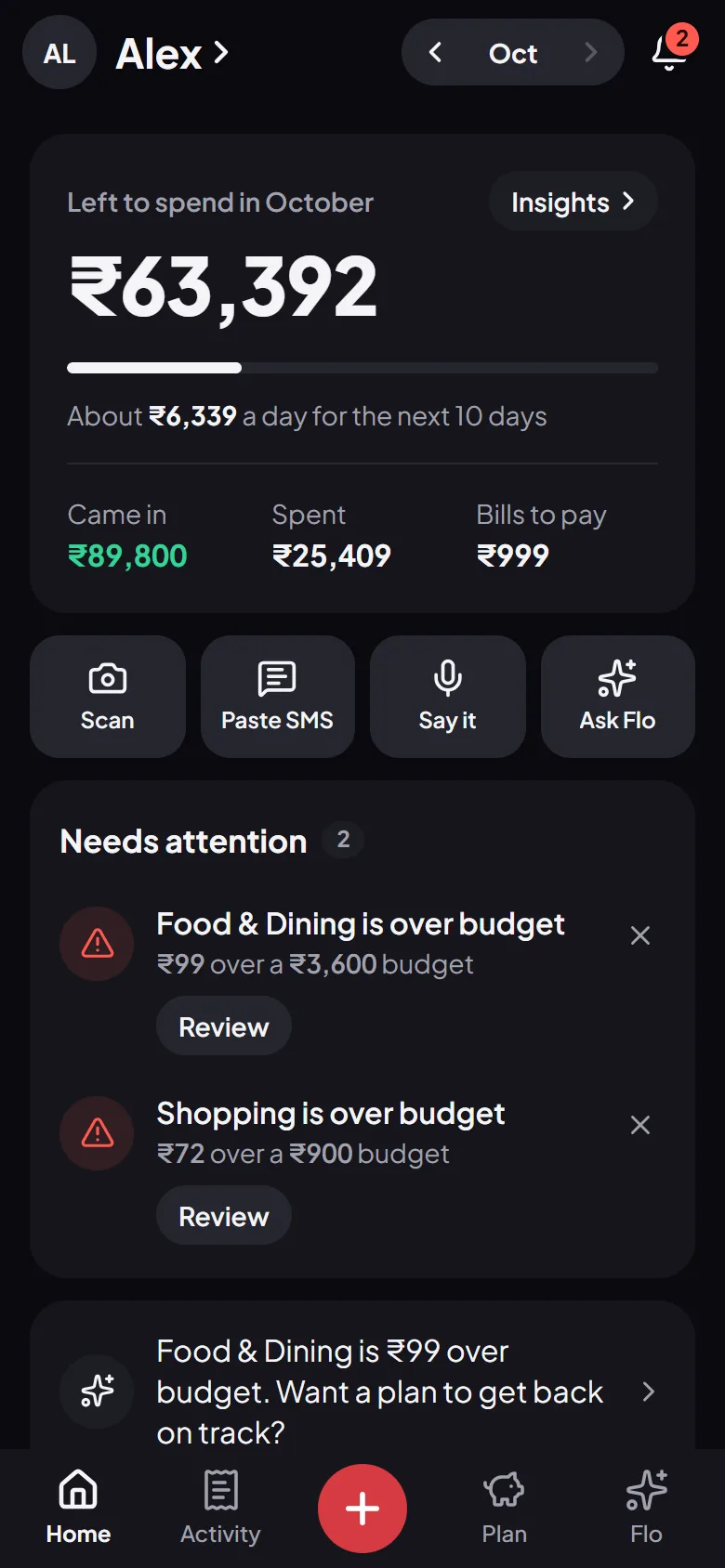
Flo Money’s Home screen with Scan, Paste SMS, Say it and Ask Flo one tap awayFlo Money’s Home screen with Scan, Paste SMS, Say it and Ask Flo one tap away

Then

What’s left moves the moment you speak

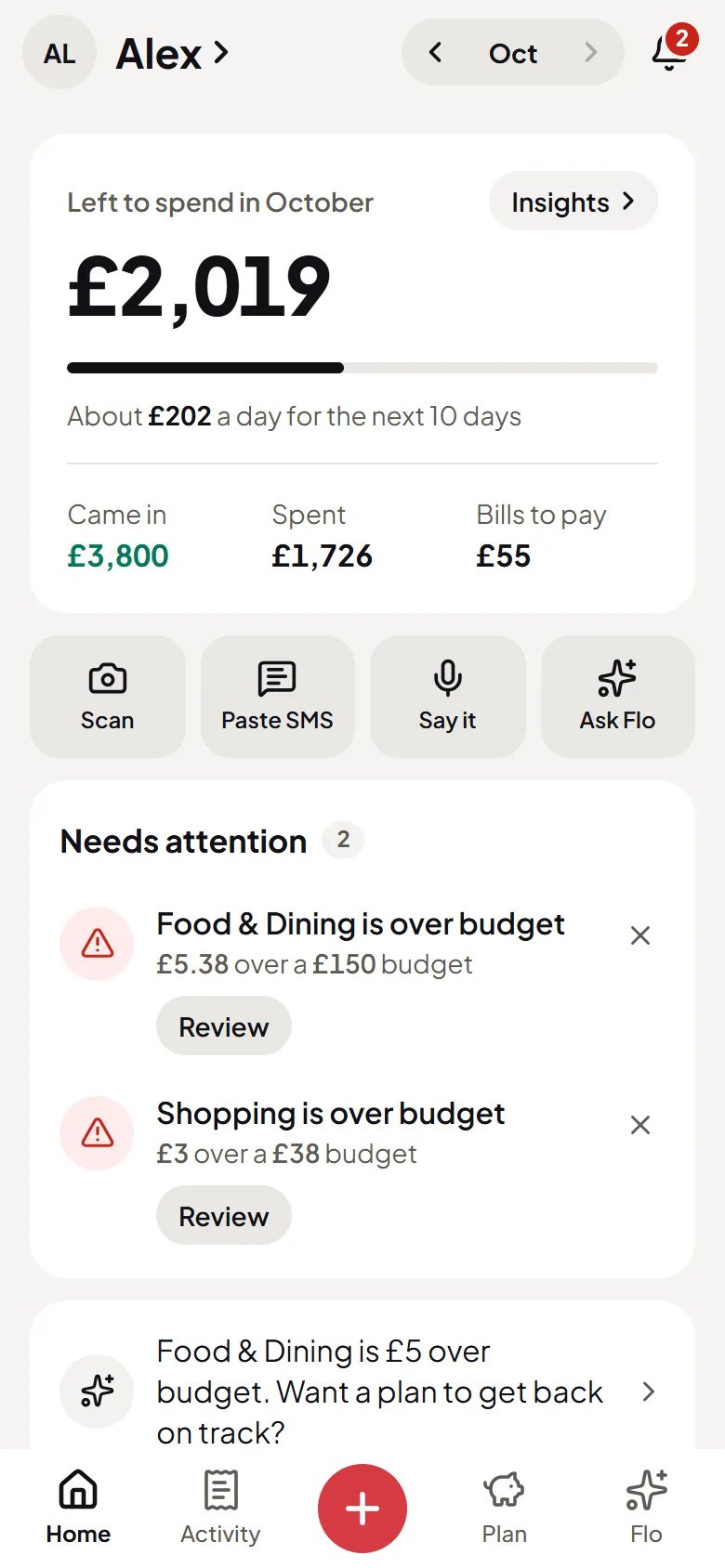
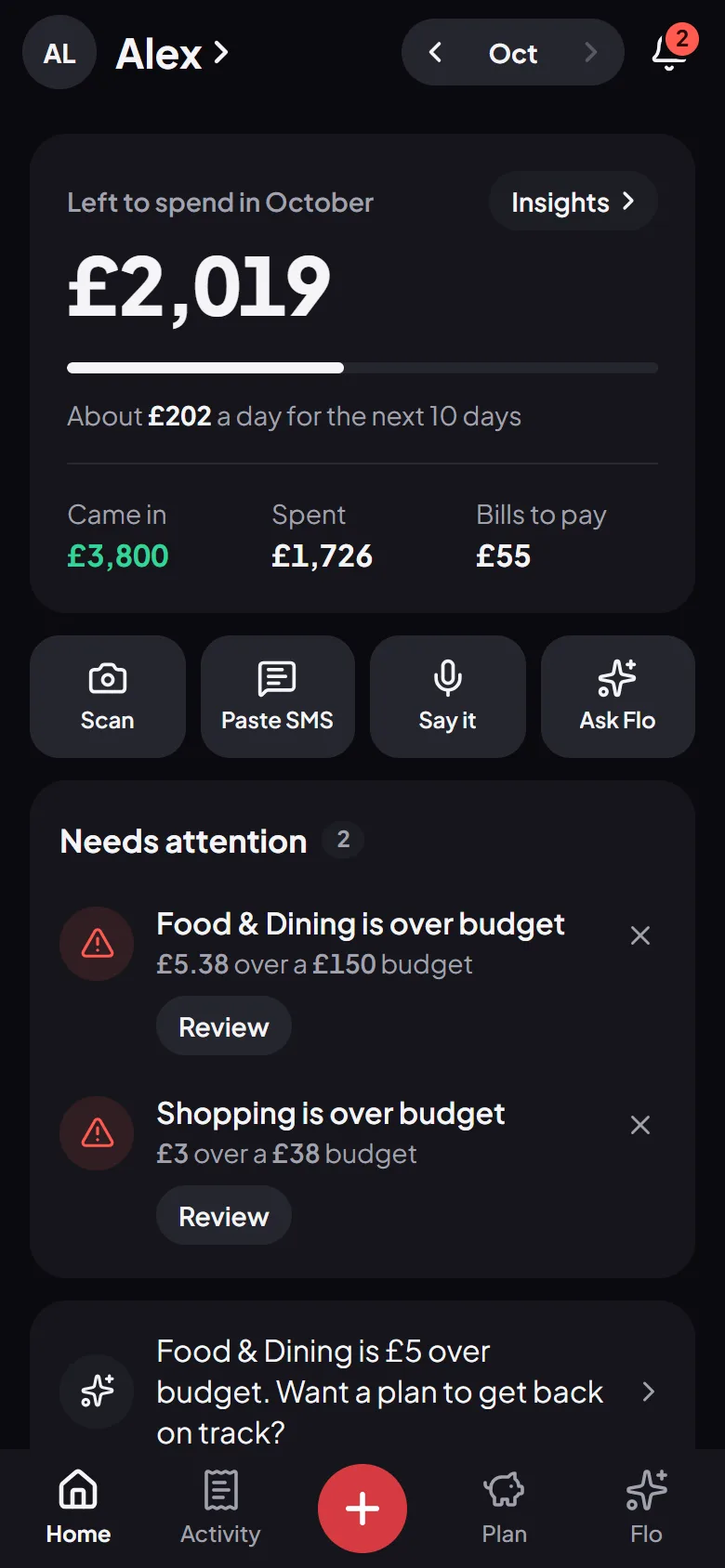
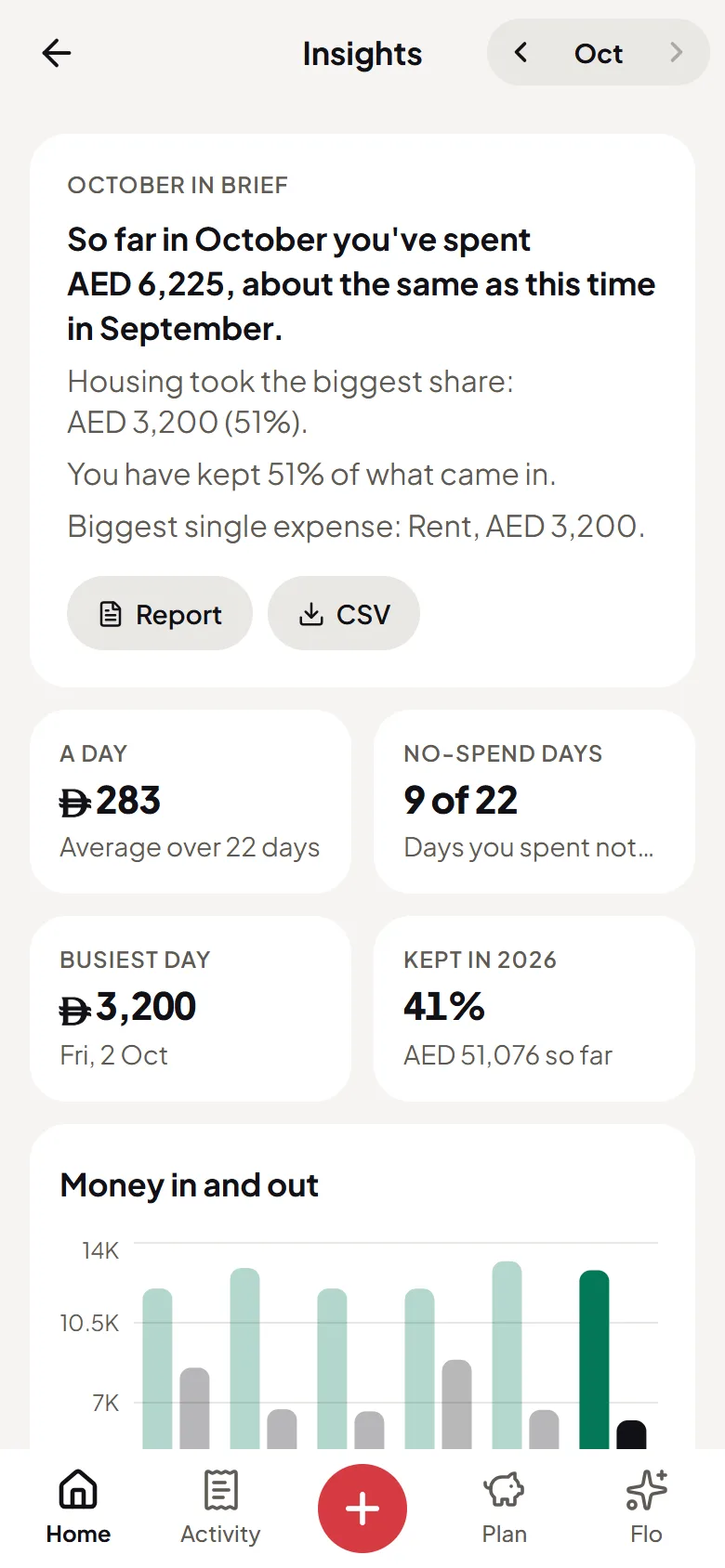
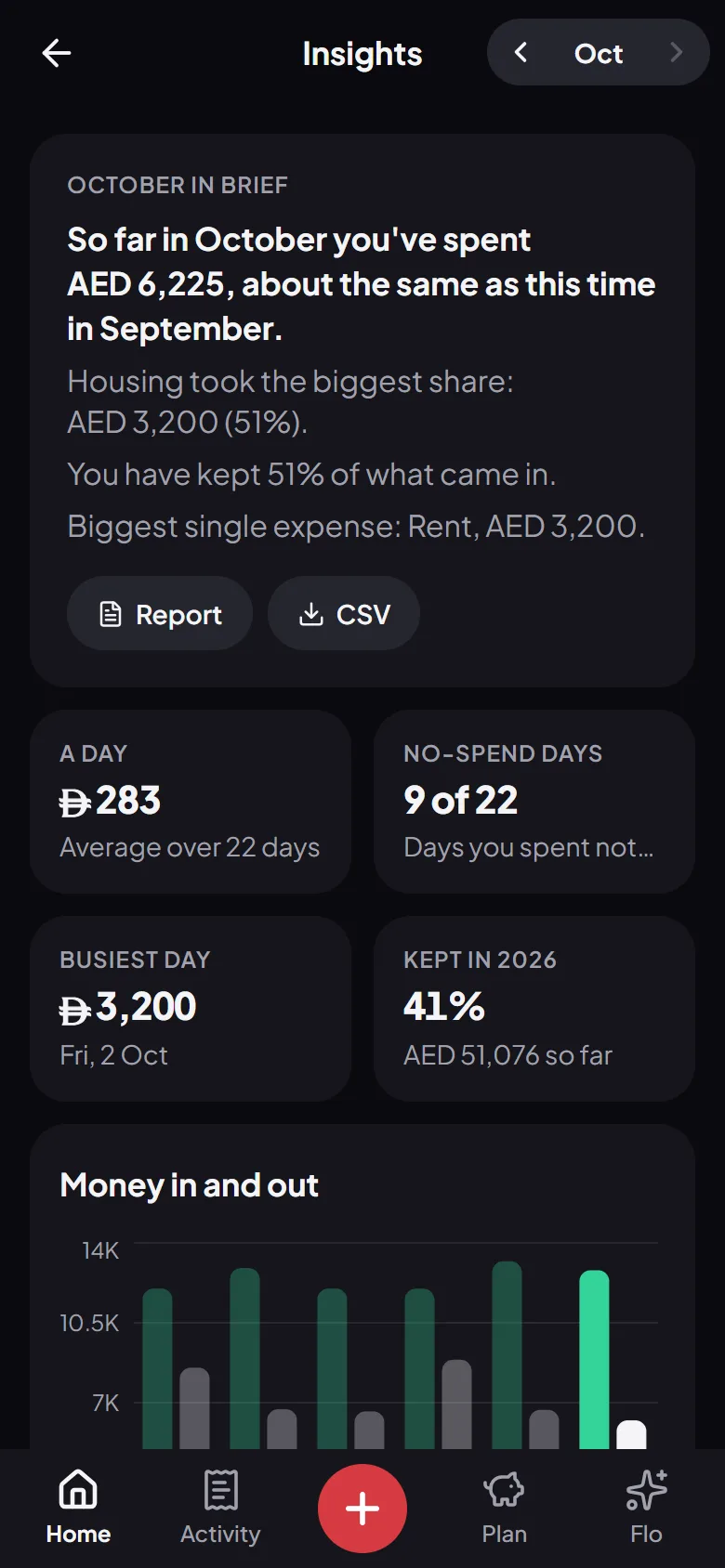
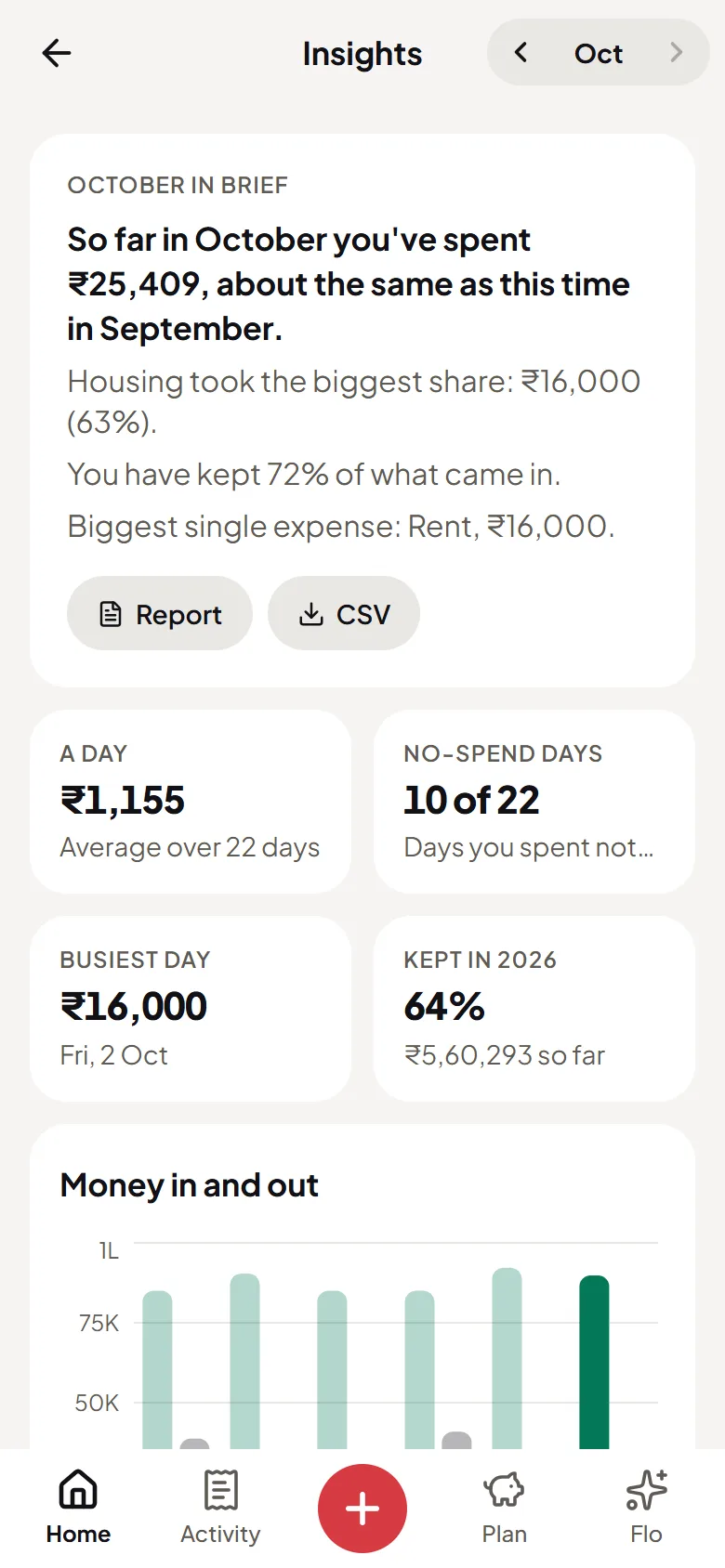
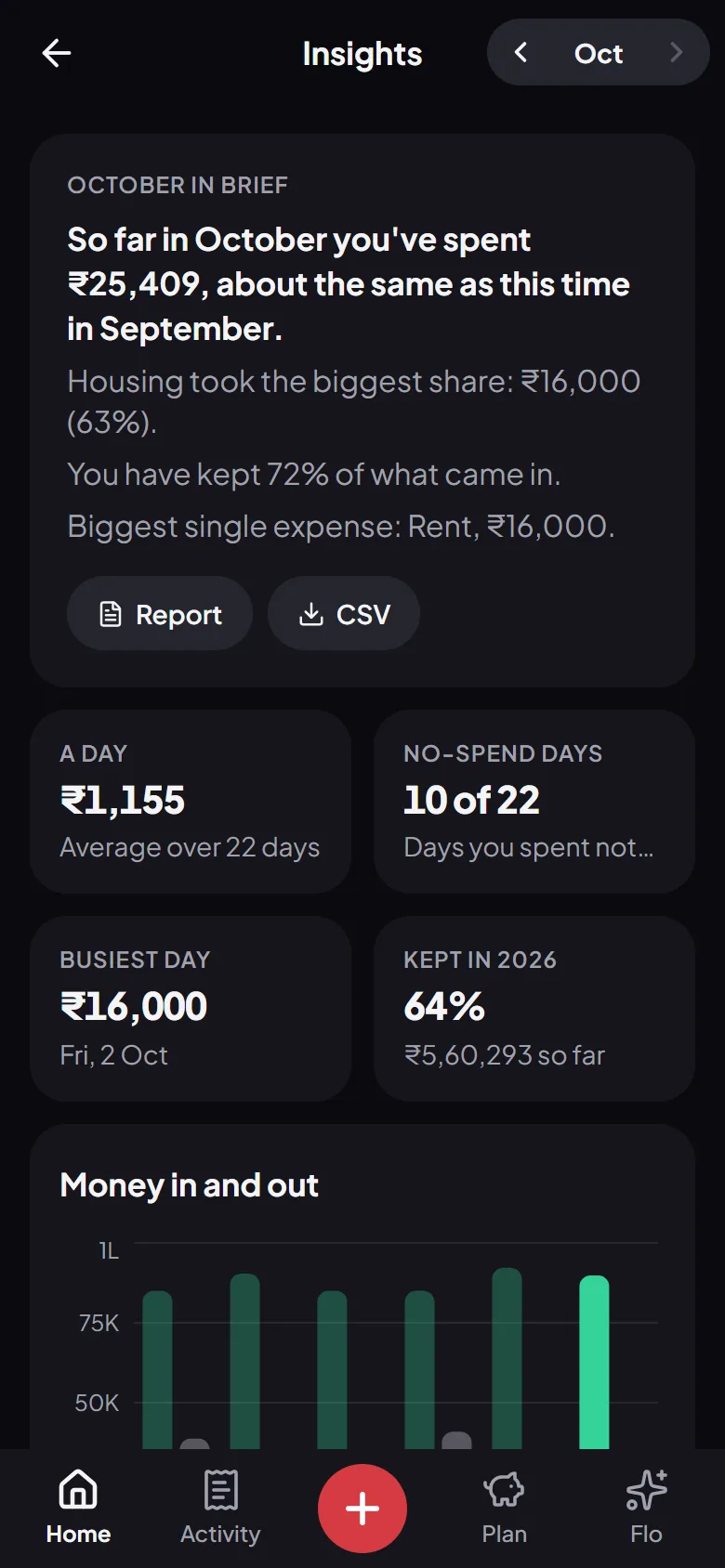
Each expense comes off what’s left for the month as soon as it’s saved, so Home always shows what you can still spend, and how much that is a day.

  • What’s left, and how much a day
  • Bills counted before they’re paid
  • Budgets that warn you in time
9:41
9:41
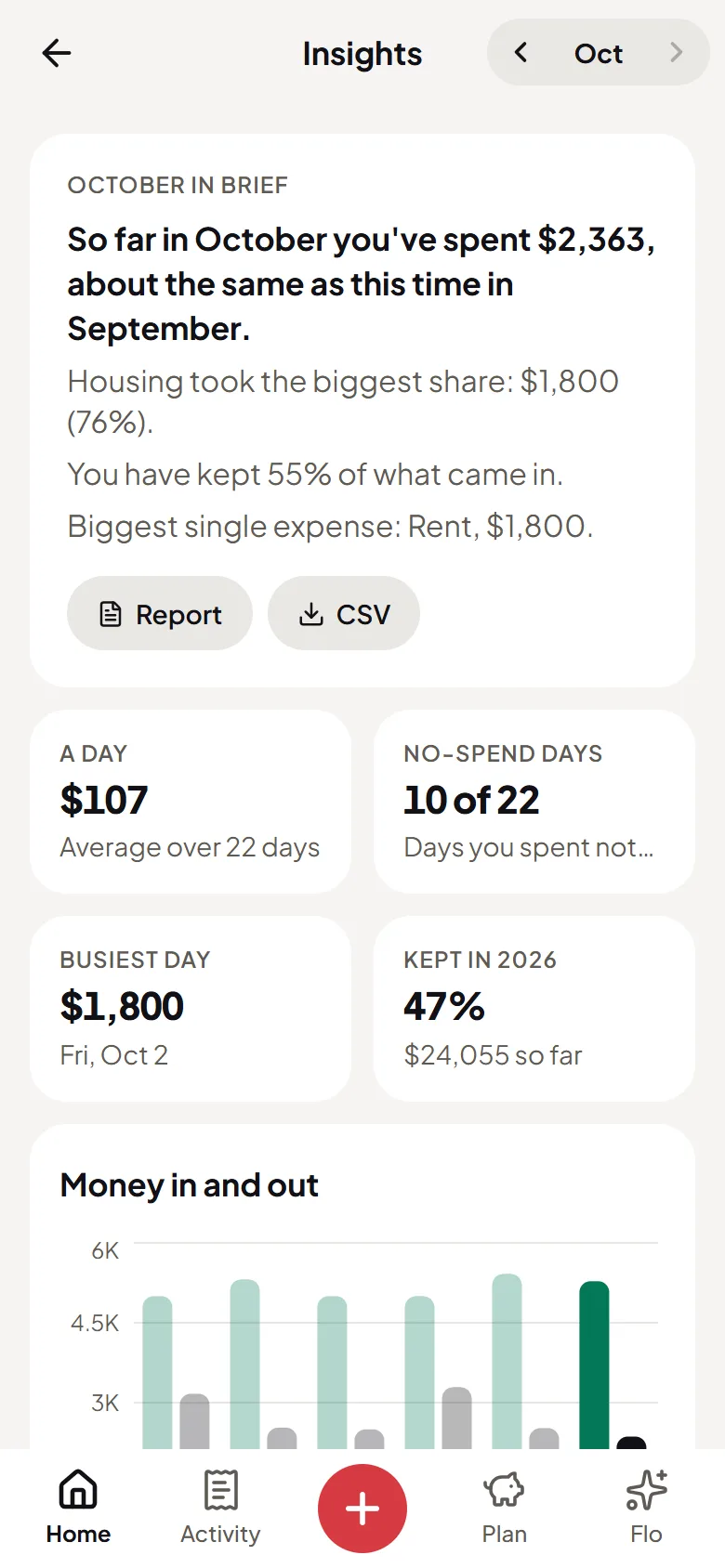
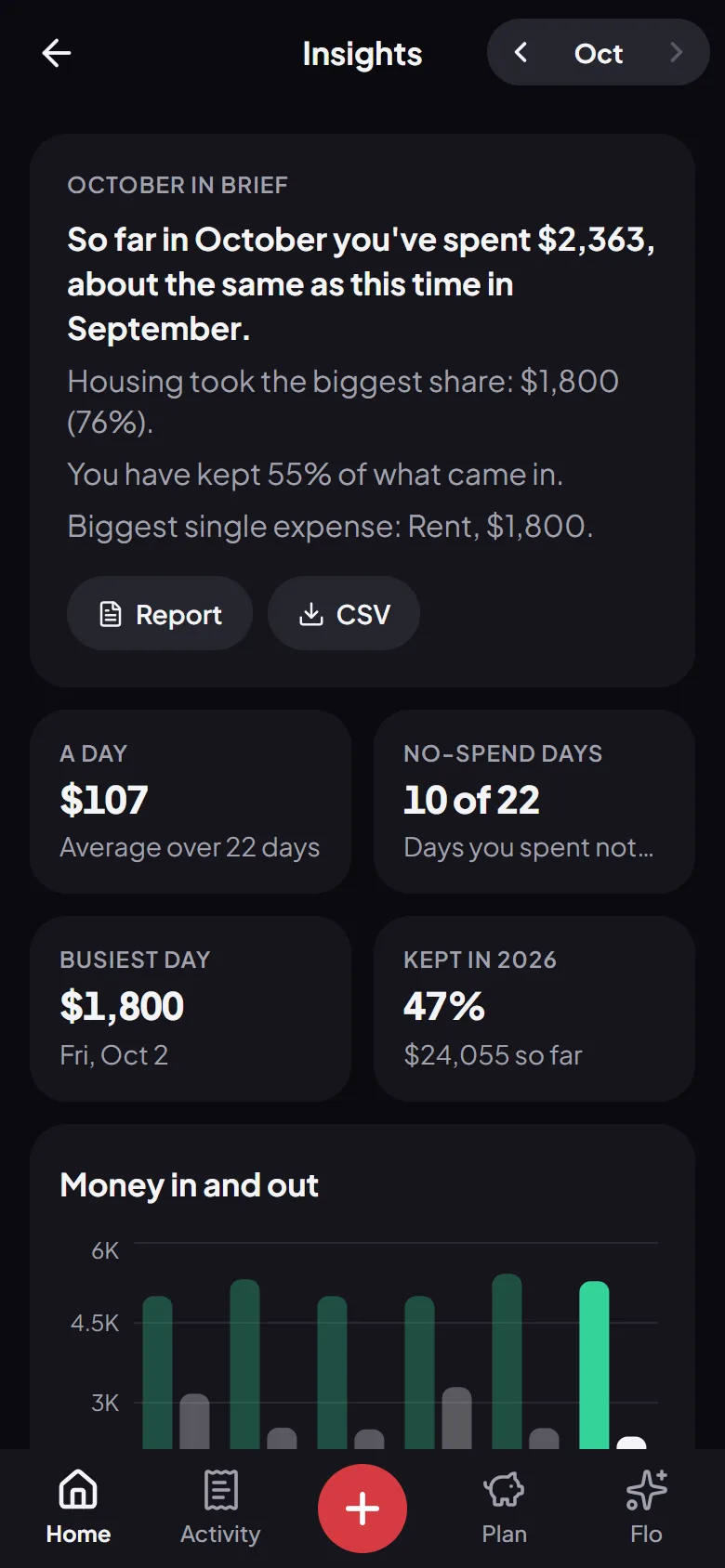
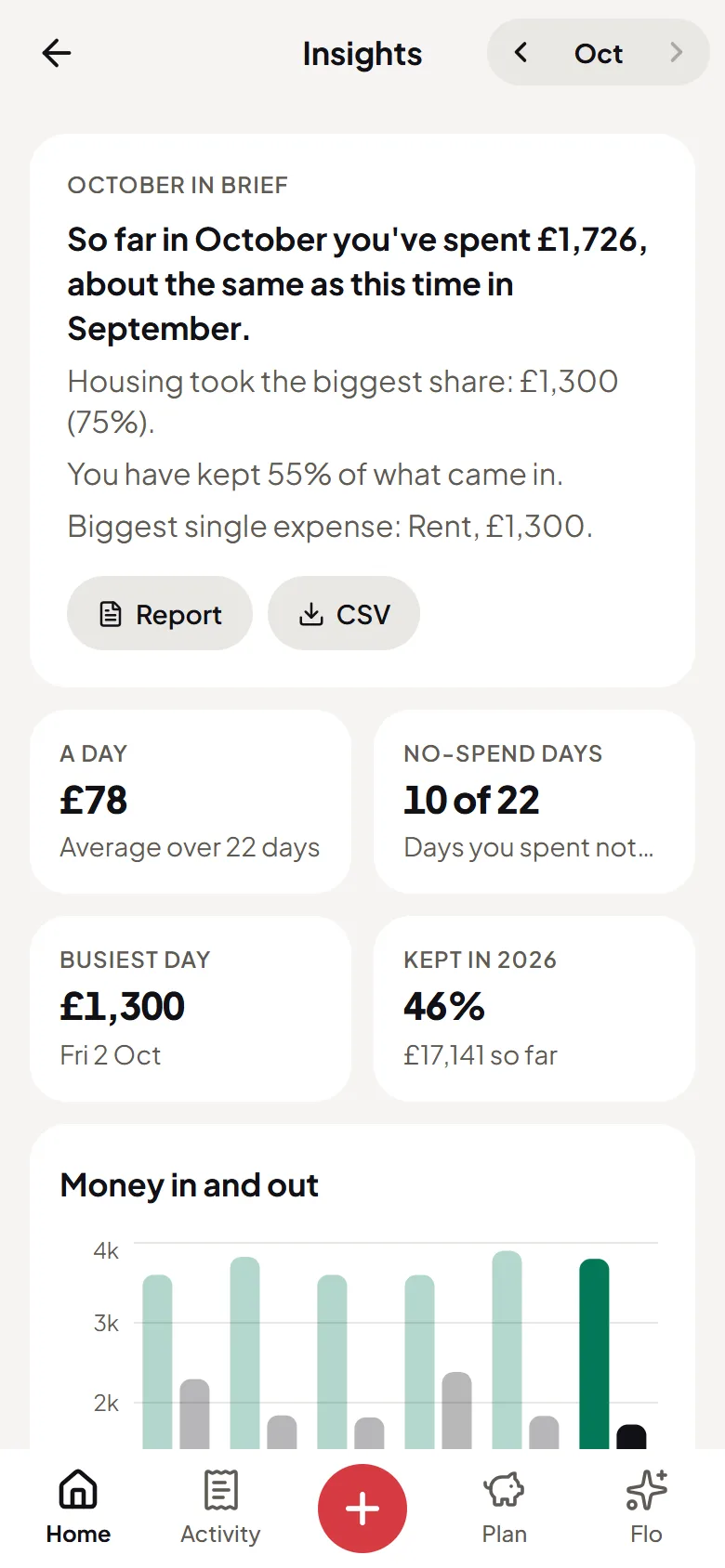
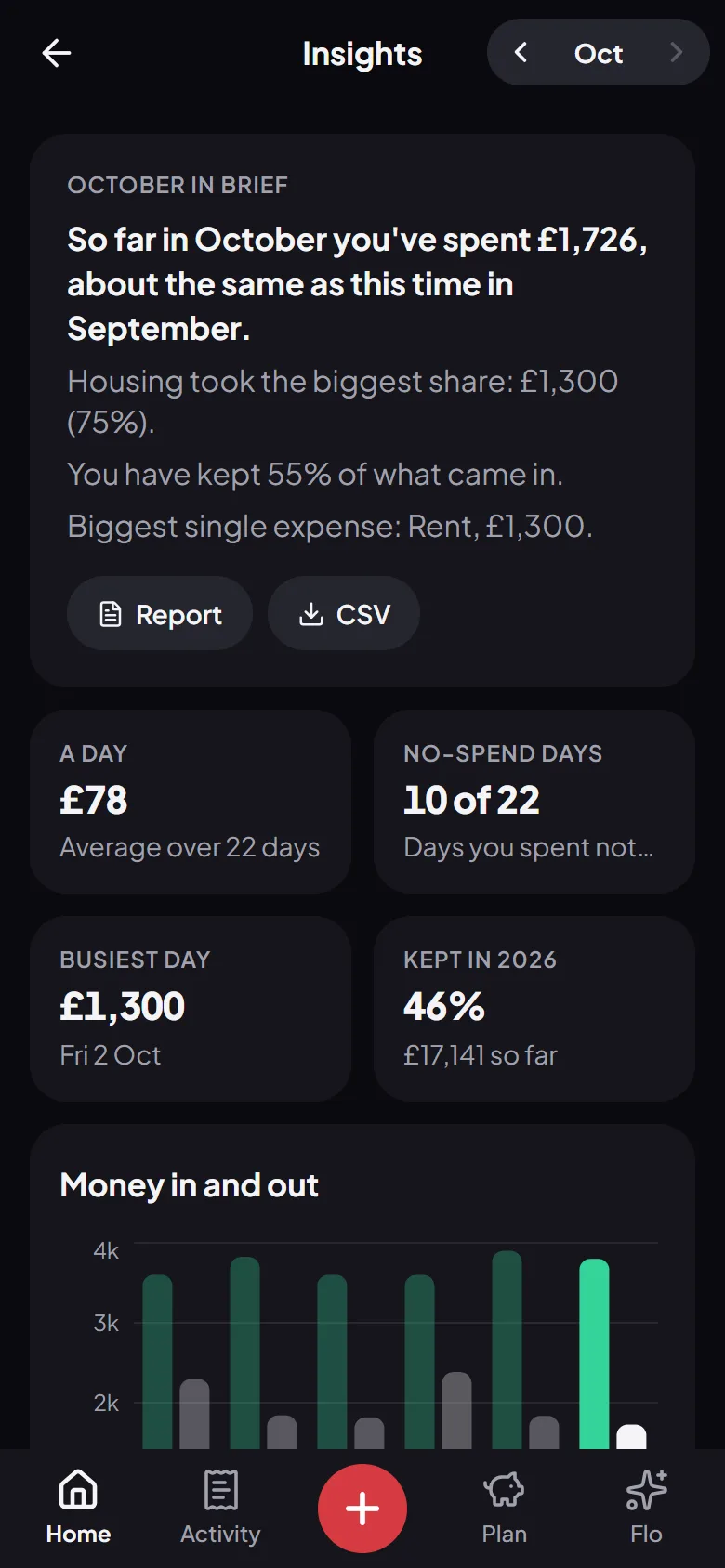
Flo Money’s insights: the month in a few sentences, money in and out, and where it wentFlo Money’s insights: the month in a few sentences, money in and out, and where it went
9:41
9:41
Flo Money’s insights: the month in a few sentences, money in and out, and where it wentFlo Money’s insights: the month in a few sentences, money in and out, and where it went
9:41
9:41
Flo Money’s insights: the month in a few sentences, money in and out, and where it wentFlo Money’s insights: the month in a few sentences, money in and out, and where it went
9:41
9:41
Flo Money’s insights: the month in a few sentences, money in and out, and where it wentFlo Money’s insights: the month in a few sentences, money in and out, and where it went

Privacy

Your data, your call

A finance app is only worth using if you can trust it. Here’s what that means at Flo.

  • Not kept

    Your recording is sent to our AI providers only to read it. Flo keeps the expense you confirm, never the recording.

  • Never sold

    No ads and no data brokers. What you log is only yours.

  • Yours to delete

    Delete any entry, or your whole account and everything in it, from the app.

Read the full privacy policy.

Voice expense tracker: questions, answered

Is the voice expense tracker free?

Yes. Voice logging is part of Flo Money, which is free: no trial, no card and no limit on how many expenses you log.

Do I need the app?

No. Voice logging works in a modern browser on your phone or computer, and in the Flo Money app for Android.

What happens to my recording?

It’s sent to our AI providers only to read the amount, the place and the category, and it isn’t kept: Flo saves only the expense you confirm.

What if Flo hears it wrong?

You see everything before it’s saved, and can change the amount, the category, the place or the date first. Flo learns from the places and categories you pick.

Which currencies does it work in?

All of them. Flo logs in the currency you set up, from dirhams and rupees to pounds and dollars, and writes amounts the way they’re written where you live.

More of what Flo does

Try it on your own money

Free, private, and set up in a minute. Flo takes it from there.

Start free