FreeNo trialNo card

Everything Flo Money does, free

One calm app for the whole of your money: log spending in seconds, see what’s left, plan bills, budgets and goals, and ask Flo when you want an answer.

Start free

No credit card Set up in a minute Delete anytime
9:41
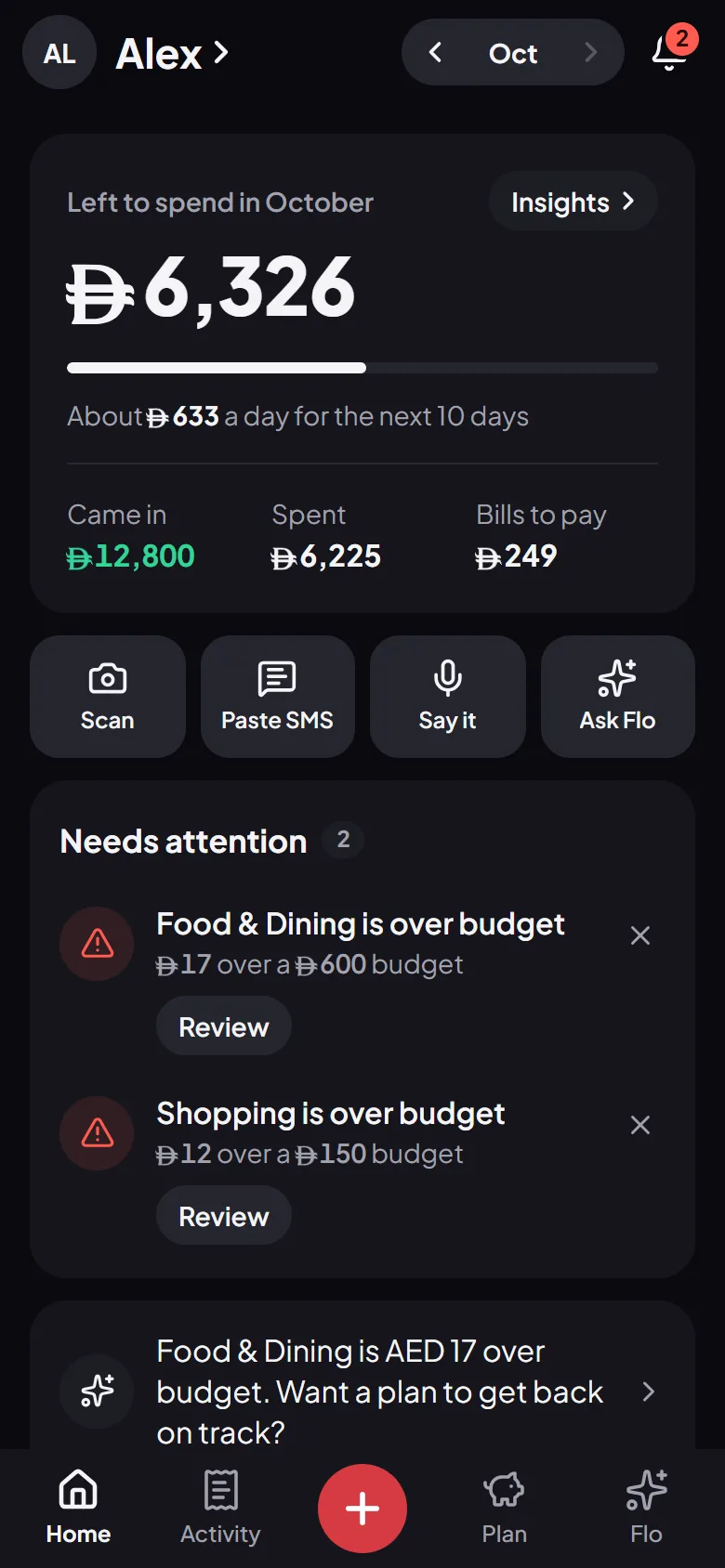
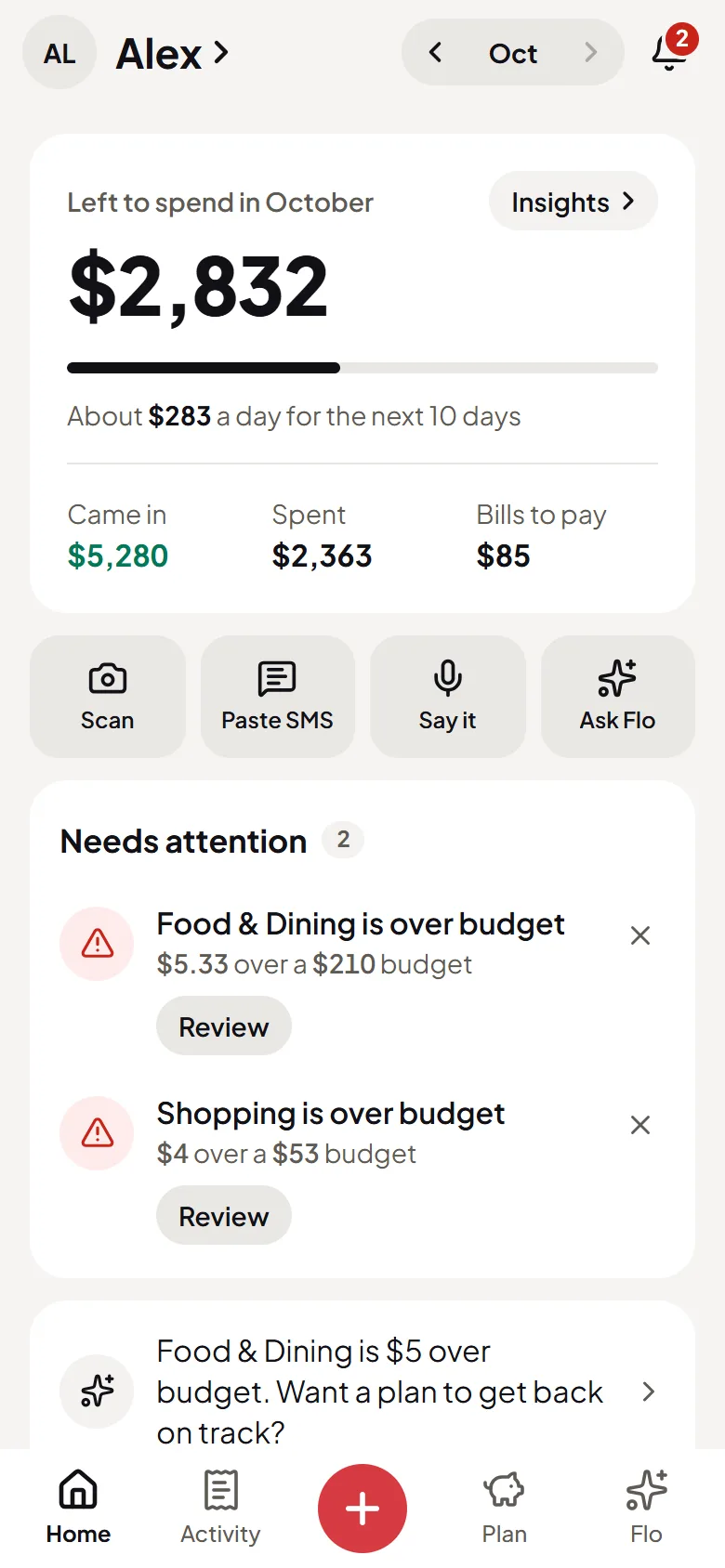
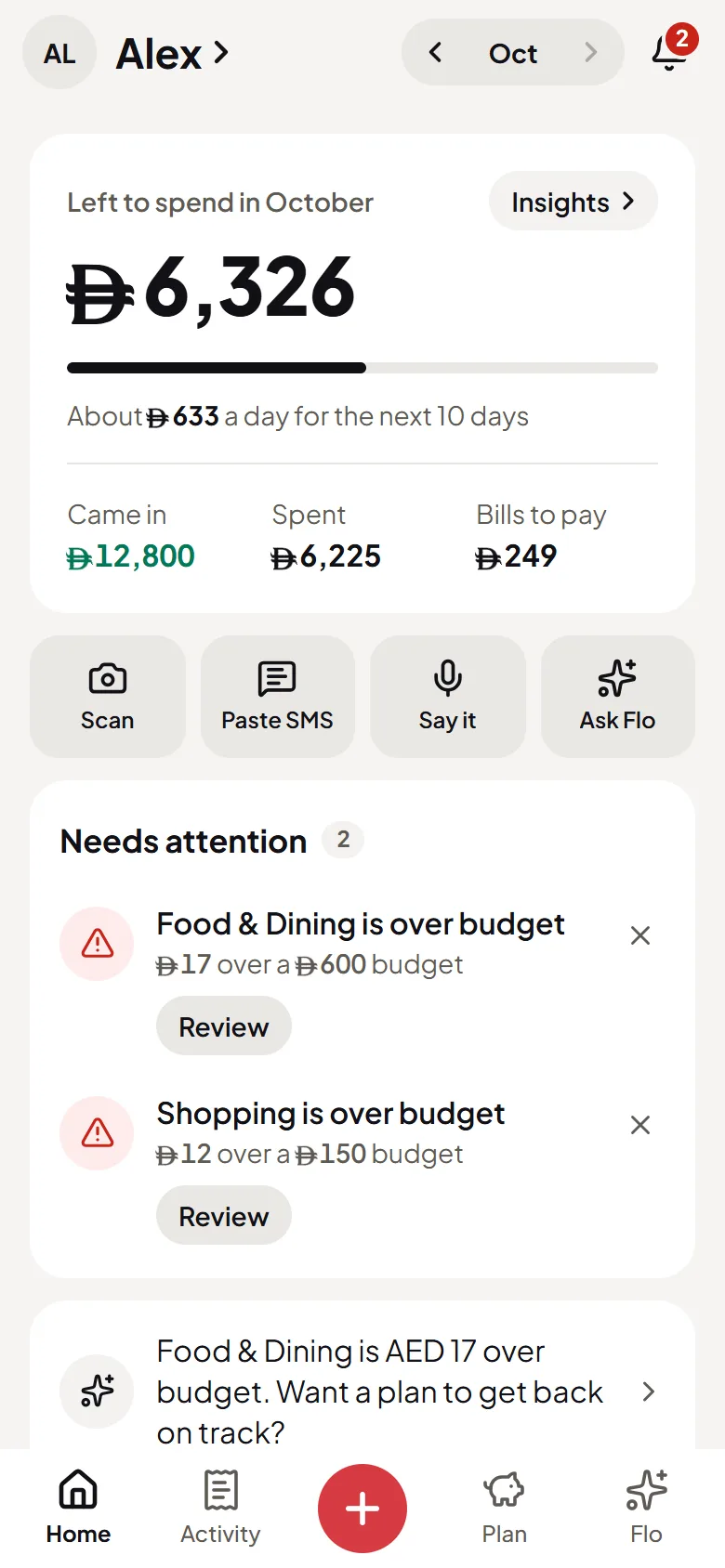
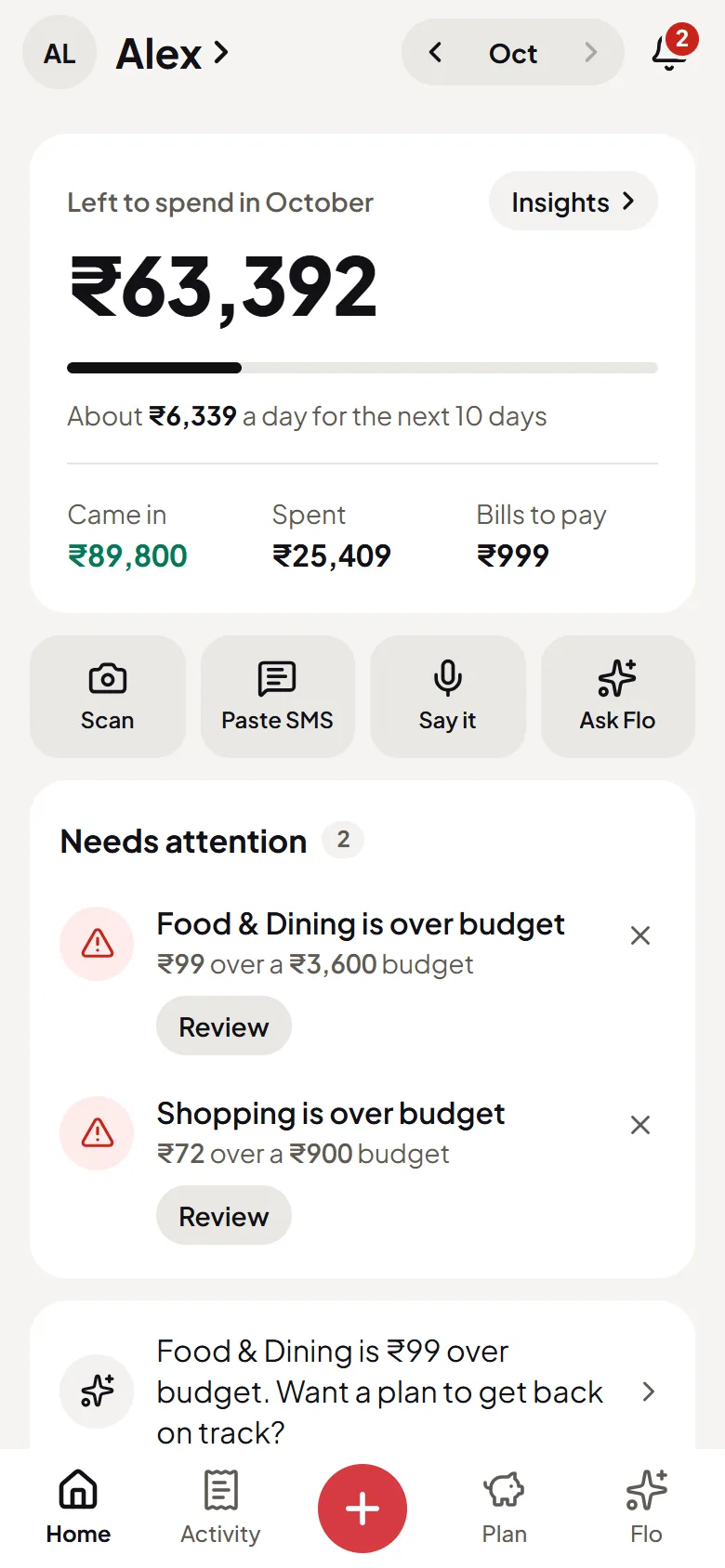
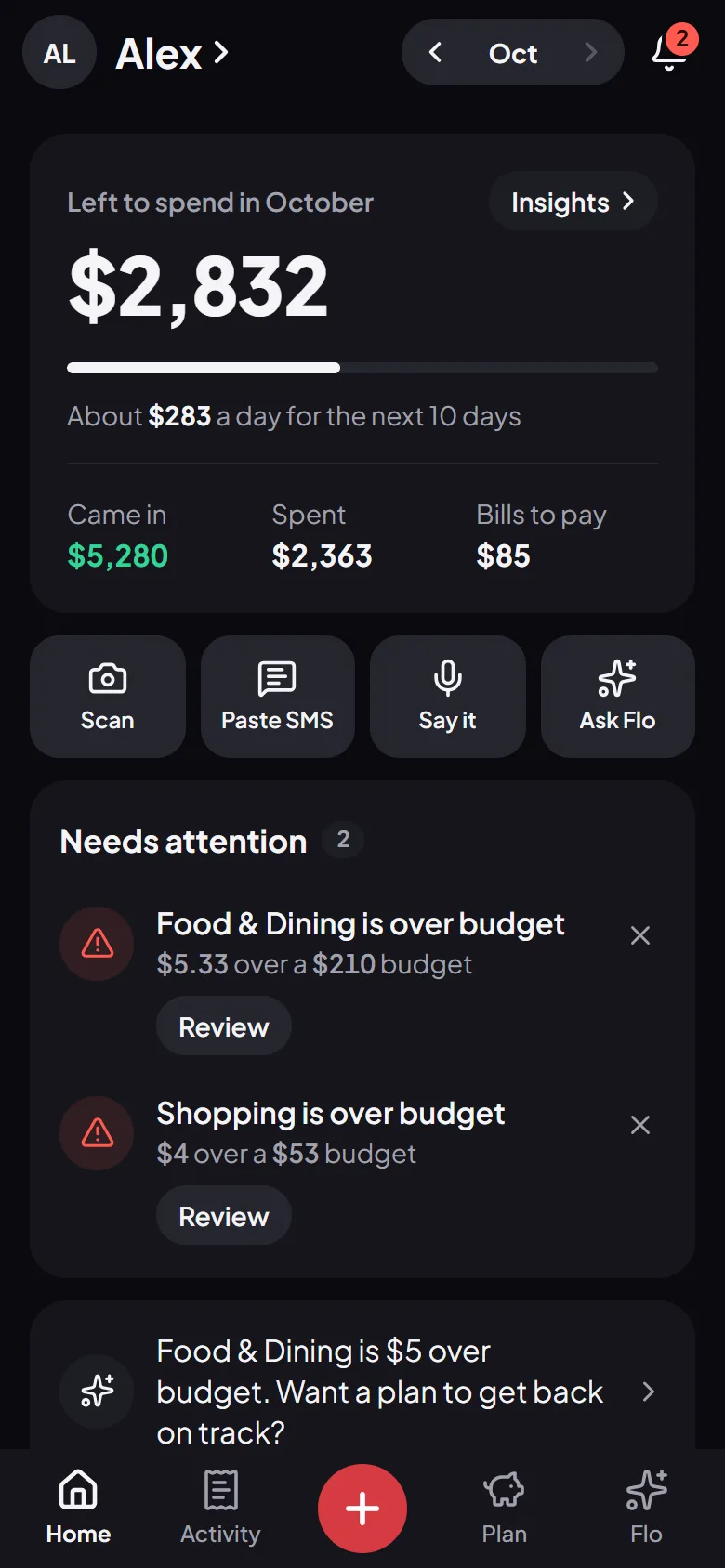
Flo’s Home screen: what is left to spend this month, per day, and the latest spending
9:41
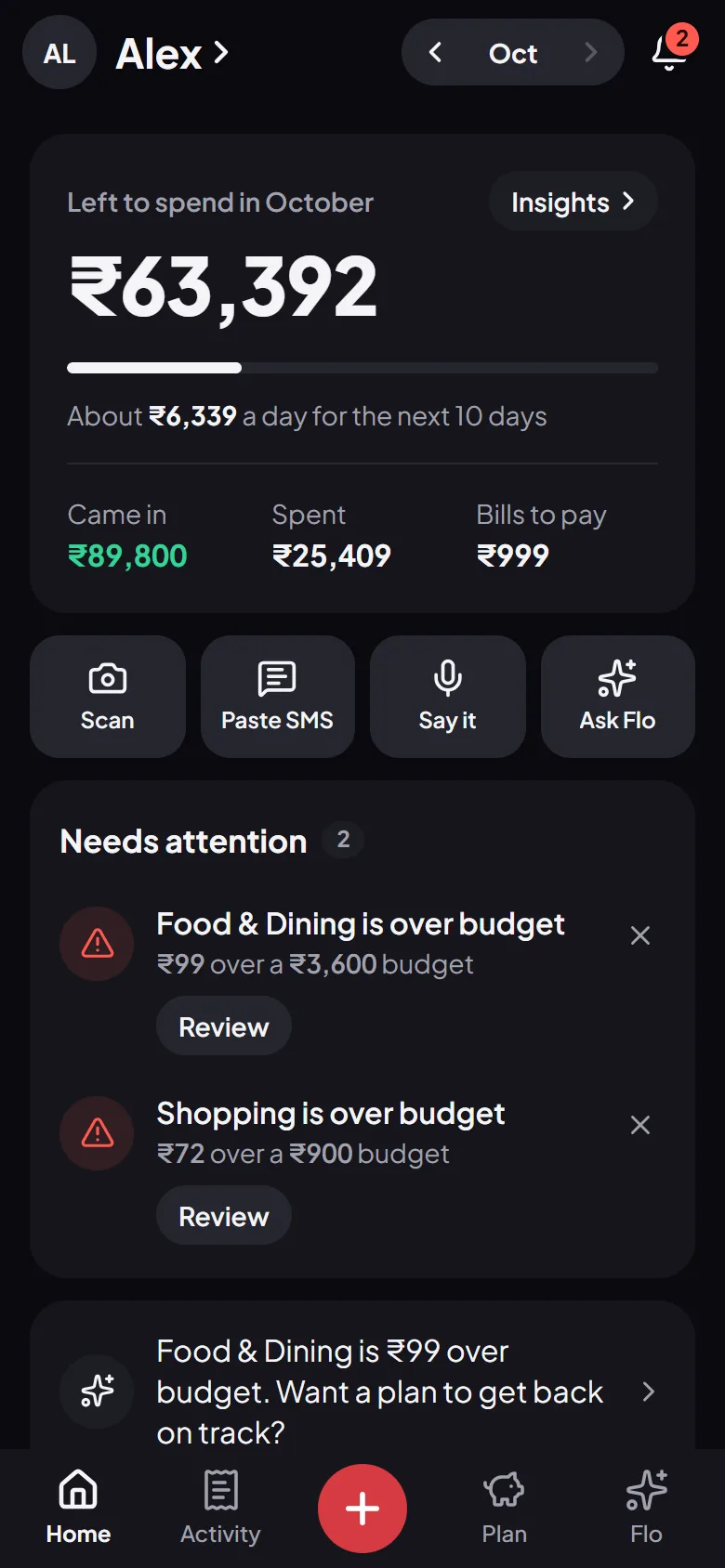
Flo’s Home screen: what is left to spend this month, per day, and the latest spending
9:41
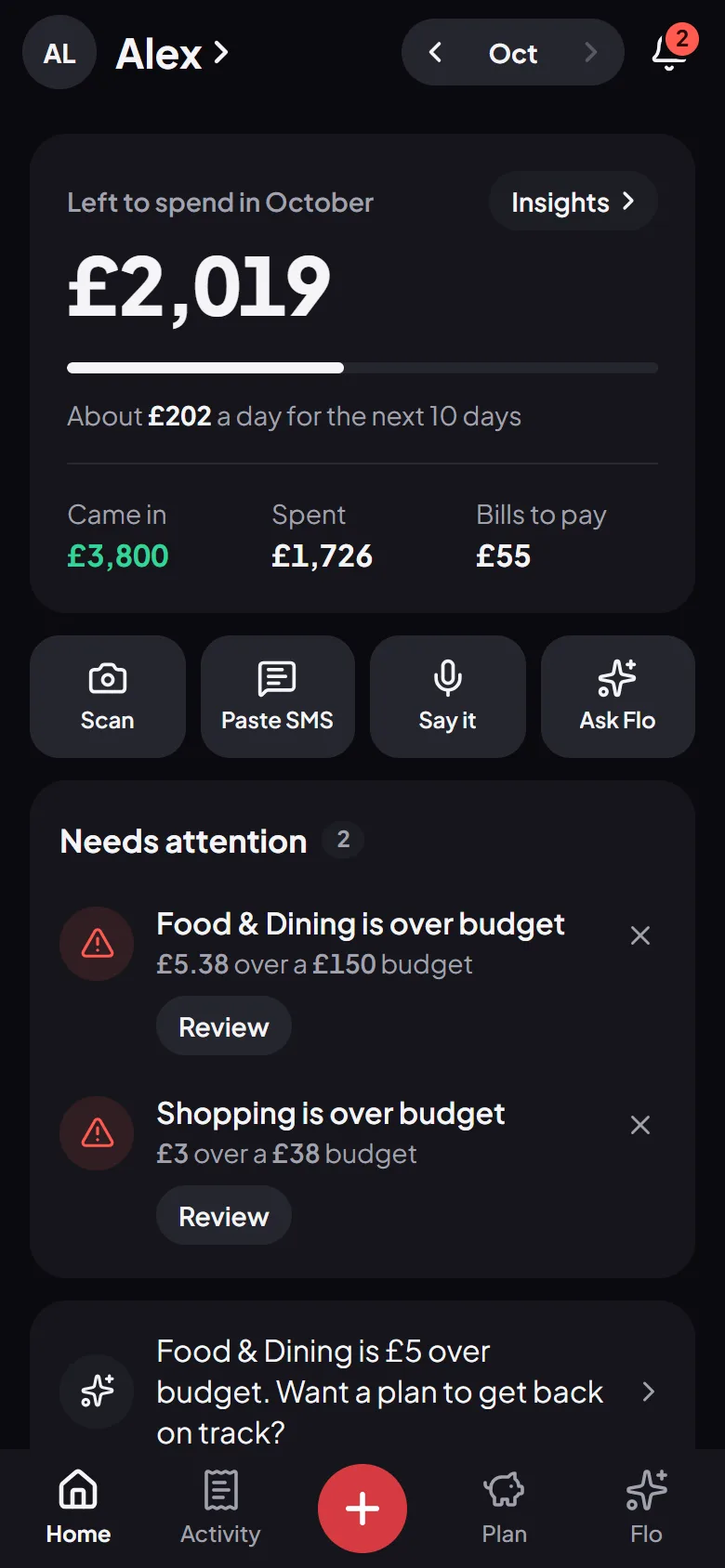
Flo’s Home screen: what is left to spend this month, per day, and the latest spending
9:41
Flo’s Home screen: what is left to spend this month, per day, and the latest spending

Voice

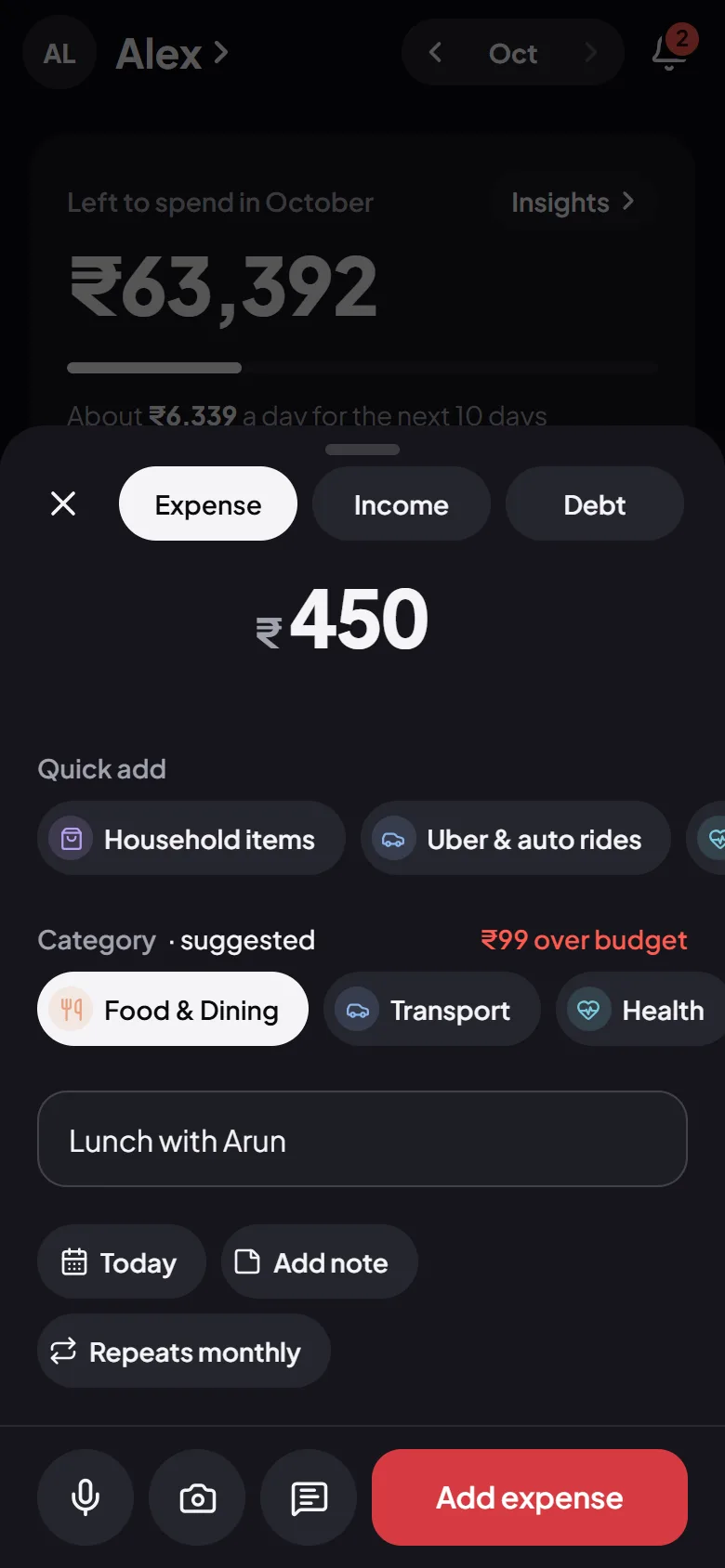
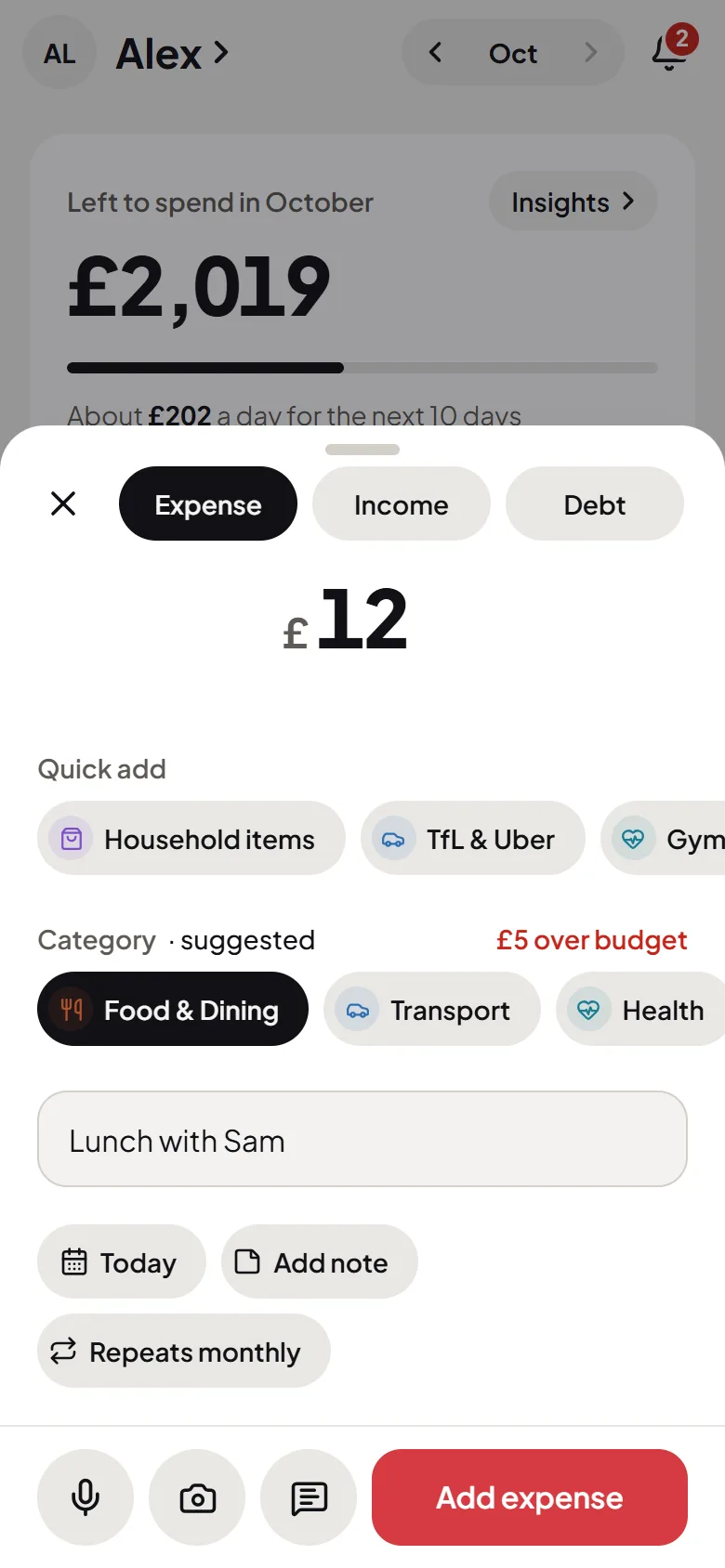
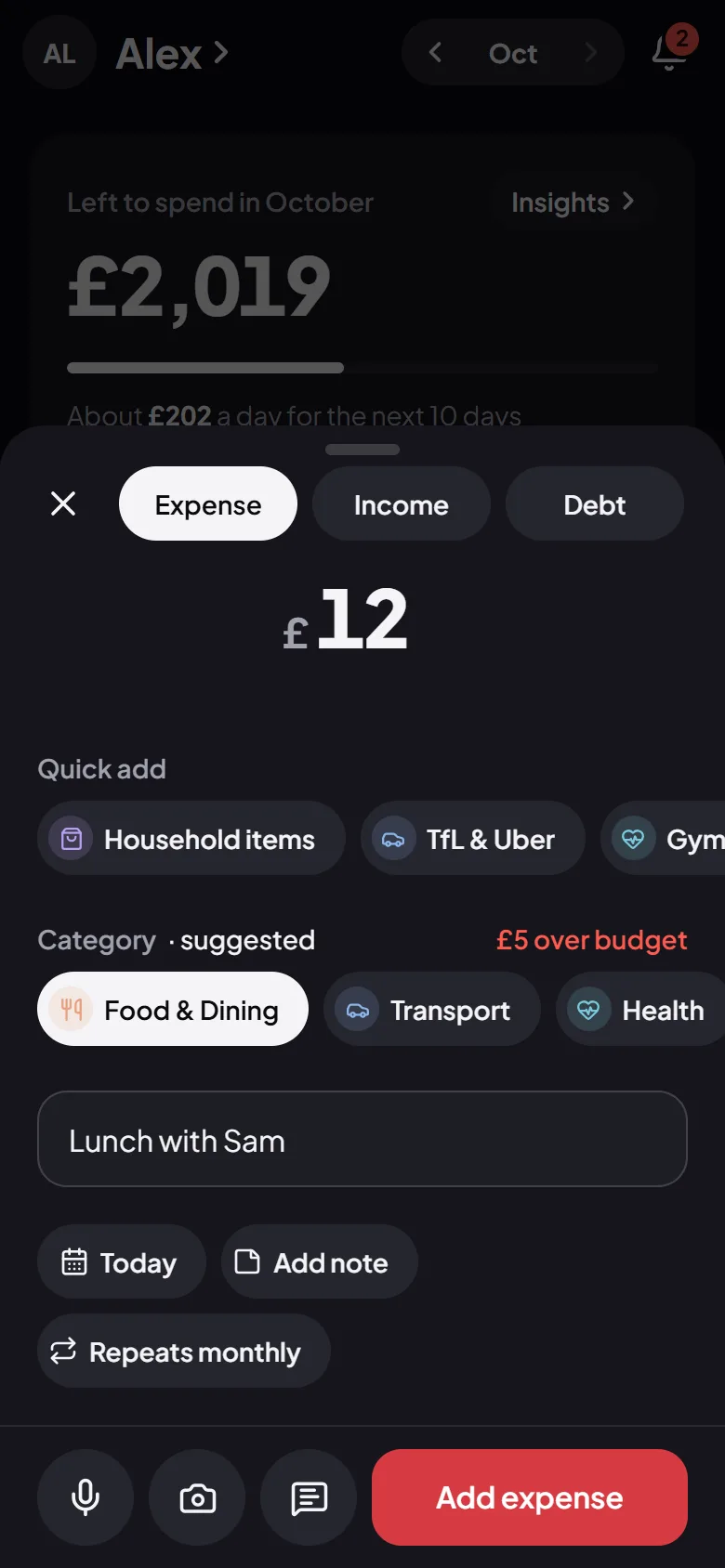
Log an expense by saying it

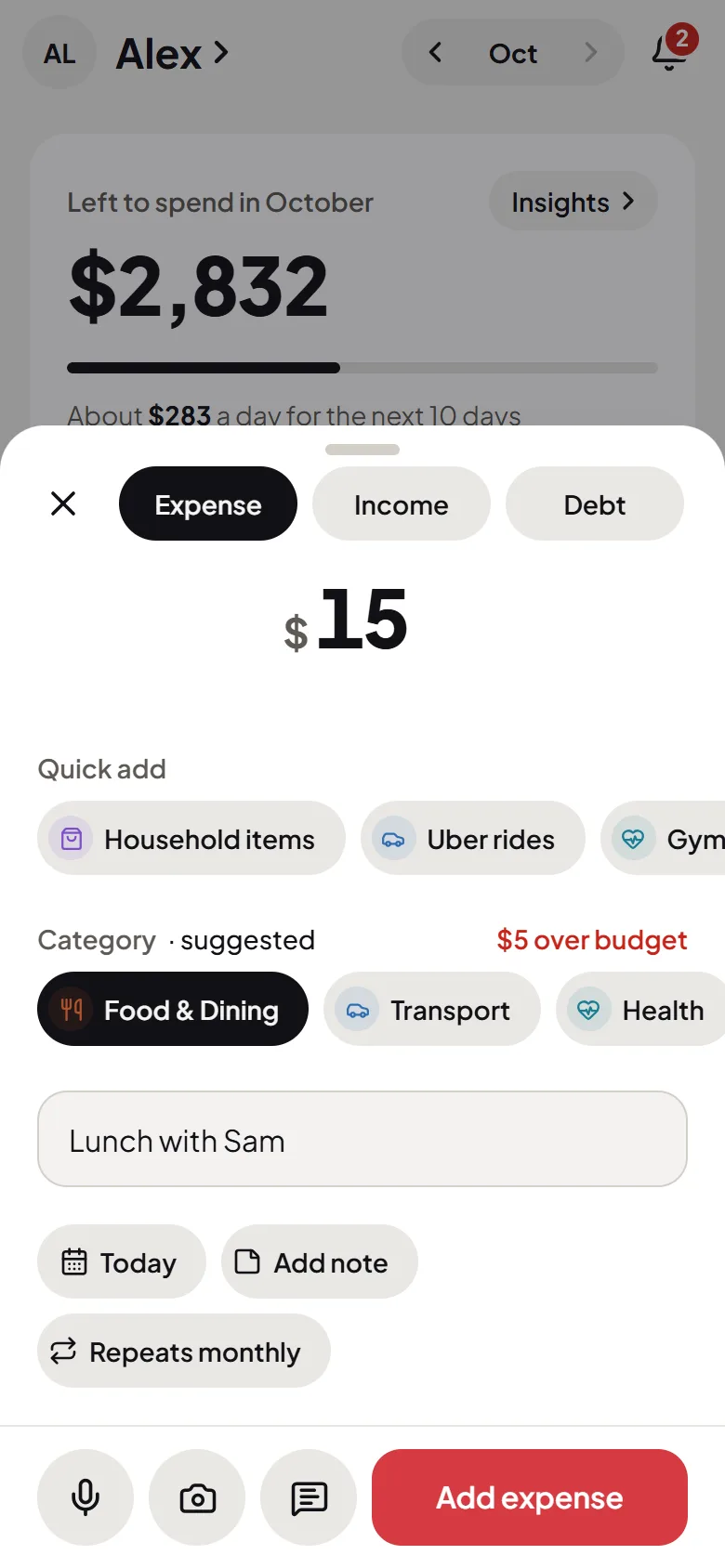
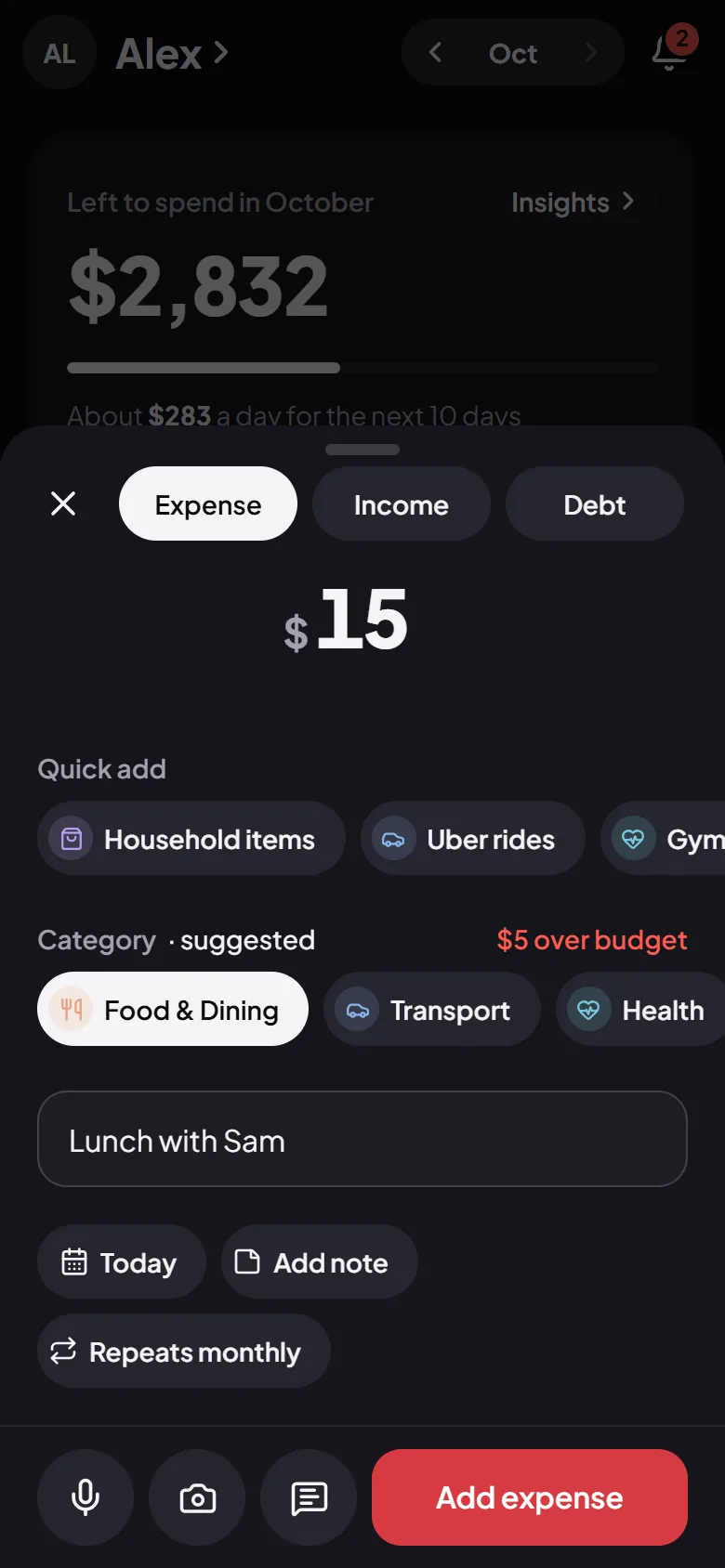
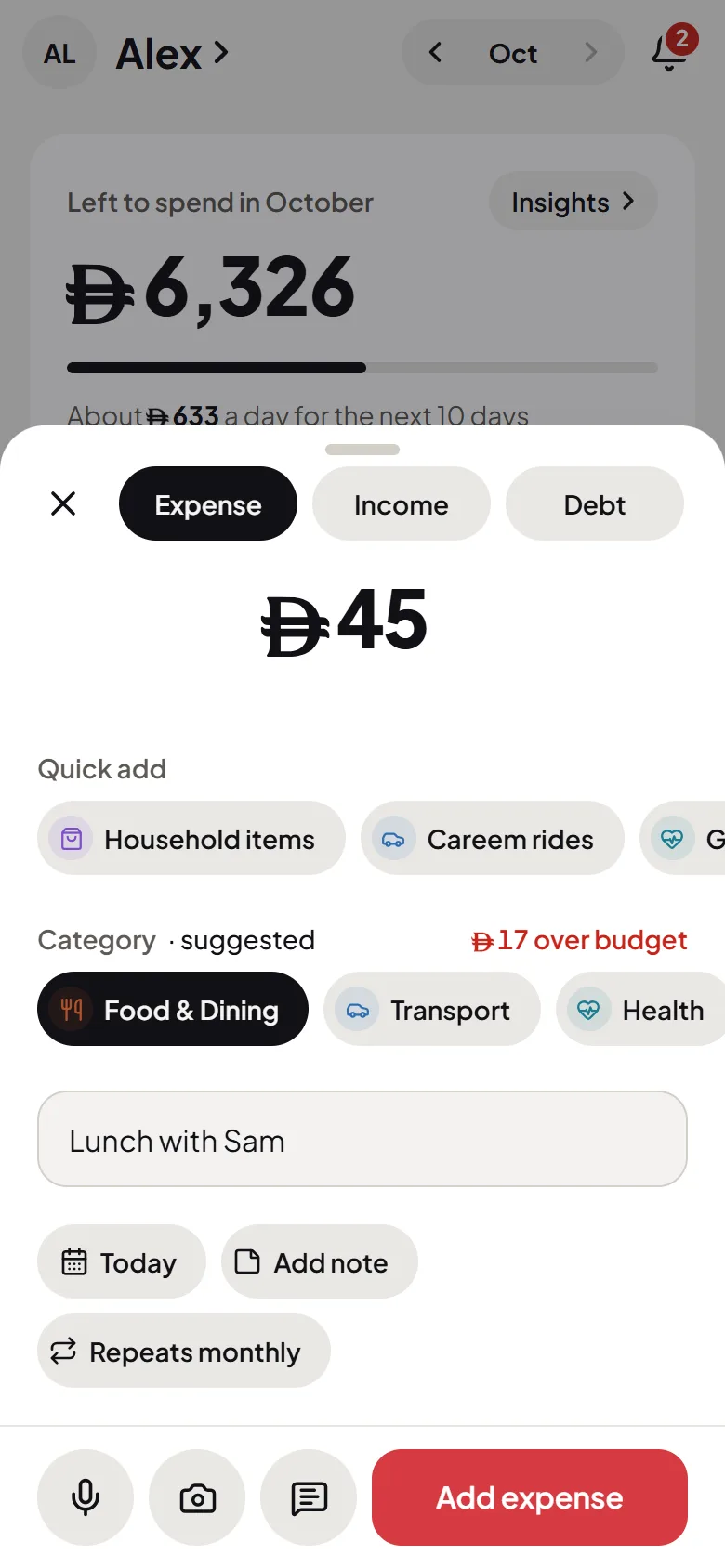
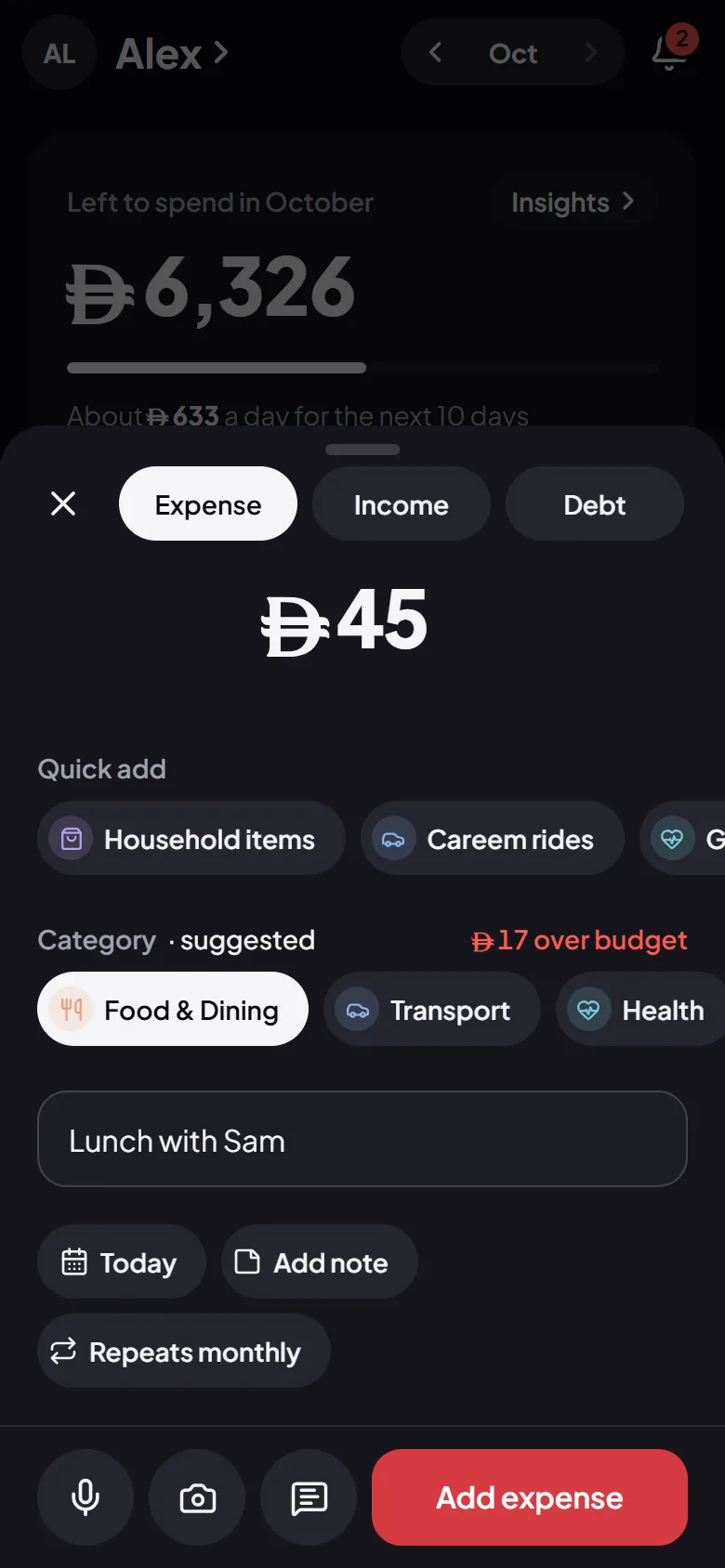
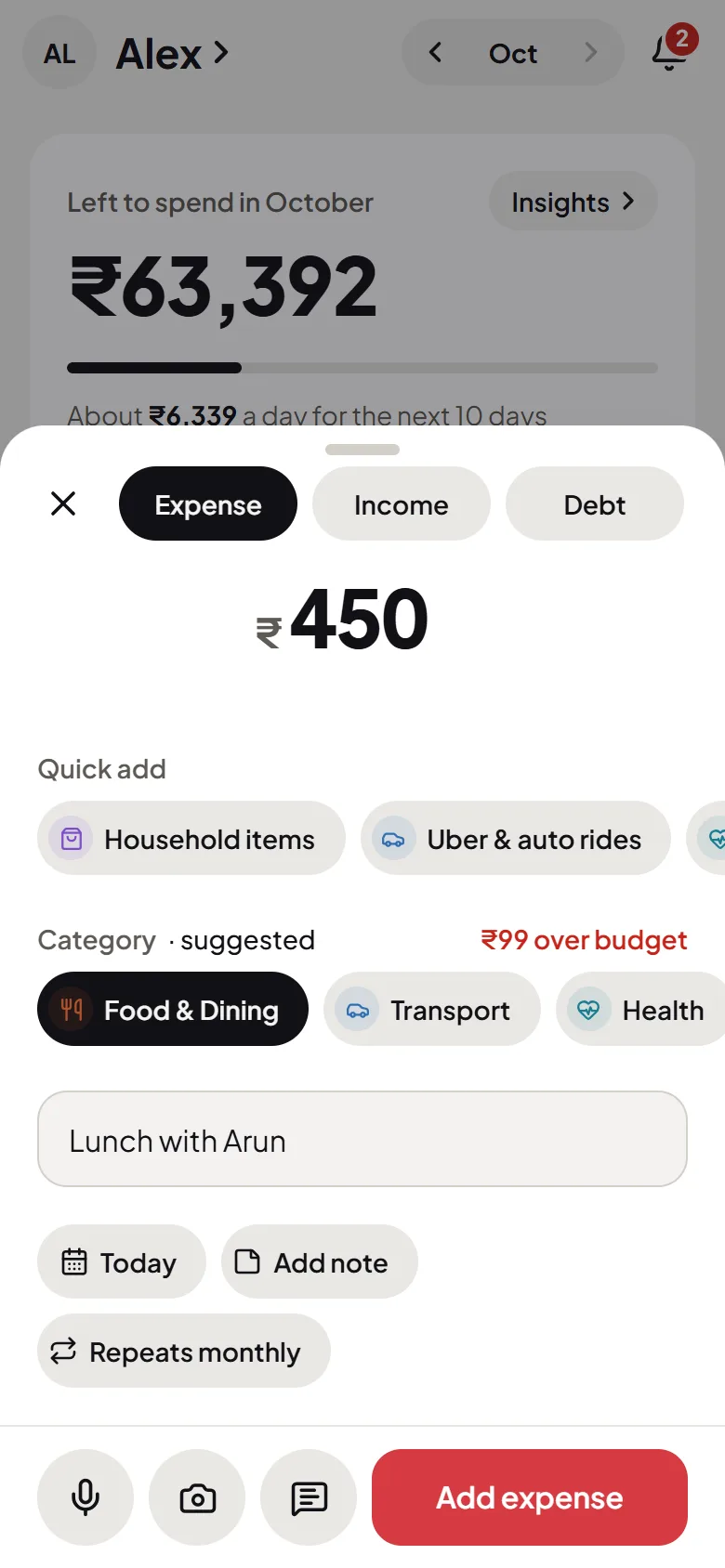
Say “45 on lunch” and Flo fills in the amount, the category and the place. You check it, and it’s saved, in the browser or the Android app.

  • No form to fill
  • Learns your usual places and categories
  • Any currency
9:41
9:41
The Add screen in Flo Money: the amount in large figures, a category suggested, and one-tap shortcutsThe Add screen in Flo Money: the amount in large figures, a category suggested, and one-tap shortcuts
9:41
9:41
The Add screen in Flo Money: the amount in large figures, a category suggested, and one-tap shortcutsThe Add screen in Flo Money: the amount in large figures, a category suggested, and one-tap shortcuts
9:41
9:41
The Add screen in Flo Money: the amount in large figures, a category suggested, and one-tap shortcutsThe Add screen in Flo Money: the amount in large figures, a category suggested, and one-tap shortcuts
9:41
9:41
The Add screen in Flo Money: the amount in large figures, a category suggested, and one-tap shortcutsThe Add screen in Flo Money: the amount in large figures, a category suggested, and one-tap shortcuts

Budgets

Know what’s left, every day

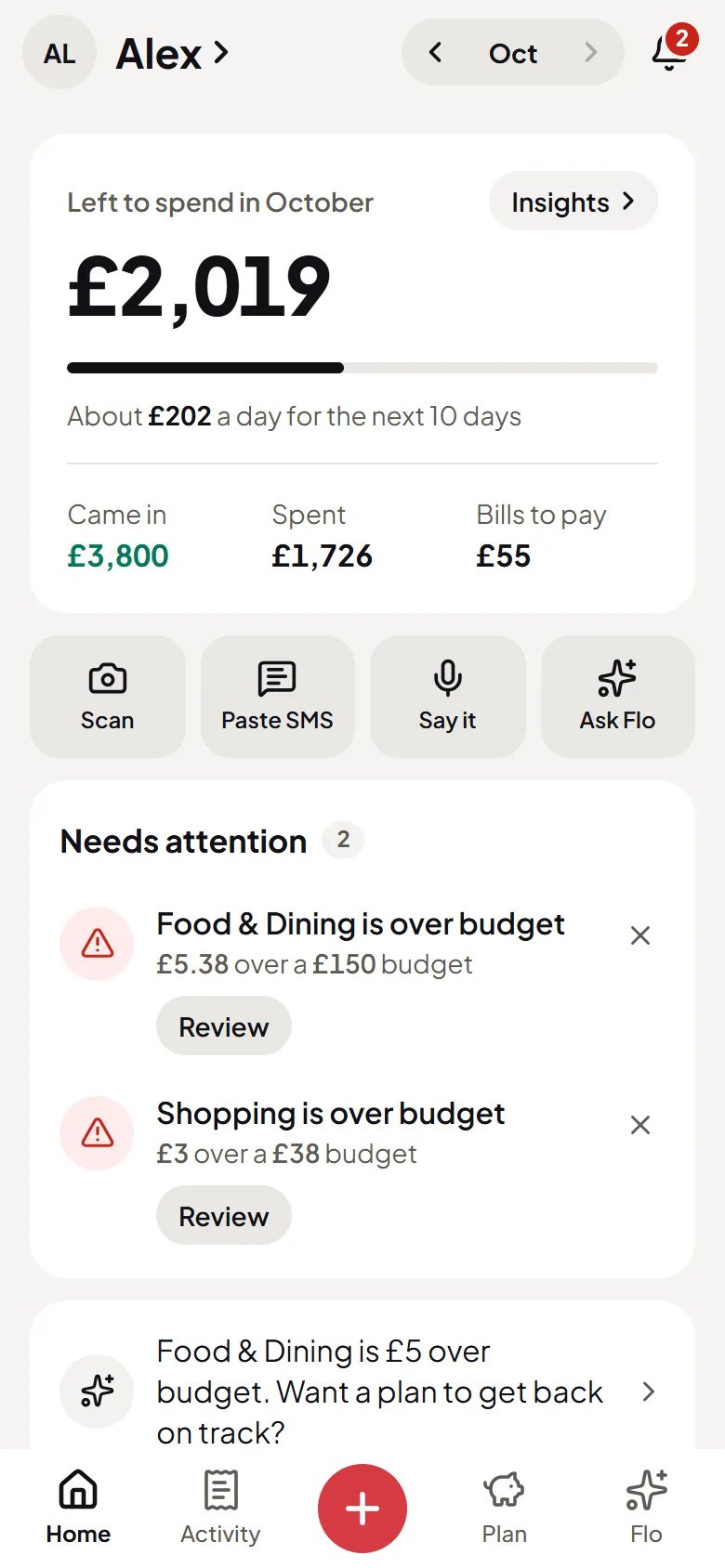
One number for the month and what it comes to per day, with bills counted before they’re paid. Budgets warn you while there’s still time, and what you don’t spend rolls into next month.

  • What’s left, and how much a day
  • Warnings before a budget runs out
  • Unused budget rolls into next month
9:41
9:41
Flo Money’s Home screen: what’s left to spend this month, how much a day, and what needs attentionFlo Money’s Home screen: what’s left to spend this month, how much a day, and what needs attention
9:41
9:41
Flo Money’s Home screen: what’s left to spend this month, how much a day, and what needs attentionFlo Money’s Home screen: what’s left to spend this month, how much a day, and what needs attention
9:41
9:41
Flo Money’s Home screen: what’s left to spend this month, how much a day, and what needs attentionFlo Money’s Home screen: what’s left to spend this month, how much a day, and what needs attention
9:41
9:41
Flo Money’s Home screen: what’s left to spend this month, how much a day, and what needs attentionFlo Money’s Home screen: what’s left to spend this month, how much a day, and what needs attention

Flo AI

Ask about your money, get your numbers

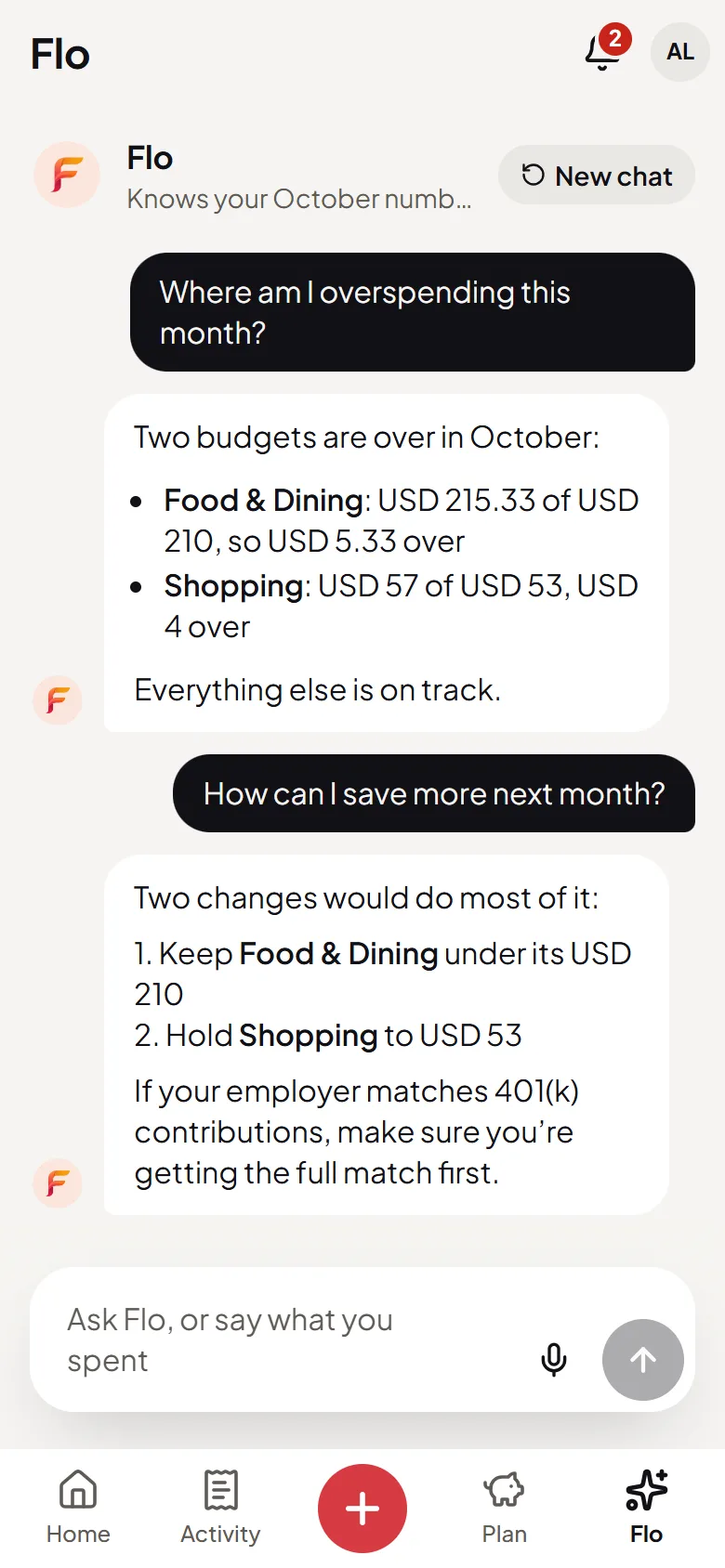
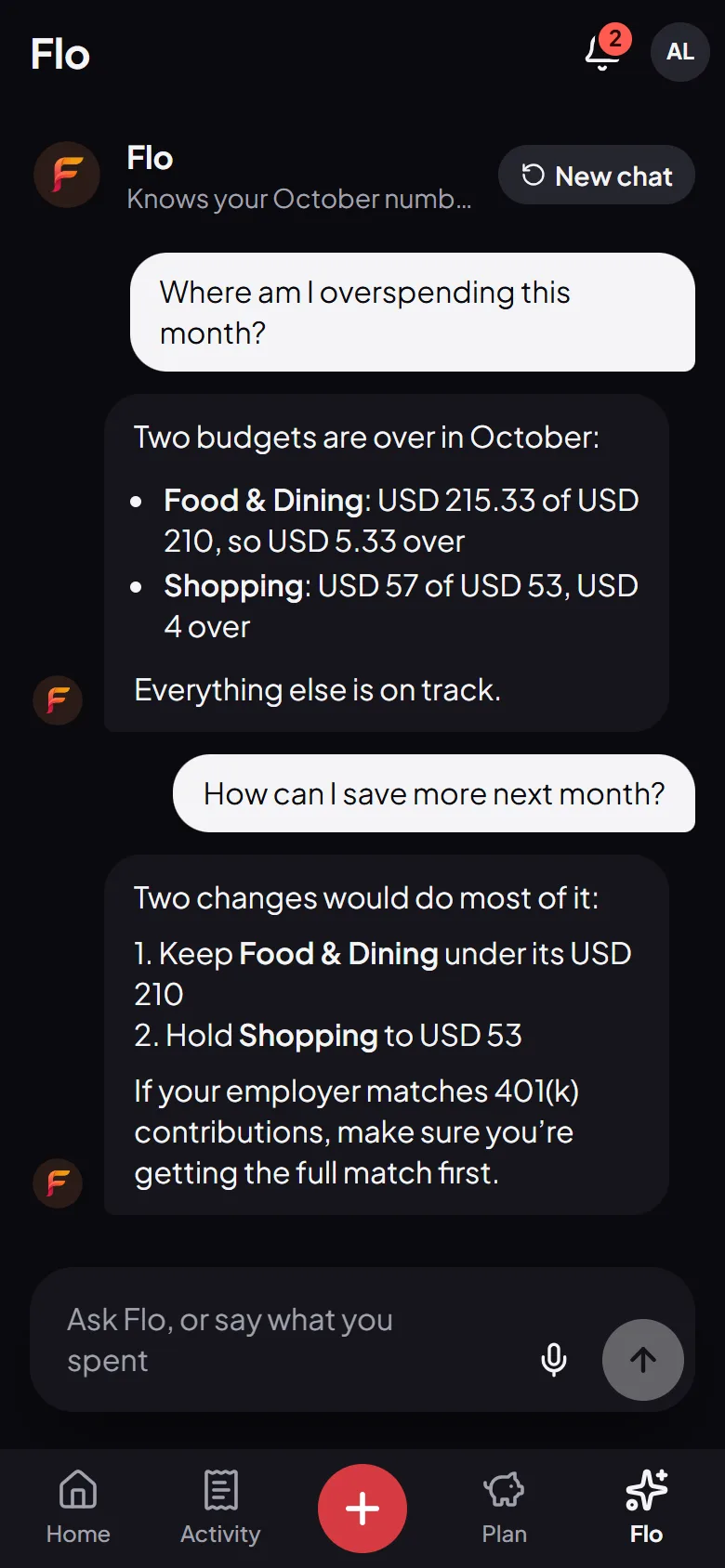
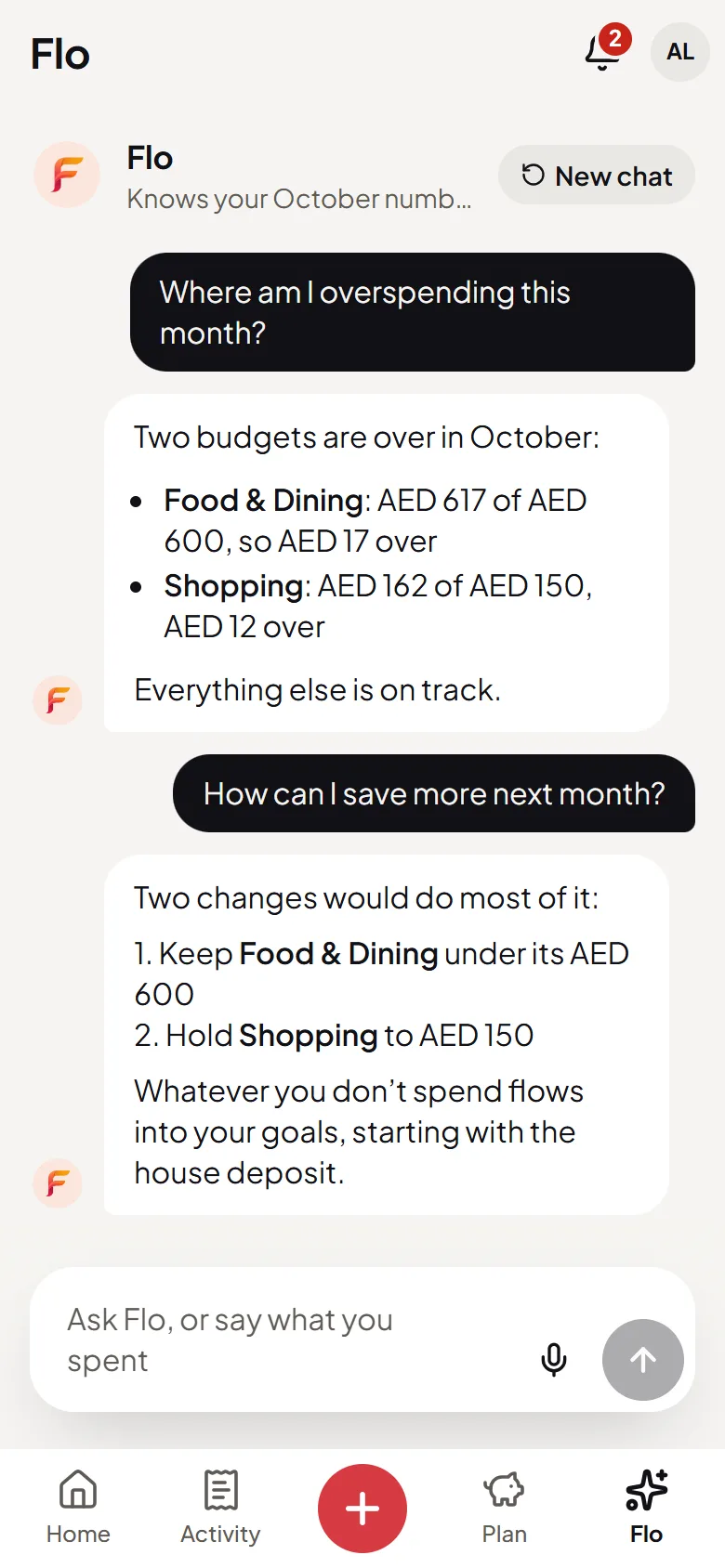
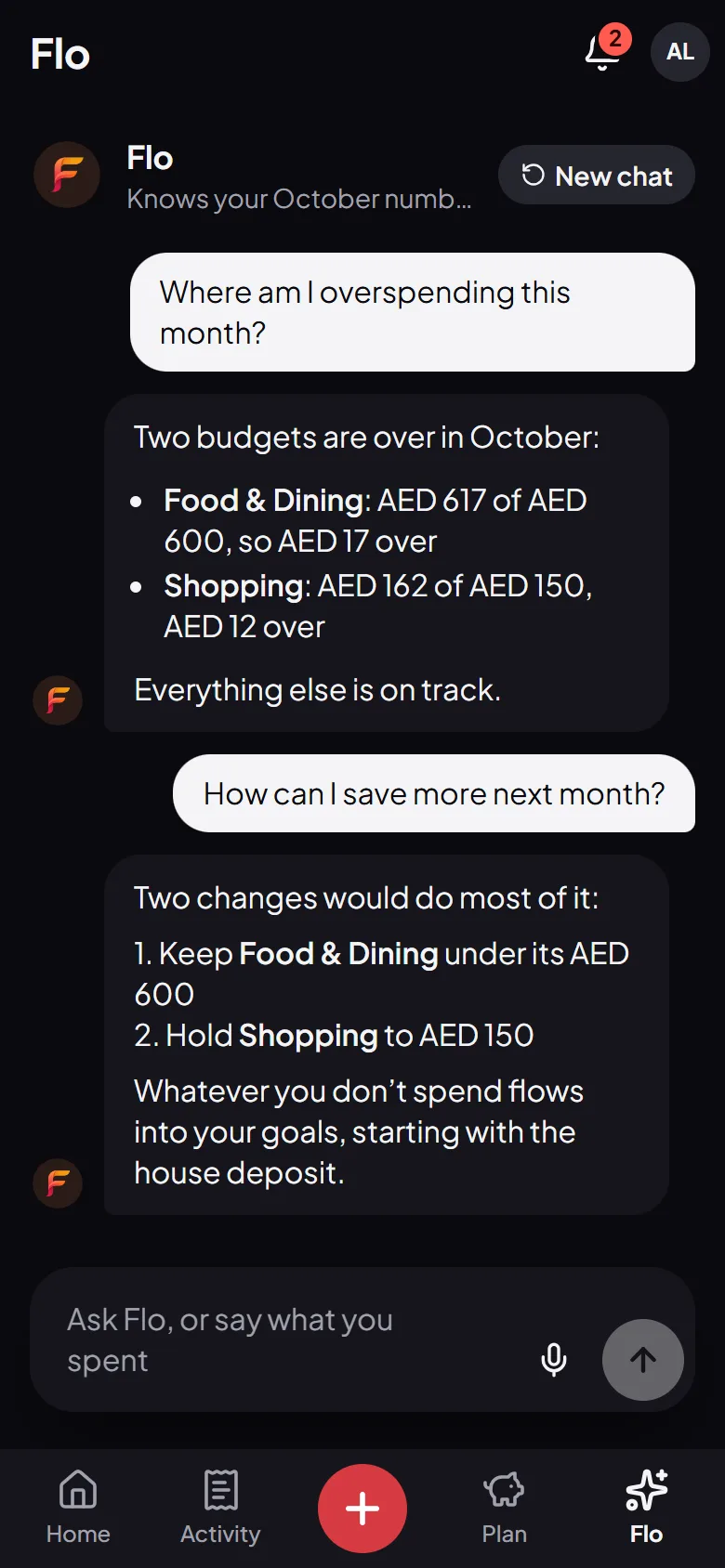
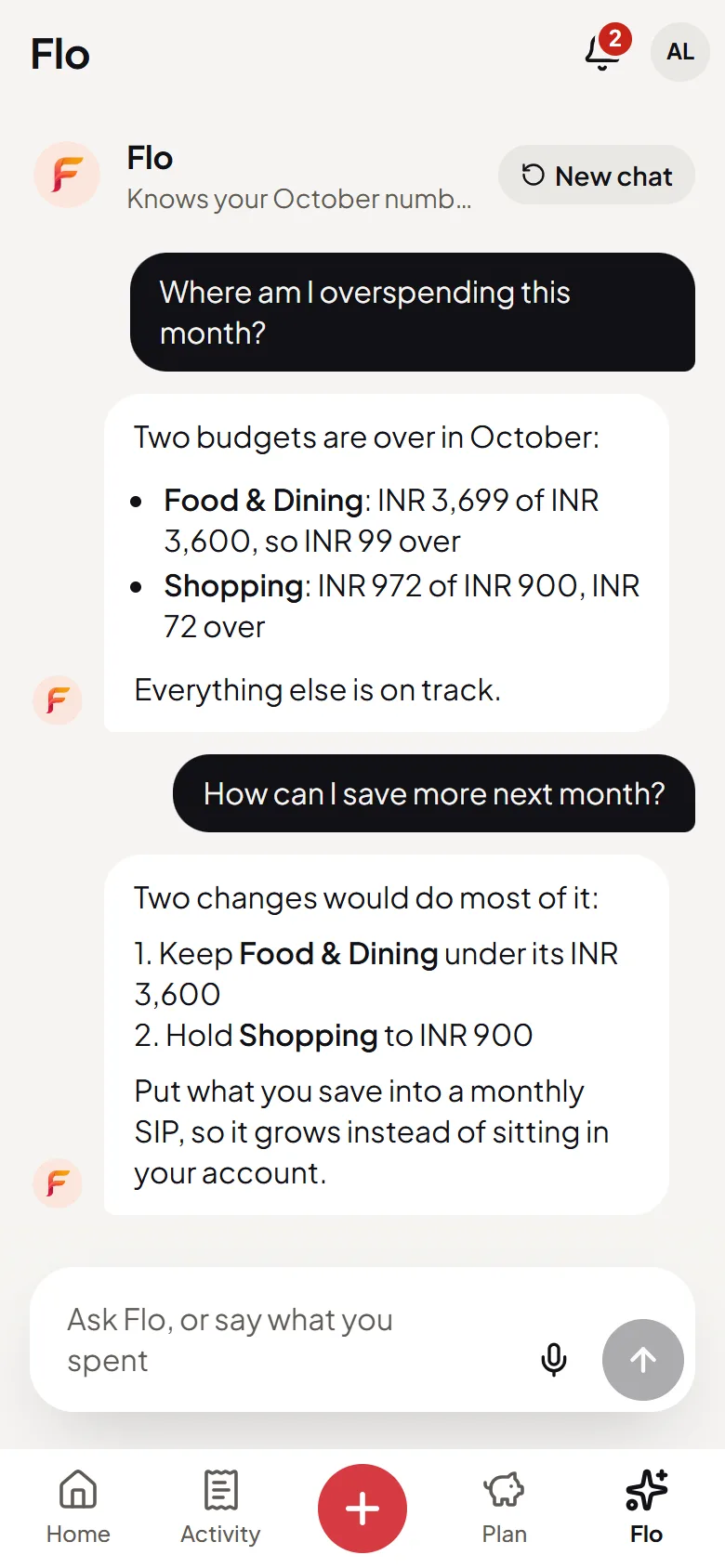
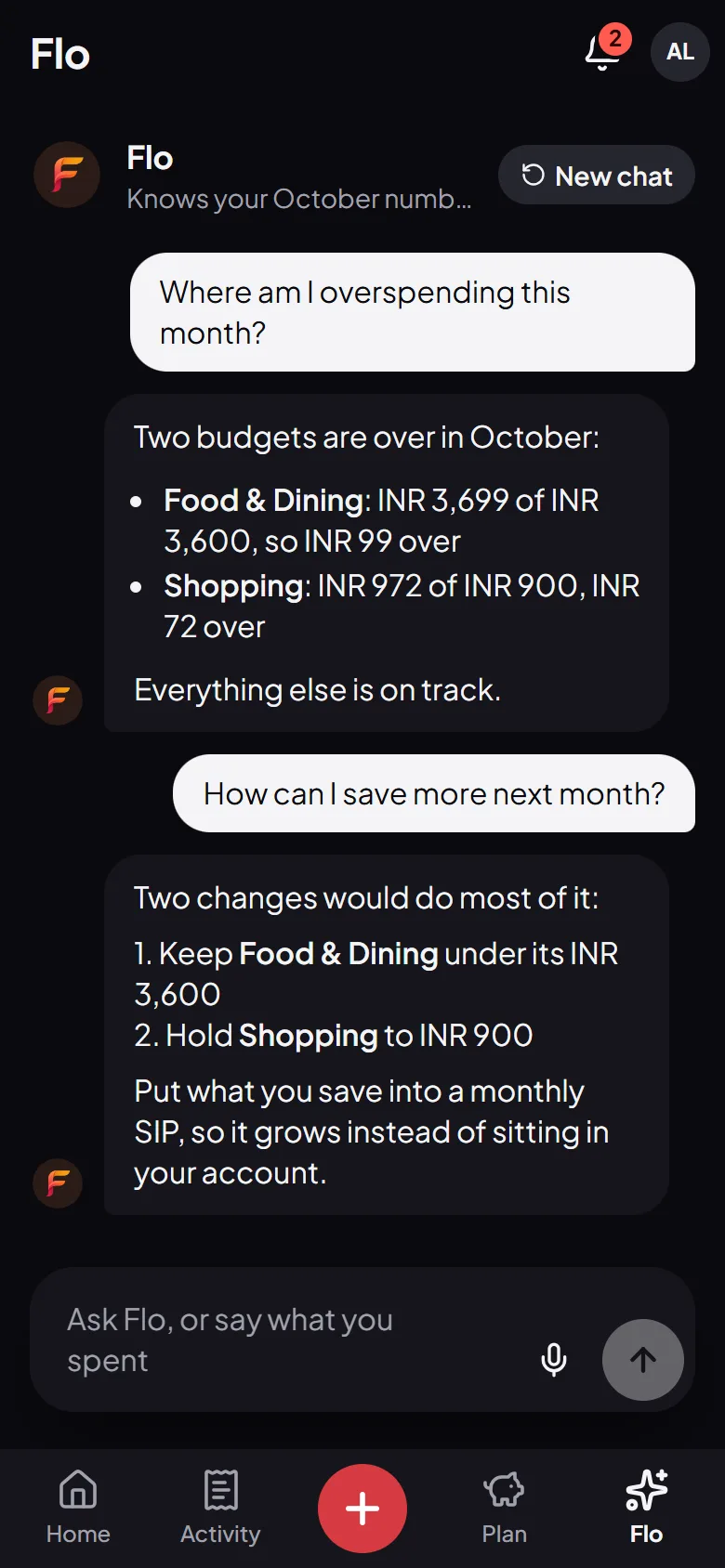
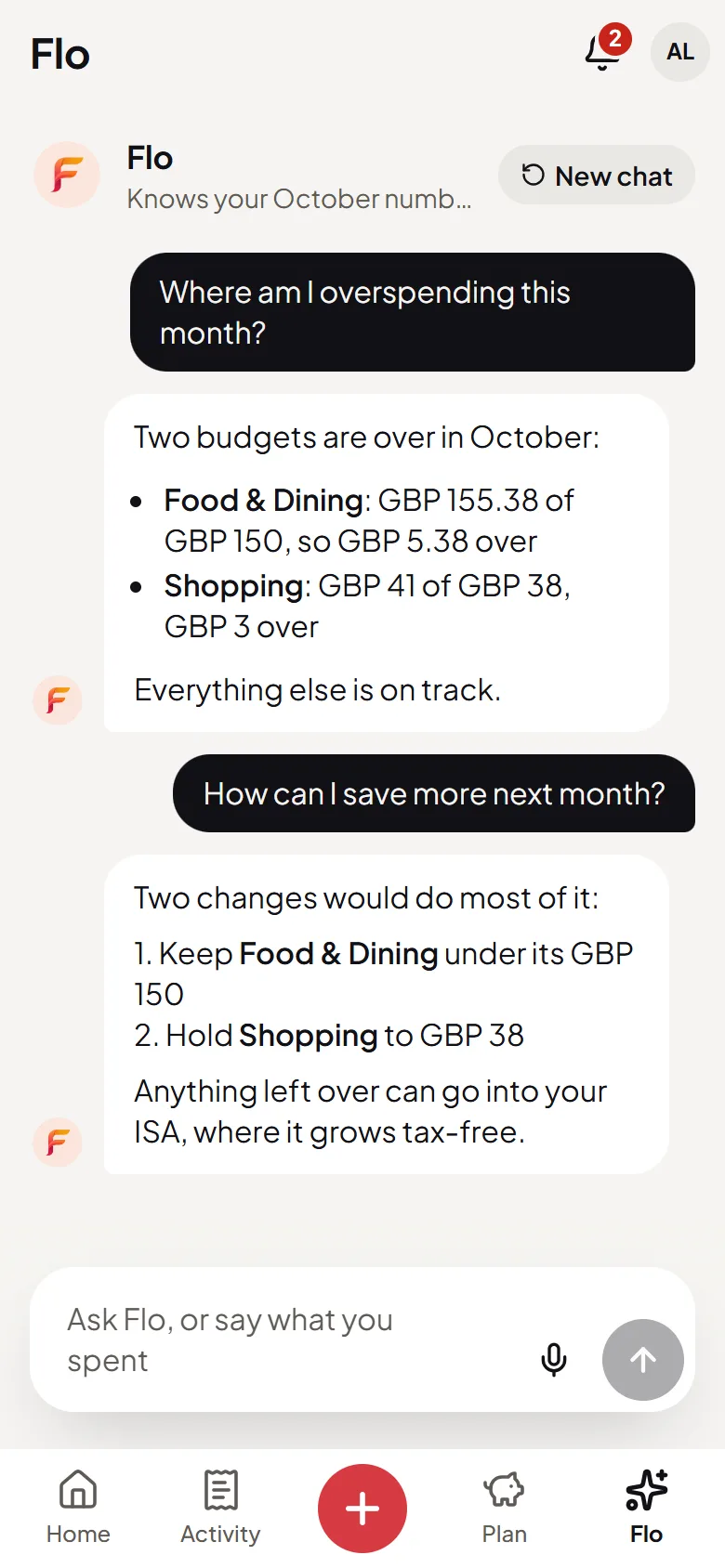
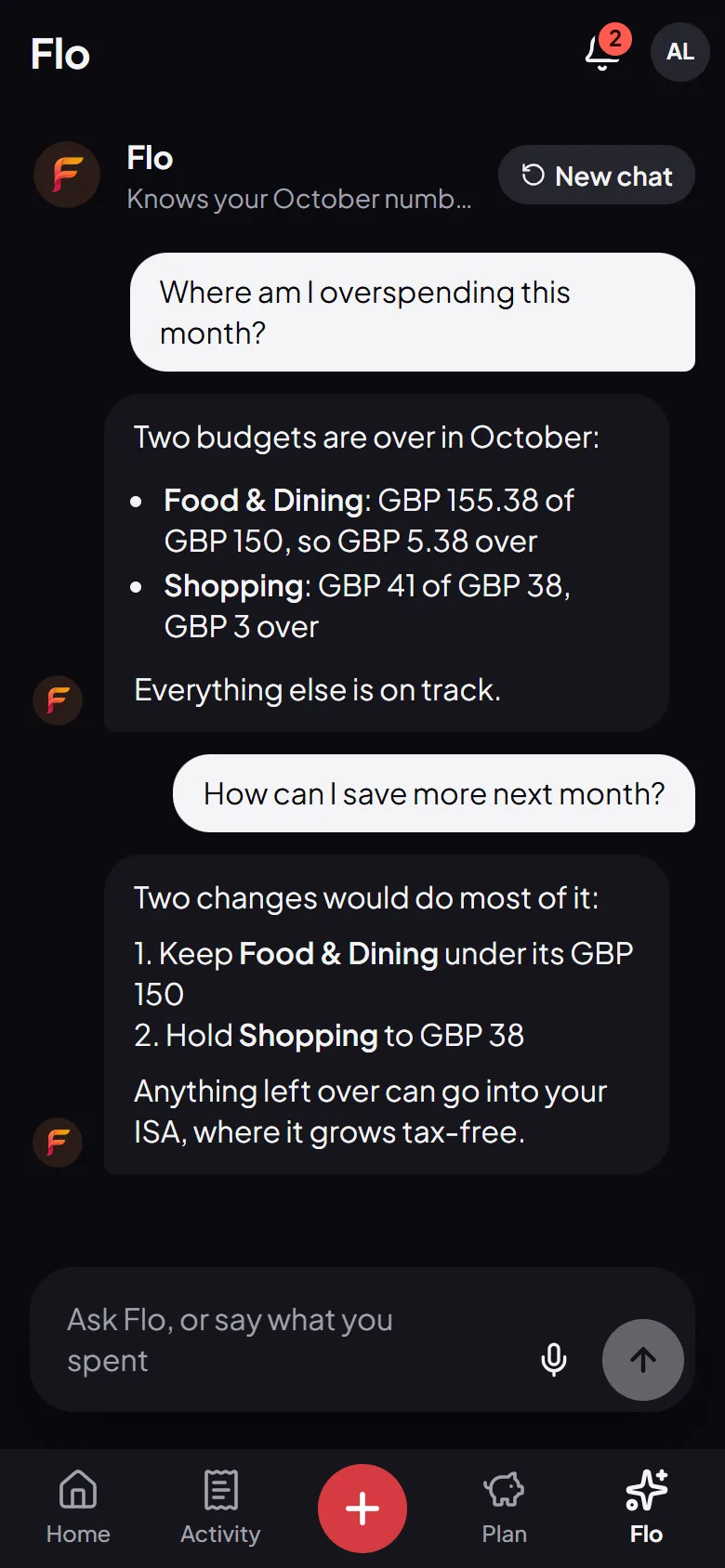
Flo reads what you’ve logged, so “Where am I overspending?” gets the categories and the amounts. Tell it about a bill and it offers to set one up.

  • Answers from your own transactions
  • Bills, income and debts from one sentence
  • Nothing saved until you say yes
9:41
9:41
Flo, the AI money assistant, showing which budgets are over this month and how to save more next monthFlo, the AI money assistant, showing which budgets are over this month and how to save more next month
9:41
9:41
Flo, the AI money assistant, showing which budgets are over this month and how to save more next monthFlo, the AI money assistant, showing which budgets are over this month and how to save more next month
9:41
9:41
Flo, the AI money assistant, showing which budgets are over this month and how to save more next monthFlo, the AI money assistant, showing which budgets are over this month and how to save more next month
9:41
9:41
Flo, the AI money assistant, showing which budgets are over this month and how to save more next monthFlo, the AI money assistant, showing which budgets are over this month and how to save more next month

Bills, goals and debts

Plan ahead without spreadsheets

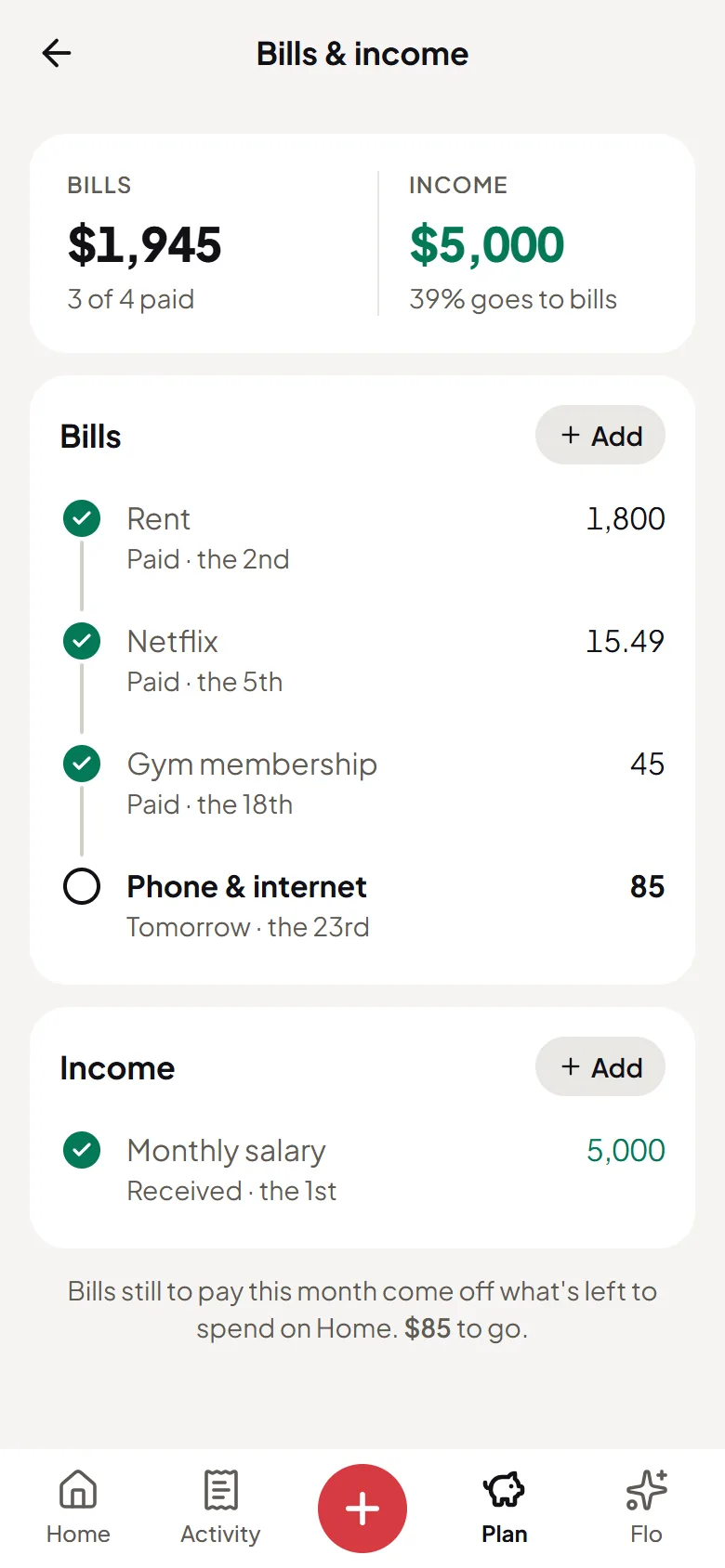
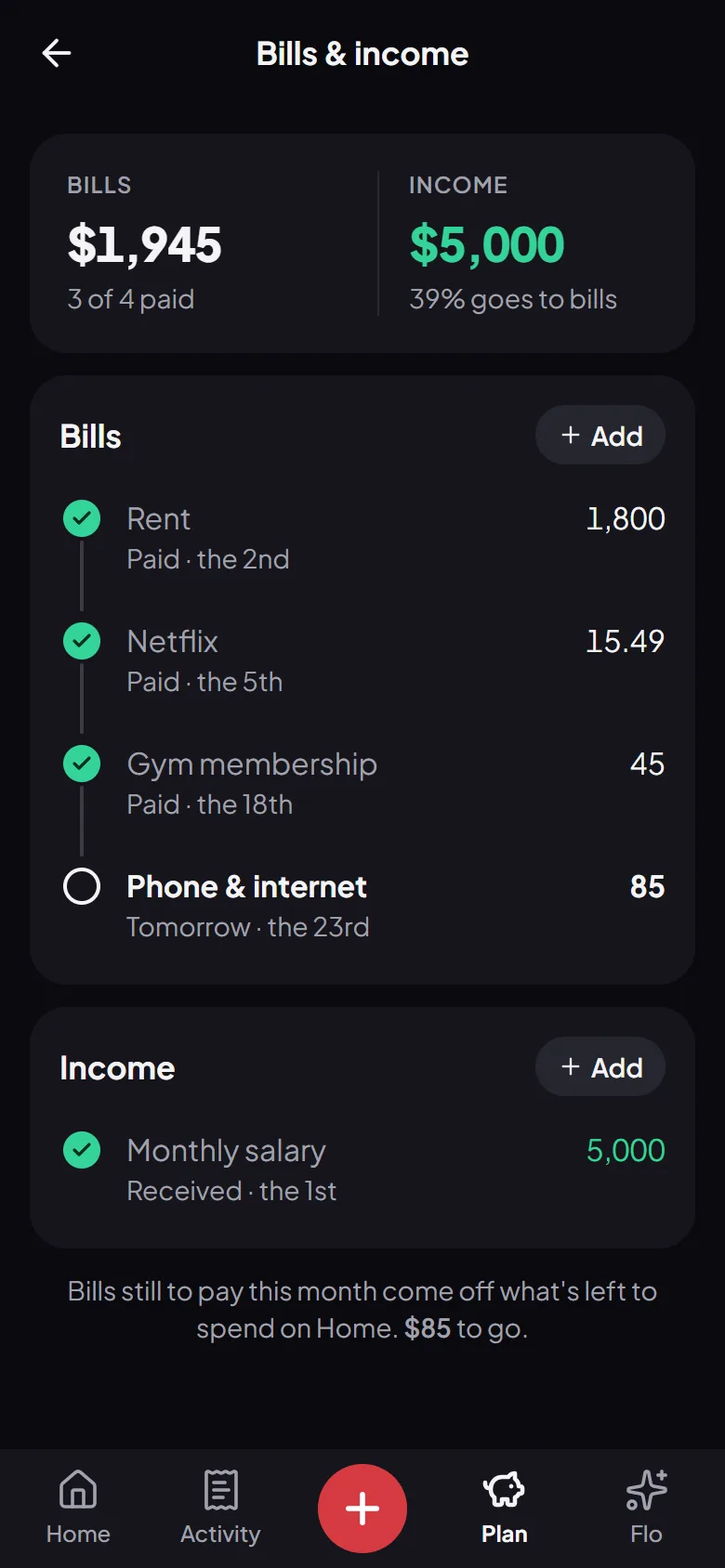
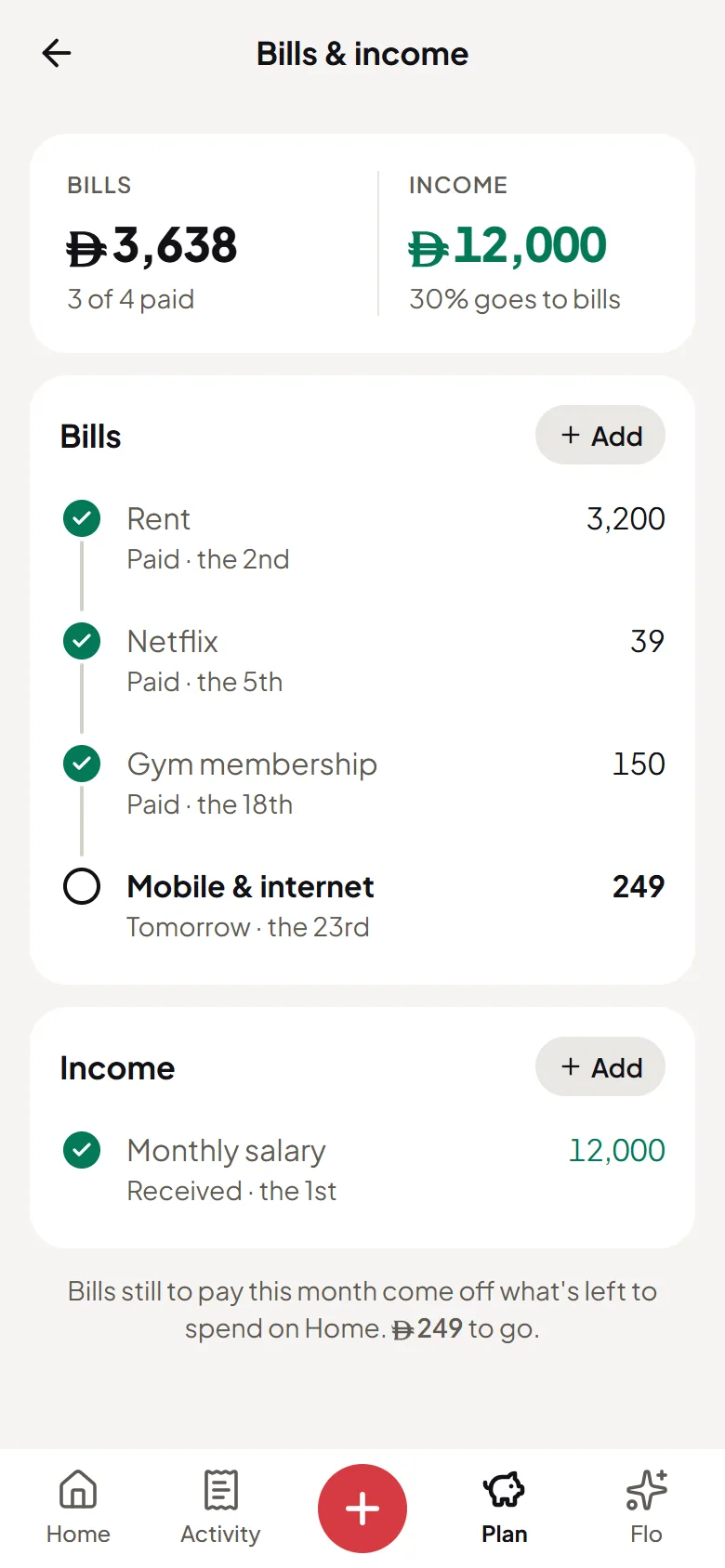
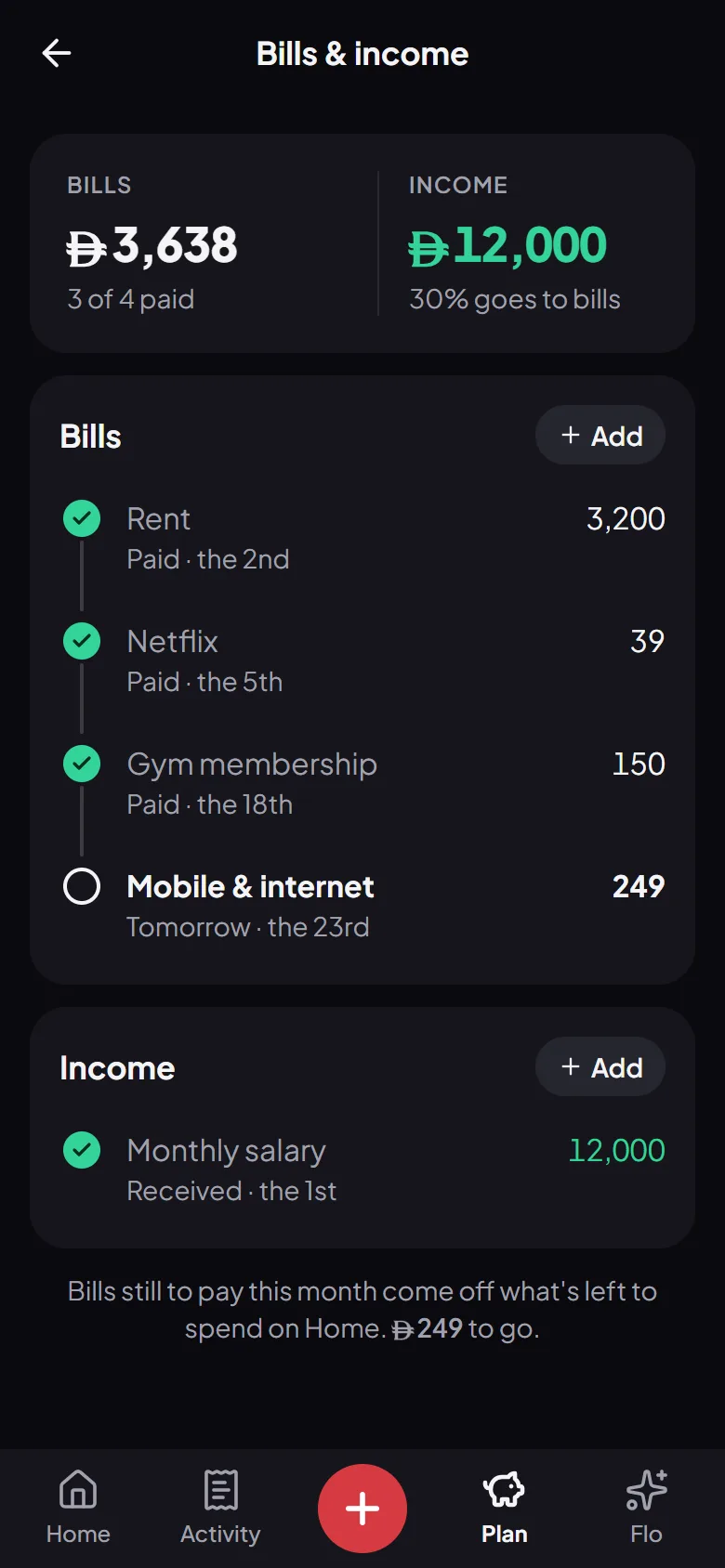
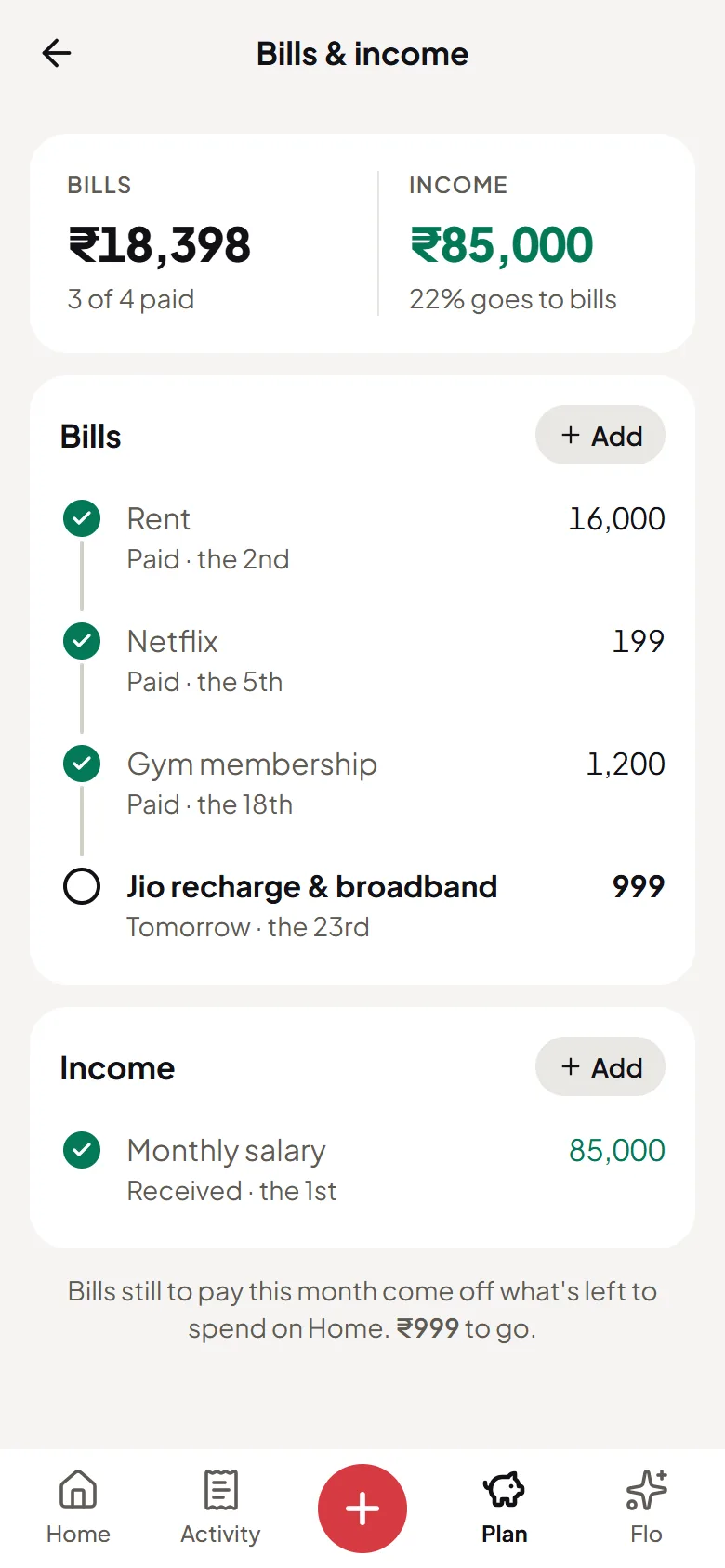
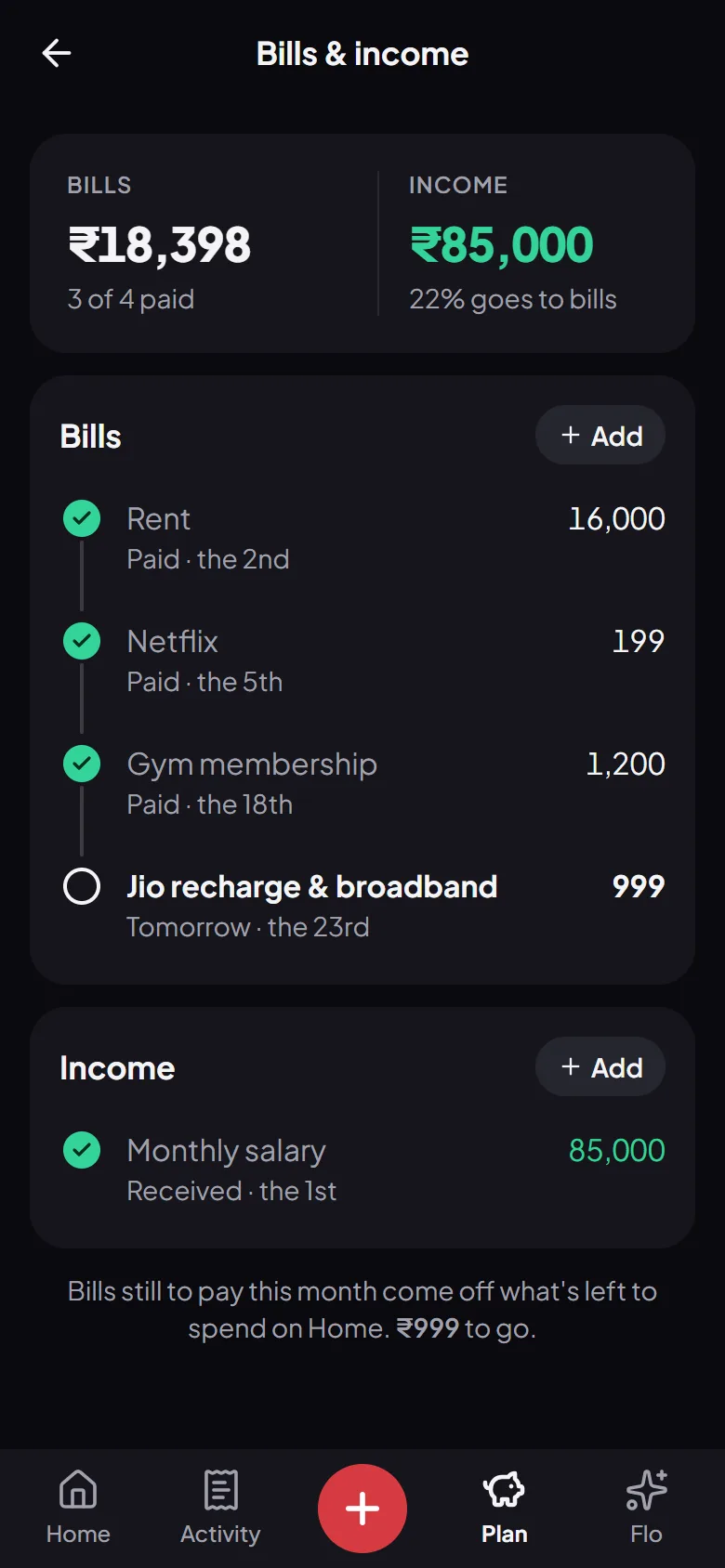
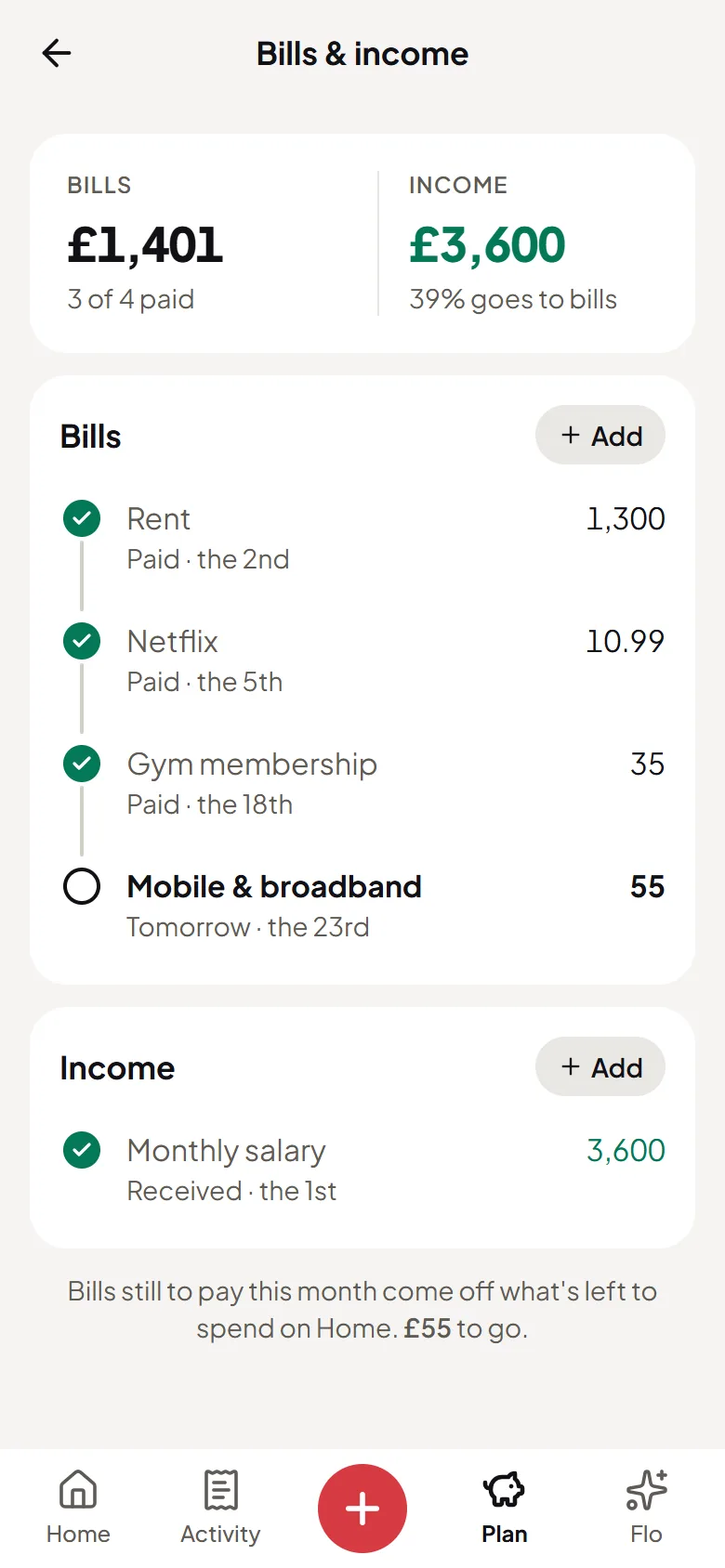
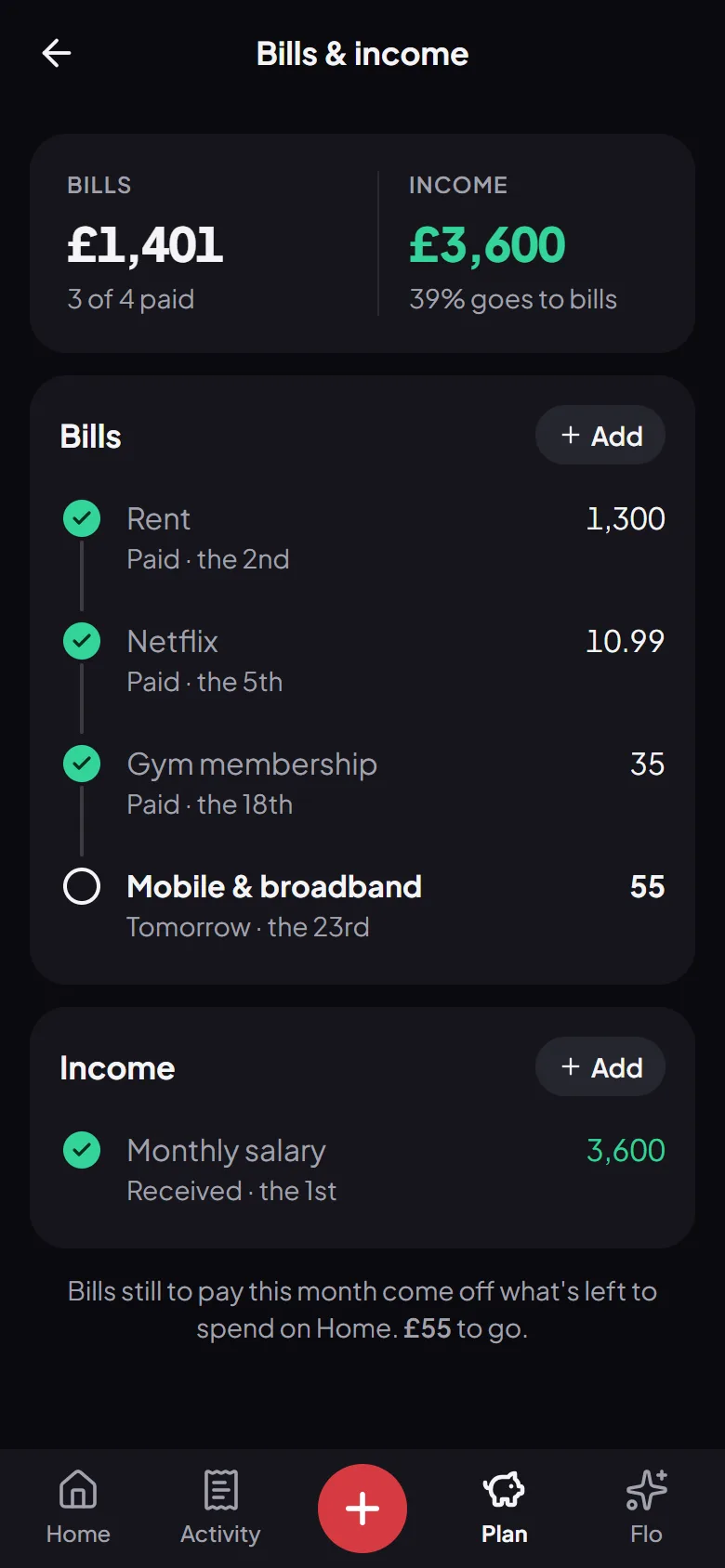
Bills ticked off as they’re paid, with a reminder the day before each one. Goals that fill with your savings, in order. Debts in both directions, with what’s paid off.

  • A reminder the day before each bill
  • Savings fill your goals in order
  • Who owes you, and what you owe
9:41
9:41
This month’s bills in Flo Money, each ticked off as it’s paidThis month’s bills in Flo Money, each ticked off as it’s paid
9:41
9:41
This month’s bills in Flo Money, each ticked off as it’s paidThis month’s bills in Flo Money, each ticked off as it’s paid
9:41
9:41
This month’s bills in Flo Money, each ticked off as it’s paidThis month’s bills in Flo Money, each ticked off as it’s paid
9:41
9:41
This month’s bills in Flo Money, each ticked off as it’s paidThis month’s bills in Flo Money, each ticked off as it’s paid

Bank SMS

Turn bank alerts into expenses

Paste the SMS your bank sent, or let the Android app catch bank alerts as they arrive. Flo asks before adding each one, and never needs your bank login.

  • Card, debit and UPI alerts
  • Filtered on your phone
  • You confirm every one
9:41
9:41
Flo Money’s Add screen: the amount and a suggested category, checked before it’s savedFlo Money’s Add screen: the amount and a suggested category, checked before it’s saved
9:41
9:41
Flo Money’s Add screen: the amount and a suggested category, checked before it’s savedFlo Money’s Add screen: the amount and a suggested category, checked before it’s saved
9:41
9:41
Flo Money’s Add screen: the amount and a suggested category, checked before it’s savedFlo Money’s Add screen: the amount and a suggested category, checked before it’s saved
9:41
9:41
Flo Money’s Add screen: the amount and a suggested category, checked before it’s savedFlo Money’s Add screen: the amount and a suggested category, checked before it’s saved

Insights

Your month, in plain words

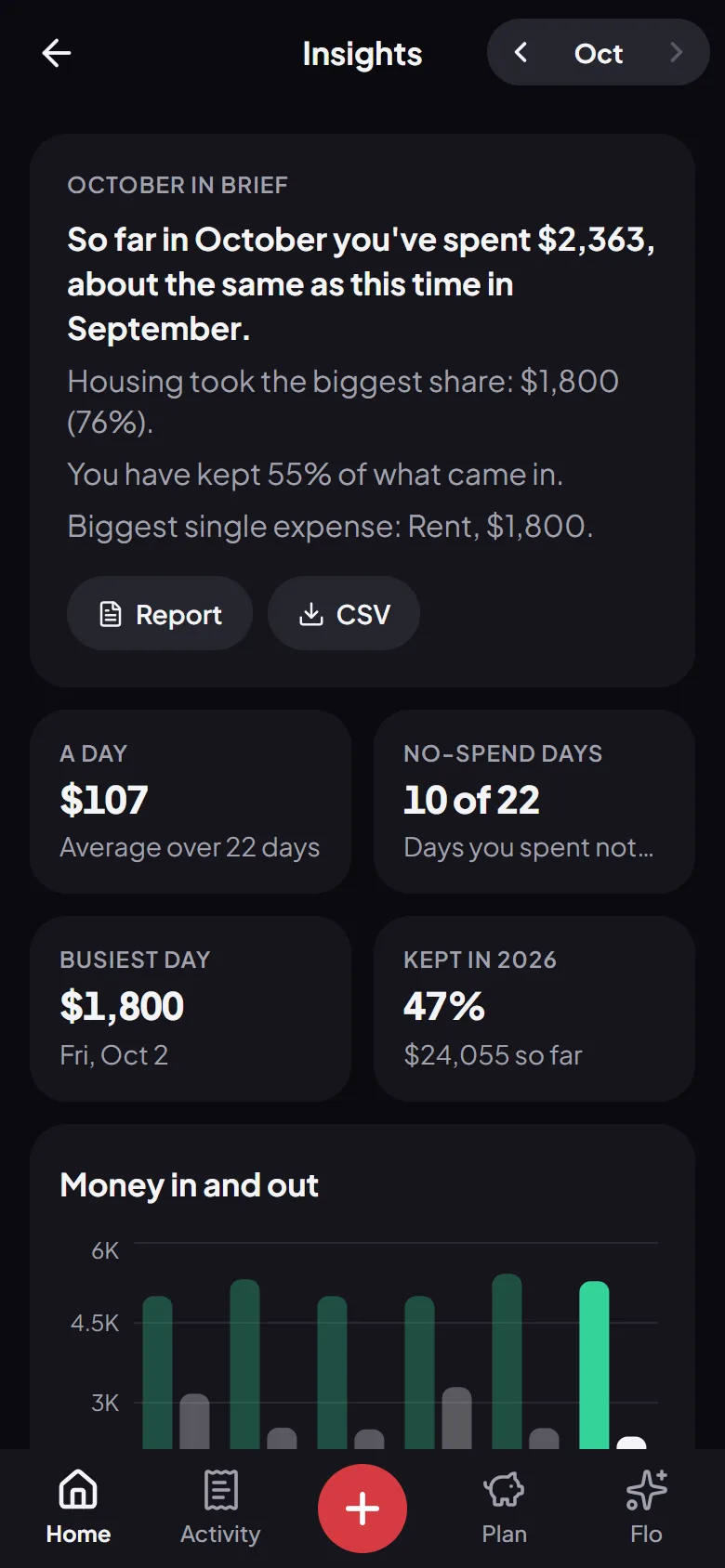
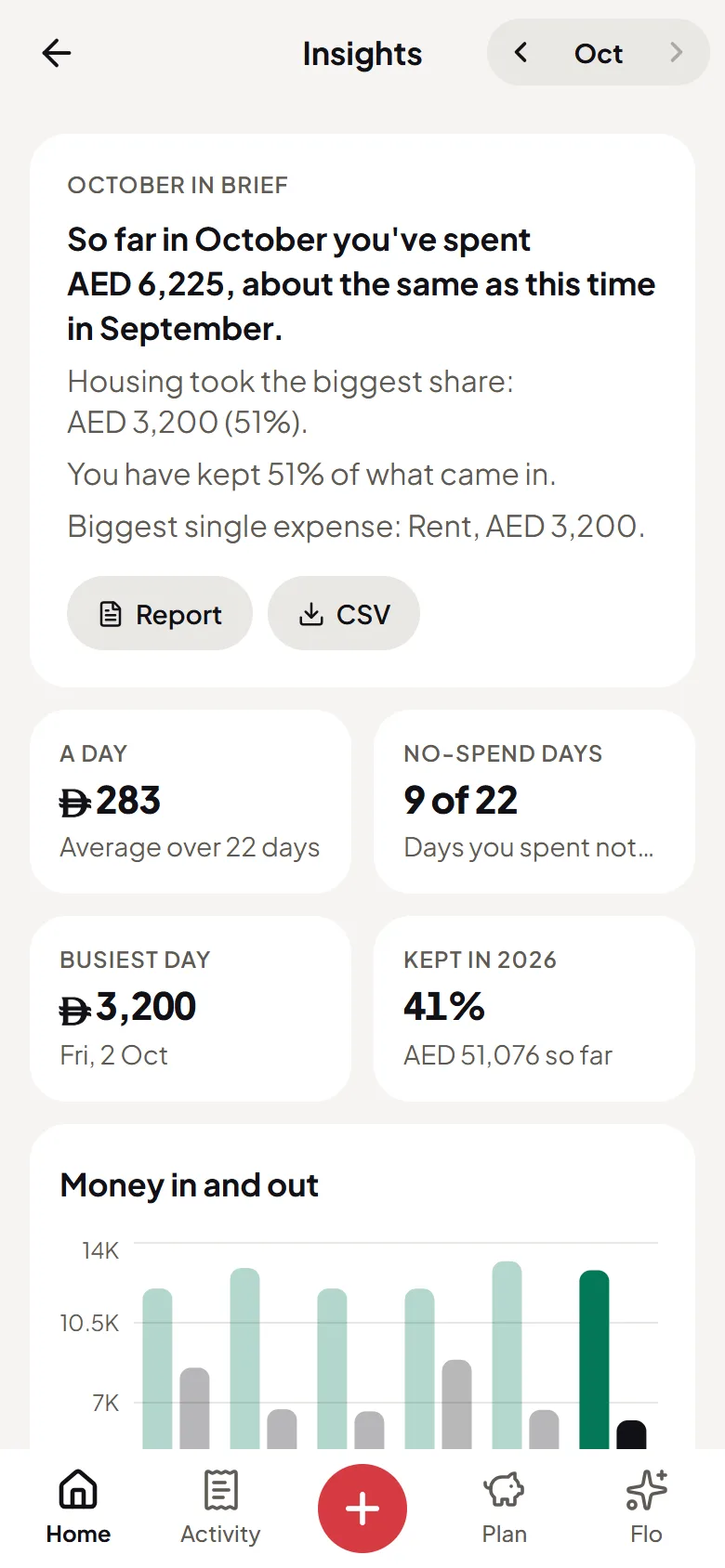
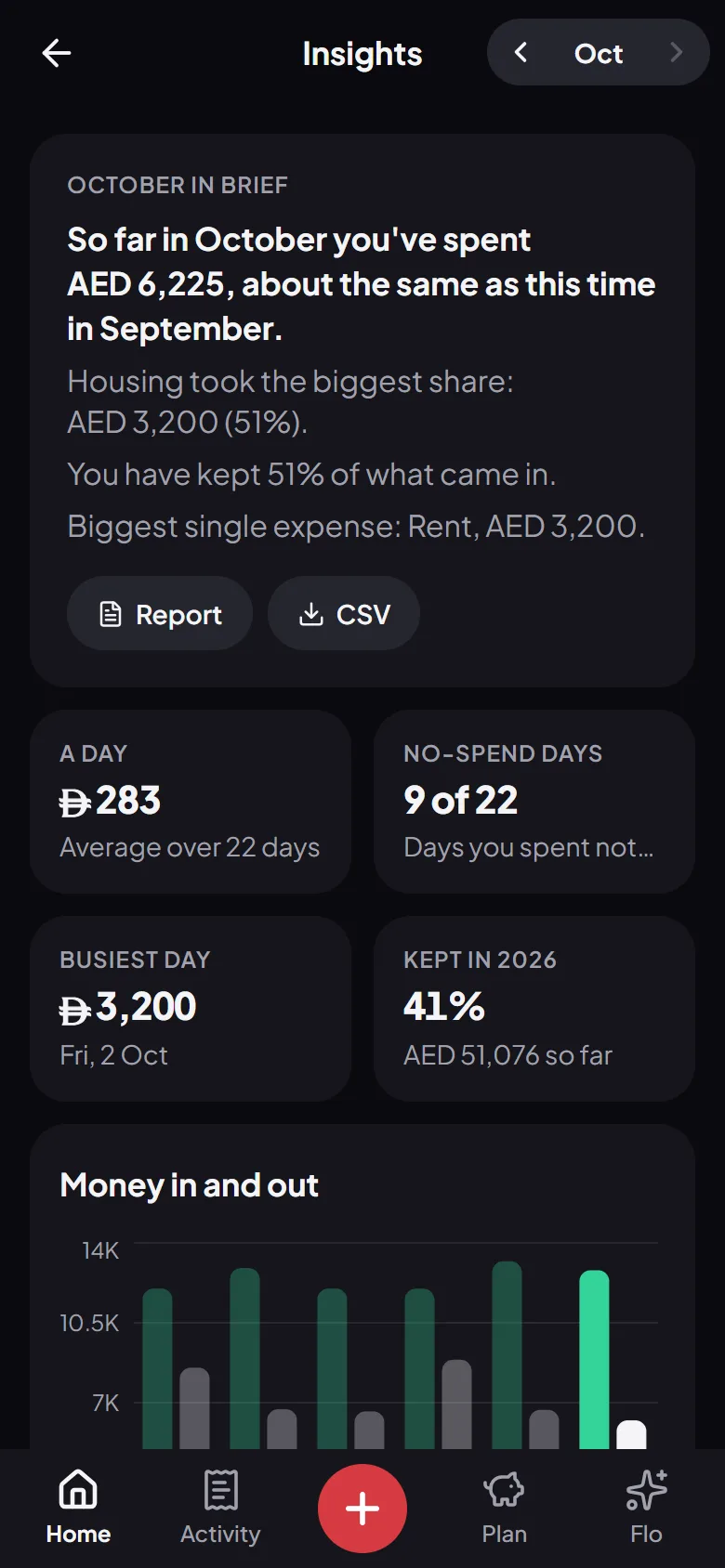
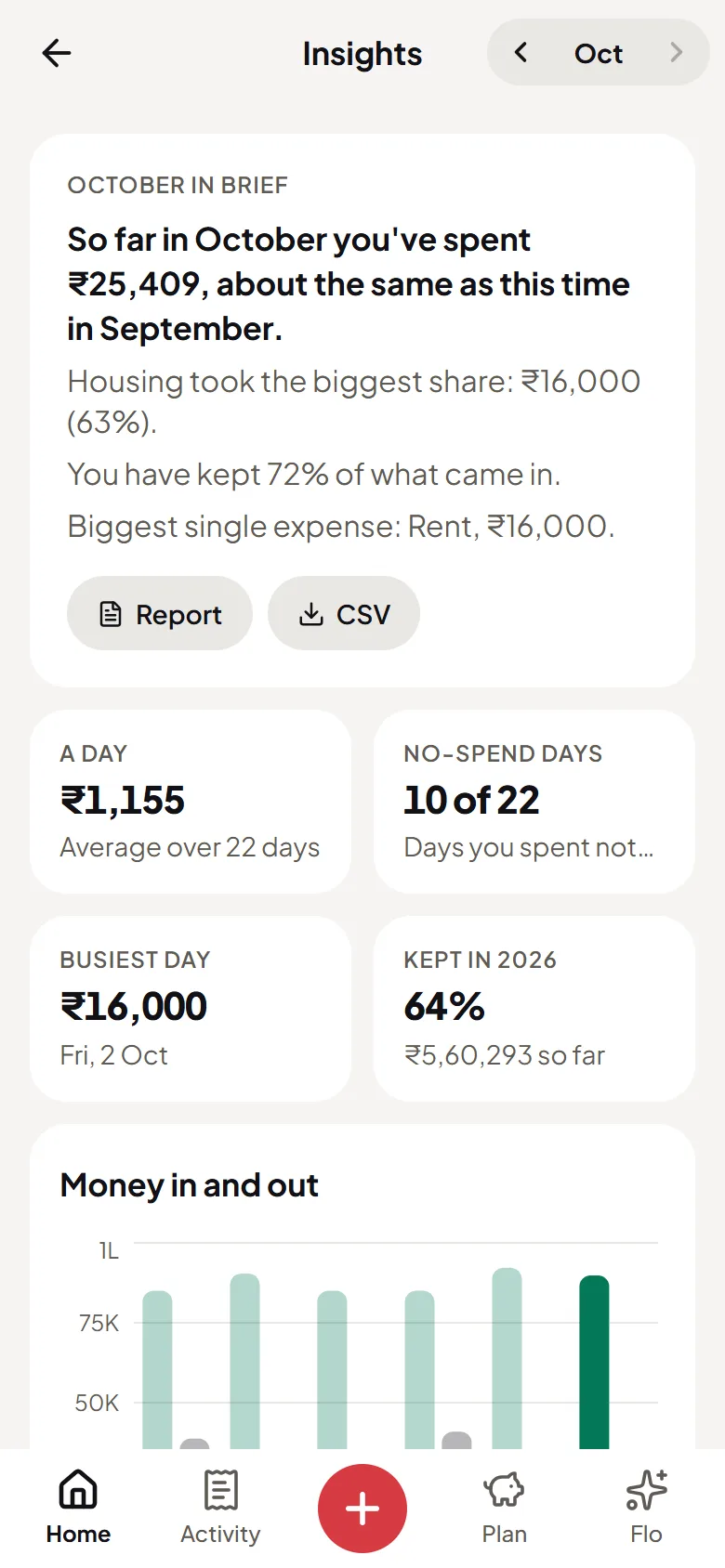
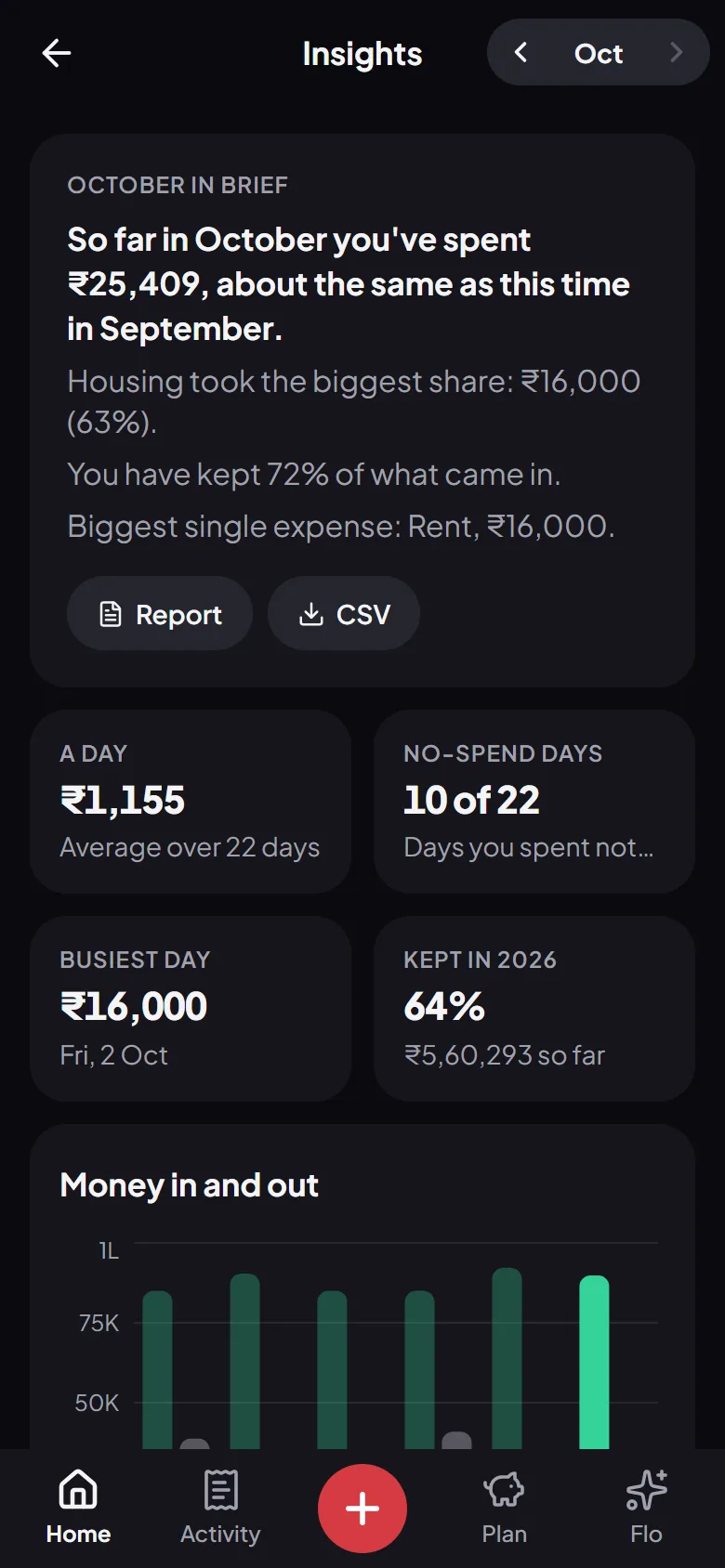
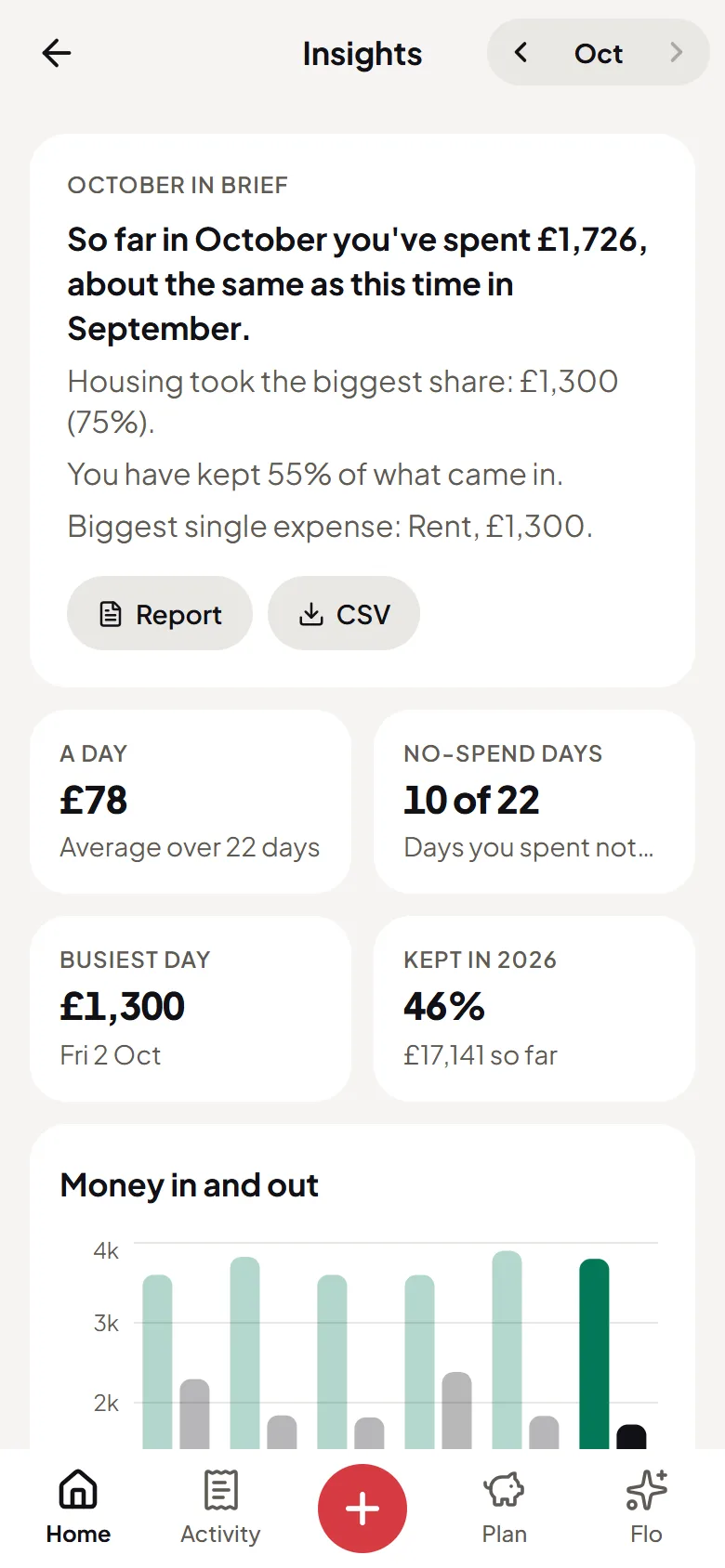
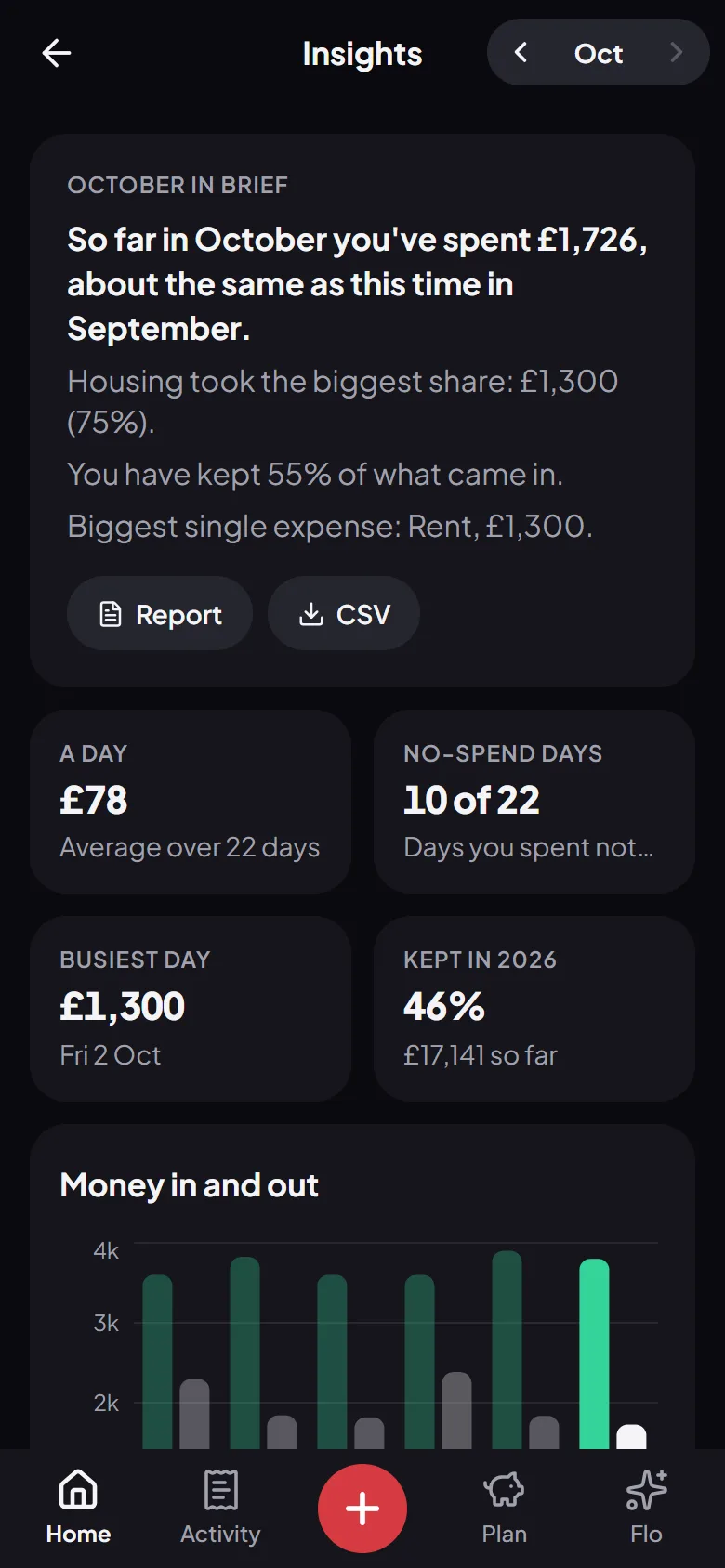
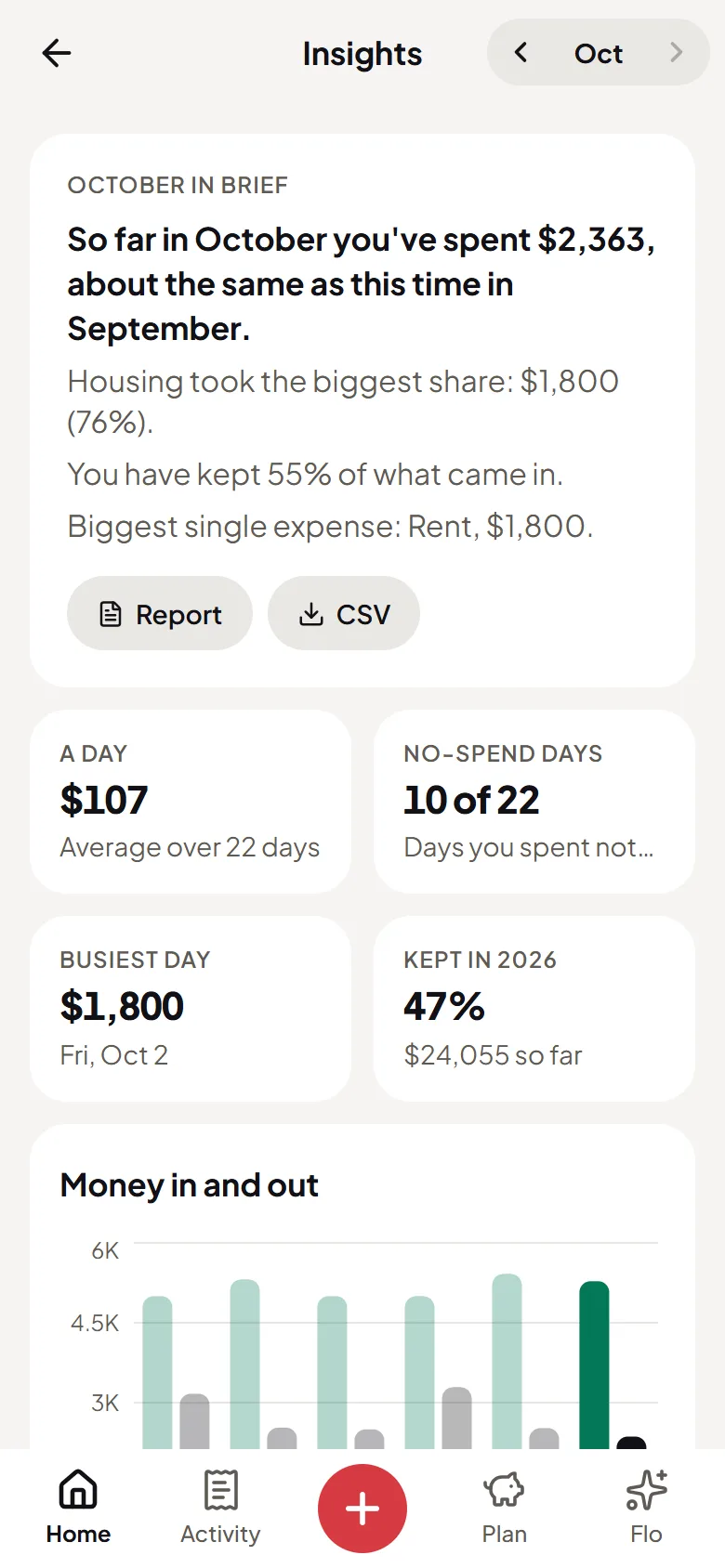
A few sentences on how the month went, six-month trends, a health score and a report for any month or all time. When a month ends, Money Wrapped tells it back as a story to share.

  • Monthly and all-time reports
  • Trends and a health score
  • Money Wrapped at the end of each month
9:41
9:41
Flo Money’s insights: the month in a few sentences, money in and out, and where it wentFlo Money’s insights: the month in a few sentences, money in and out, and where it went
9:41
9:41
Flo Money’s insights: the month in a few sentences, money in and out, and where it wentFlo Money’s insights: the month in a few sentences, money in and out, and where it went
9:41
9:41
Flo Money’s insights: the month in a few sentences, money in and out, and where it wentFlo Money’s insights: the month in a few sentences, money in and out, and where it went
9:41
9:41
Flo Money’s insights: the month in a few sentences, money in and out, and where it wentFlo Money’s insights: the month in a few sentences, money in and out, and where it went

And everything else

Small things that make a money app worth keeping.

  • Set up for where you live

    Every currency, with local shops, bills and number formats for the UAE, India, the UK and the US.

  • Money sent home

    Log transfers home and see roughly what they came to there, at today’s rate.

  • Festival budgets

    A few weeks before a festival you celebrate, Flo offers to set money aside for it.

  • Bring it in, take it out

    Import a bank CSV, and export everything as a CSV or a report, any time.

  • A lock on the app

    On Android, keep Flo behind your fingerprint or face.

  • Dark, or light

    Flo opens dark. Pick light, or follow your phone, in Settings.

  • Phone or computer

    Use Flo in any browser on your phone or computer, and add it to your home screen.

  • Delete anytime

    Remove any entry, or your whole account and everything in it, from the app.

Set up for where you live

Flo works in every currency. In these countries it also knows the shops, the bills and how the banks write.

All of it, free

No trial, no card and no limit on what you log.

Start free